
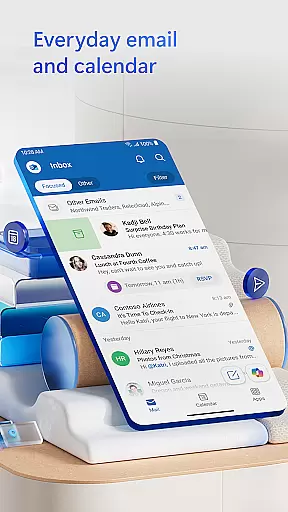
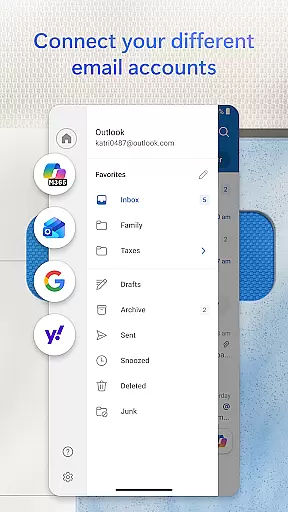
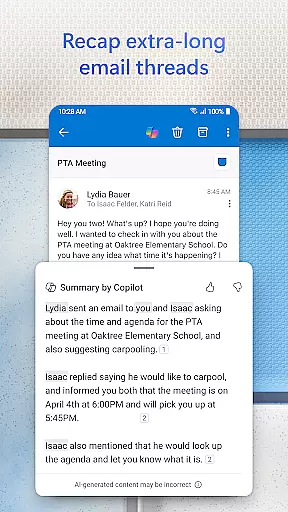
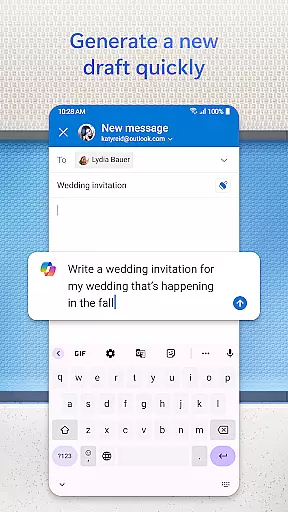
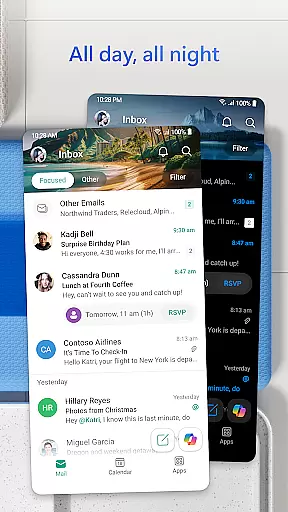

Microsoft Outlook is a comprehensive productivity app designed specifically for Android Wear users. This secure email and calendar application allows you to efficiently manage your emails, files, and schedule all from your wrist. The app intelligently organizes your inbox by filtering emails into Focused and Other categories, ensuring you never miss critical messages. With support for multiple account integrations including Gmail, Yahoo Mail, iCloud, and Microsoft 365, it provides unmatched flexibility for personal and professional use.
The app's robust feature set extends beyond basic email management. You can view multiple calendars simultaneously, join online meetings through Teams or Zoom, and access recent Word, Excel, and PowerPoint attachments directly from your inbox. Advanced security features protect your communications with enterprise-grade protection against phishing and spam. Whether you're a busy professional or someone who needs to stay connected on the go, Microsoft Outlook for Android Wear streamlines your digital life while maintaining top-level security and privacy standards.
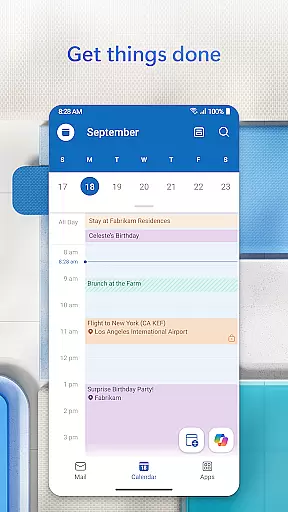
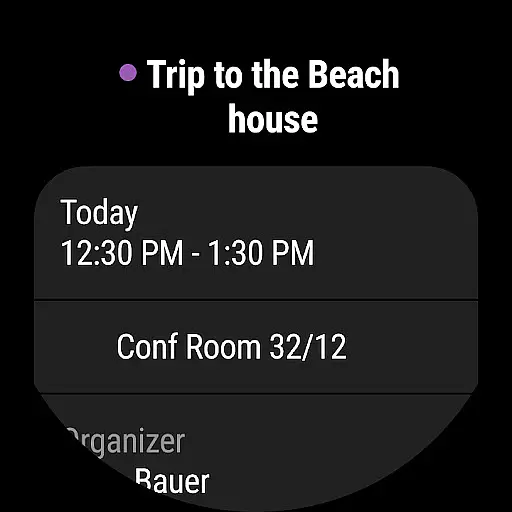
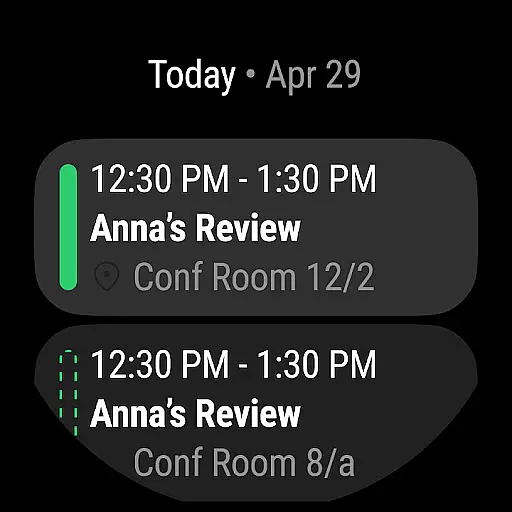
Microsoft Outlook stands out with its innovative features tailored for Android Wear devices. The app's intelligent inbox organization uses advanced algorithms to categorize emails, helping users focus on what matters most. Its multi-account support allows seamless integration of various email providers like Gmail, Yahoo, and iCloud, making it an ideal solution for users managing multiple accounts. The built-in calendar functionality lets you view side-by-side schedules and RSVP to invitations with personalized comments.
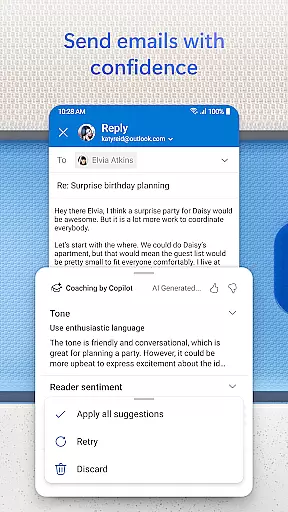
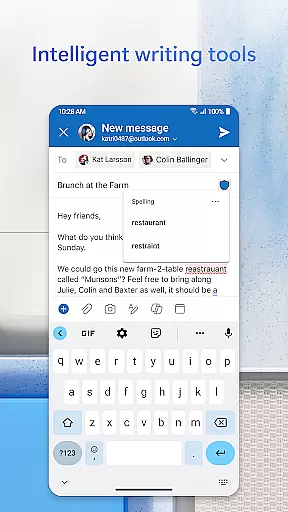
Productivity-enhancing features include voice-activated search, suggested replies for quick responses, and hands-free email listening through Play My Emails. The app automatically updates your calendar with travel and delivery information, keeping you informed about important events. Security is paramount, with enterprise-grade protection that safeguards against viruses, phishing attempts, and spam. For users requiring enhanced privacy, Outlook offers email encryption options (with Microsoft 365 subscription) to prevent forwarding of sensitive information. These features collectively create a powerful productivity tool optimized for wearable devices.
Companion app integration is essential for users who want a seamless experience between their mobile devices and wearables. Microsoft Outlook offers a robust companion app designed specifically for Wear OS, ensuring that you stay connected and productive even when you're on the move.
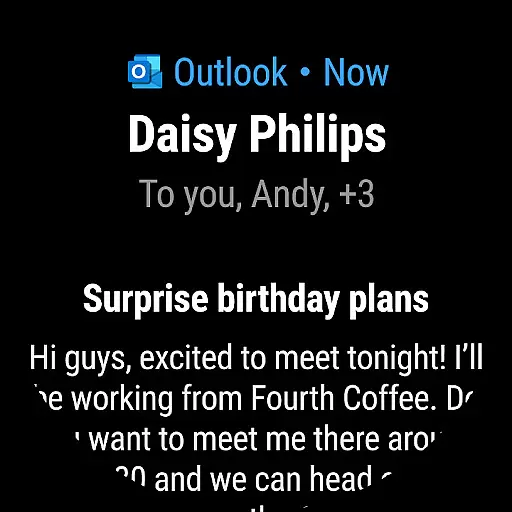
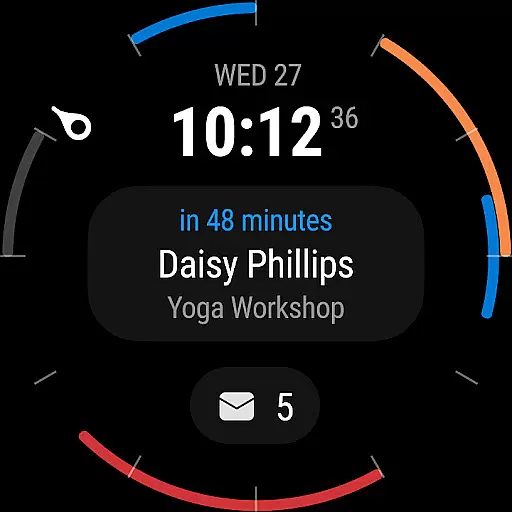
The Outlook companion app provides quick access to your emails and calendar events directly from your smartwatch. This means you can glance at your schedule or read important messages without needing to pull out your phone. The app syncs in real-time with your main Outlook application, so all updates and notifications are instantly reflected on your wearable device.
With this integration, users benefit from enhanced convenience and time management. Whether you're in a meeting or simply away from your desk, having immediate access to your inbox allows you to prioritize tasks more effectively. Additionally, the ability to receive alerts for new emails ensures that urgent matters don't go unnoticed.
Overall, the companion app's synchronization capabilities ensure that no matter where you are, your critical information is always within reach, enhancing both personal and professional communication efficiency.
Device compatibility is crucial for ensuring that applications like Microsoft Outlook perform optimally across various platforms. For Wear OS users, Outlook offers extensive support, making it an ideal choice for those who rely on their smartwatches for managing communications and schedules.
Outlook's compatibility with Wear OS ensures that its full suite of features is accessible on compatible devices. Users can enjoy functionalities such as viewing emails, accepting meeting invites, and checking their calendaru2014all optimized for the smaller screen size of a smartwatch. This level of optimization demonstrates Outlooku2019s commitment to providing a consistent user experience regardless of the device being used.
By supporting a wide range of Wear OS devices, Outlook caters to diverse user preferences and technological ecosystems. Whether you own a high-end smartwatch or a more budget-friendly option, you can expect reliable performance and intuitive navigation tailored to each specific device's capabilities.
This broad compatibility not only enhances user satisfaction but also reinforces Outlook's position as a versatile tool for managing digital communications efficiently, whether on a phone, tablet, or wearable technology.
Multi-account support
Enterprise-grade security
Voice-activated commands
Intelligent inbox sorting
Calendar integration
Limited free features
Subscription required
Battery consumption
Complex settings
Occasional sync issues

Diet tracker for weight loss - track calories, food and macros. Simple and easy!
 4.70
4.70
Highly customizable hybrid watch face for Wear OS, perfect for everyday use.
4.60
Wear Os Watch Face - Animated Snow - Sesonal for Christmas & Winter
4.4
Watch face for Wear OS.
4.20
3 Complications. All shadow on/off. 30 Themes color palette...
4.3
Stylish digital watch face for Wear OS devices with customizable features
4.5
Stylish, Energizing and Modern Watch Face crafted by Dominus Mathias.
4.50
A modern hybrid informative watch face for Wear OS designed by BALLOZI
4.80
Hybrid watch face for Wear OS with customizable complications by Matteo Dini MD
4.70
Christmas - Festive - Christmas Village - Winter - Christmas lights
5.00
Hyperlocal rain alerts by MyRadar using patent-pending technology, radar & more
4.80
Real-time weather radar with temperatures, warnings, hurricanes, and widgets
4.80
The most customizable hybrid watch face. For Wear OS 5.0, API 34+ and later
4.70
Digital watch face. For Wear OS devices.
4.40
Reliable phone calls with spam protection, caller ID and more helpful features
4.40
Premium hybrid watch face with many customizations for Wear OS devices.
4.40
The #1 source of faces for your smartwatch!
4.00
Stunning modern digital watch face with 7 complications and strong contrast
4.1
Minimalistic design modern digital watch face.
4.3


User Reviews