

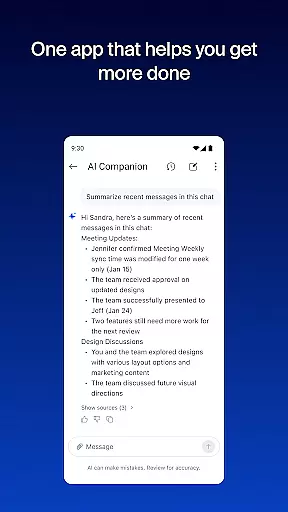
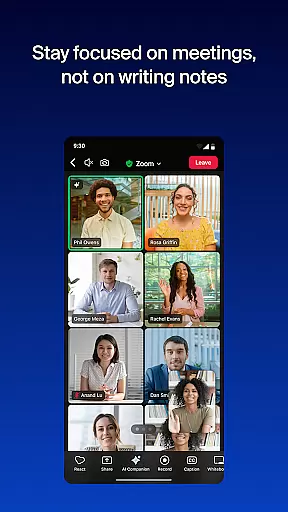



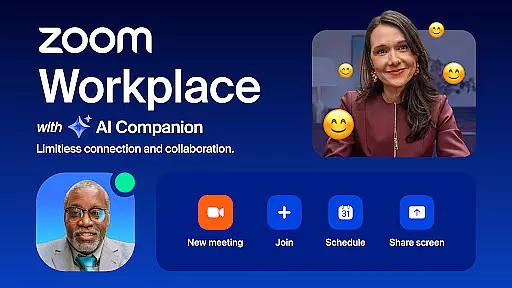
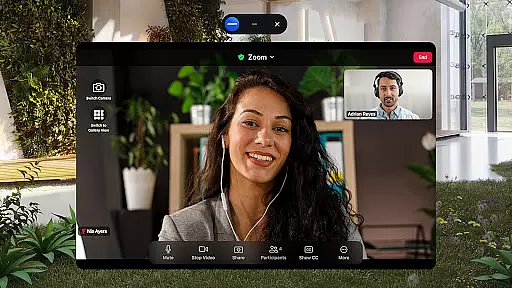
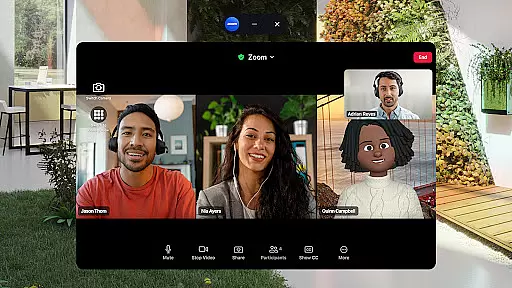
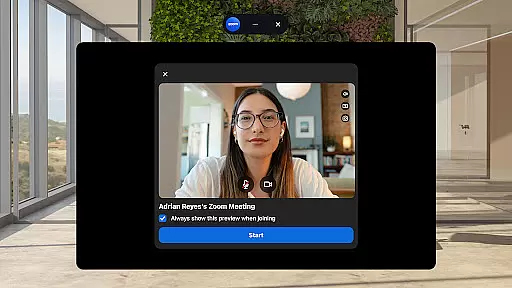
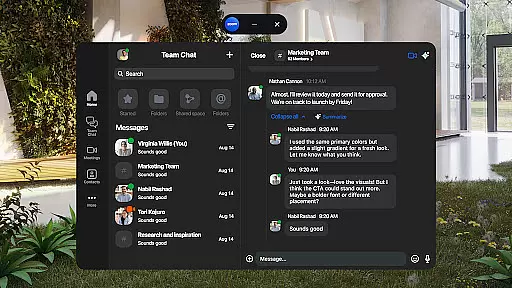
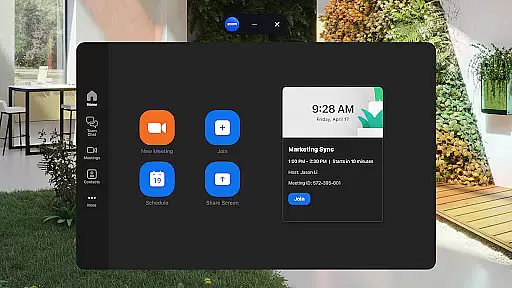
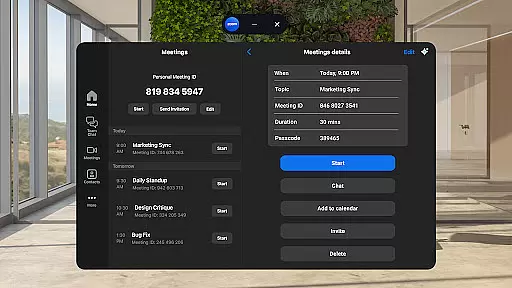
Zoom Workplace is an AI-first collaboration platform that combines essential business tools like team chat, video meetings, phone services, whiteboard, calendar, mail, and docs. Designed for both free and paid Zoom users, it offers a unified solution to streamline teamwork and communication. With a Pro or Business license, users gain access to AI Companion, which enhances productivity by summarizing unread messages, drafting content, and keeping conversations focused.
This mobile app allows professionals to stay productive on the go with features such as preparing for meetings, generating content drafts, and accessing summaries of unread chats. Its seamless integration across devices ensures smooth transitions between meetings, calls, and tasks. Whether you're managing internal communications or collaborating externally, Zoom Workplace provides enterprise-grade security and hands-free voice control for safe and efficient operations.
Zoom Workplace stands out with its comprehensive suite of integrated tools designed to improve workplace efficiency. The AI Companion feature helps users quickly catch up on unread messages, draft new content, and maintain impactful conversations. This functionality is particularly valuable for busy professionals who need to stay organized while managing multiple tasks.
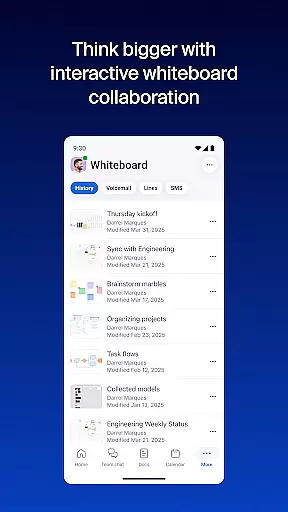
The app also supports streamlined communication through one-tap meeting scheduling, team chat, phone calls, and SMS messaging. Users can brainstorm on virtual whiteboards, automate meeting summaries, and organize information at scale using Zoom Docs. Additionally, the ability to bounce between locations—switching devices seamlessly during live meetings—enhances flexibility. With enterprise-grade security measures and hands-free voice commands, Zoom Workplace ensures both convenience and data protection for modern businesses.
Zoom Workplace revolutionizes collaborative work by integrating essential communication tools into a single platform. The application combines team chat, video meetings, phone capabilities, and collaborative whiteboards, all accessible from your mobile device.
With a Pro or Business license, users gain access to AI Companion, which enhances productivity by summarizing unread messages, drafting new content, and maintaining focused discussions. This feature ensures teams can collaborate effectively, even when members are not physically present.
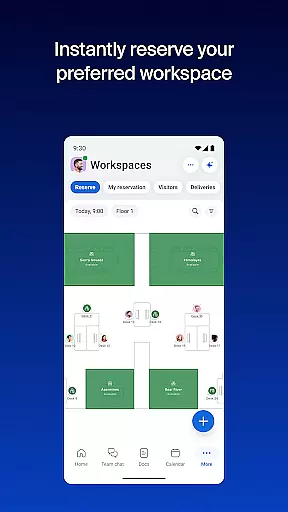
The app enables seamless transitions between devices, allowing users to start a meeting on one device and continue on another with just one tap. This flexibility supports modern work environments where employees frequently switch between locations.
Furthermore, Zoom Workplace incorporates enterprise-grade security measures, ensuring that all communications remain safe. Users can also leverage 'Hey Google' voice commands for hands-free control, making it easier to manage tasks while on the move.
Task management within Zoom Workplace is streamlined through its comprehensive suite of integrated tools designed to enhance productivity. The platform offers automated meeting summaries powered by AI Companion, which helps users quickly get up to speed with key discussion points and action items.
Organizing and sharing information is made efficient with Zoom Docs, allowing teams to create, edit, and distribute documents seamlessly. This feature supports large-scale collaboration, ensuring everyone stays informed and aligned with project goals.
Users can schedule or join video meetings with a single tap, facilitating prompt and effective communication. Additionally, the ability to place and receive phone calls or send SMS messages directly from the app enhances connectivity and responsiveness.
For multitasking needs, Zoom Workplace supports Picture in Picture on Android phones and Split Screen on tablets. These functionalities enable users to handle multiple tasks simultaneously without losing track of ongoing meetings or conversations, thus optimizing their workflow.
Comprehensive tool integration
AI-powered productivity features
Seamless cross-device functionality
Enterprise-grade security protocols
Hands-free voice command support
Paid subscription required for advanced features
AI Companion not available in all regions
Limited free account capabilities
Subscription auto-renews without notice
Some features still under development

Measure distances, surfaces and draw plans in seconds with CamToPlan!
 4.40
4.40
Convert Your Lovable.dev Website into a Mobile App Instantly!
4.5
Find the right fit, faster.
4.70
Manage Your Shop
4.70
Take the stress out of storage with the all-in-one app to manage your space.
3.70
Get instant construction estimates: accurate home repair & material calculator.
4.70
Find jobs near you and temp work in minutes, from your phone.
4.50
Find part-time earning opportunities near you that pay within days.
3.20
ADP Mobile Solutions is an employee self service app
4.50
FaxCover - Create fax cover pages. Works with any app or fax machine.
4.90
Ask Accio anything about business. Alibaba-backed, built by experts, not just AI
4.60
Grow your business and connect with more people with Meta Business Suite.
4.60
Manage work life on the go
4.50
All Your Gig Work. One App.
4.30
Scan Business Cards & Conference Badges - Capture Leads at Events & Tradeshows
4.20
Build a store in minutes with our full suite of AI tools. Start for free!
4.20
Quickly open and manage PDF files on your device.
3.80
view, manage, and share every PDF file you have
3.60
Access All PDF Files
3.40


User Reviews