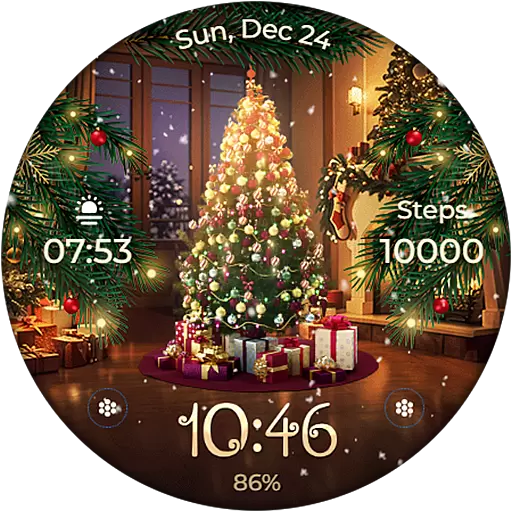
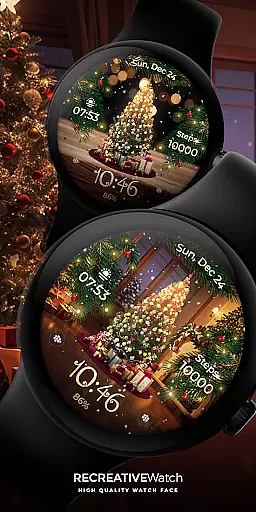
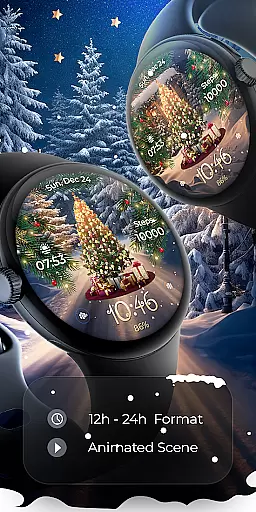
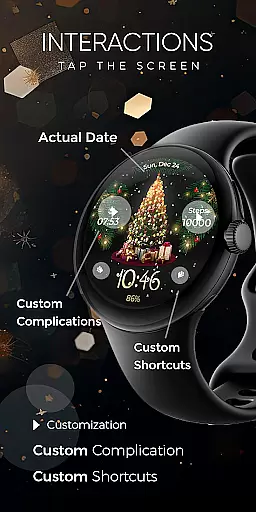
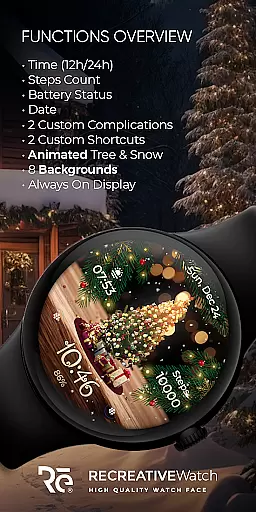
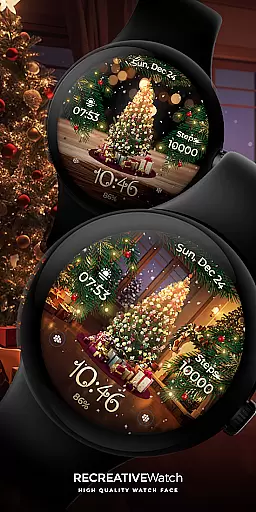
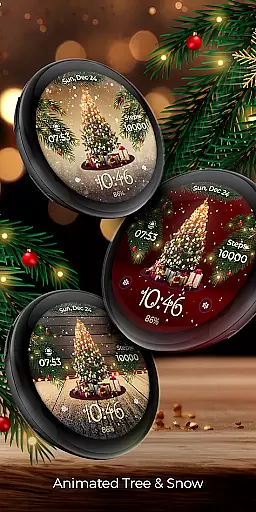
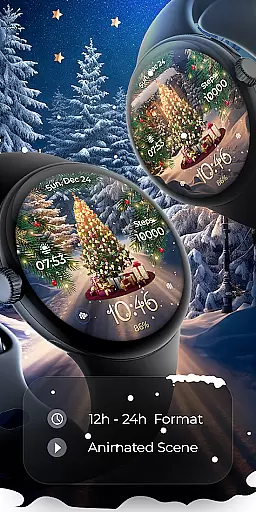
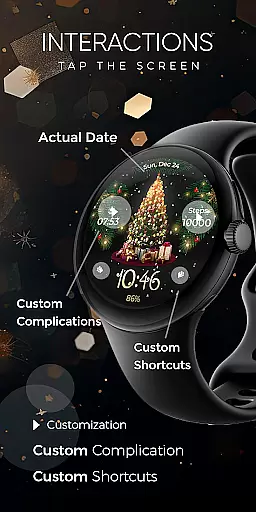
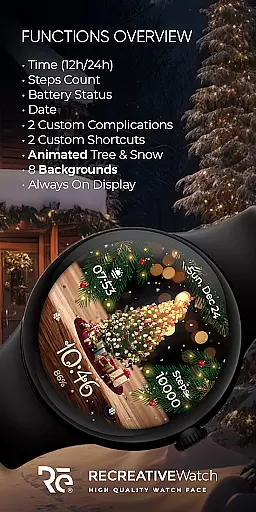
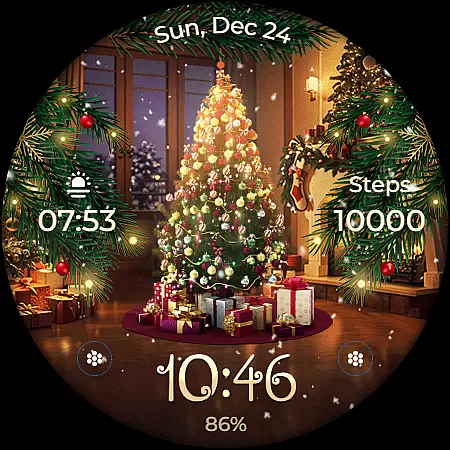
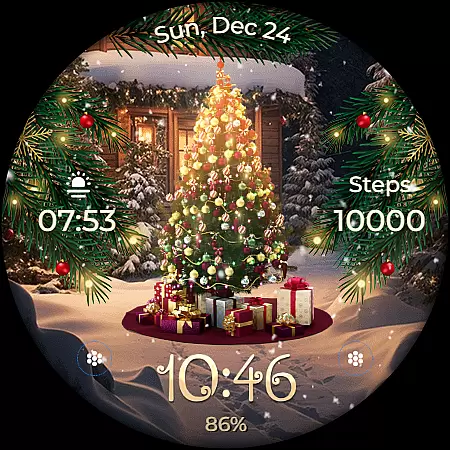
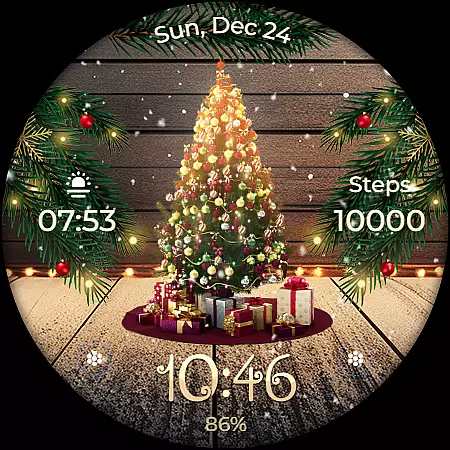
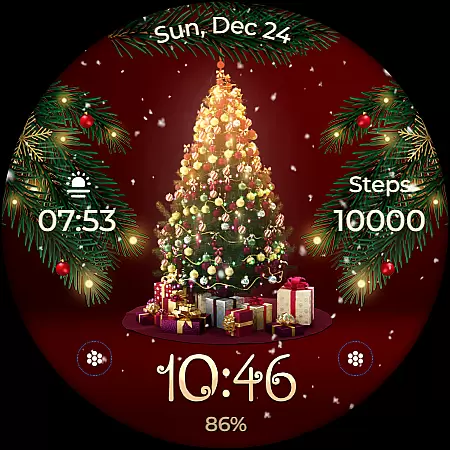
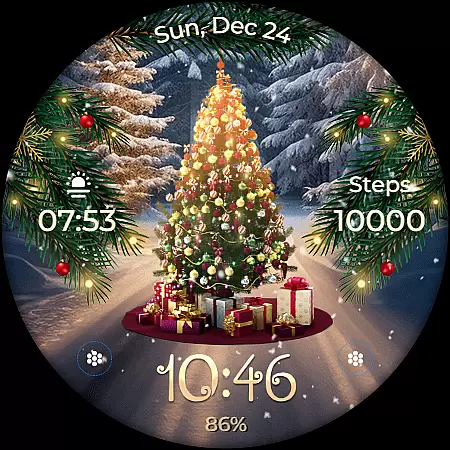
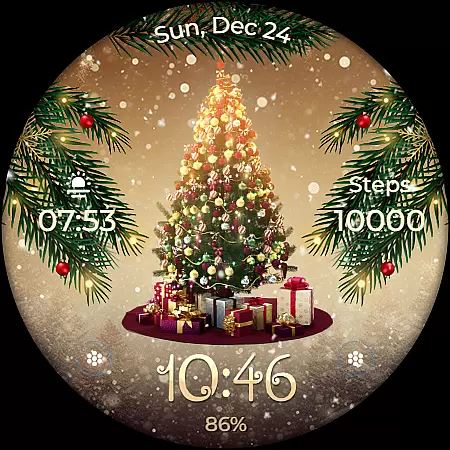
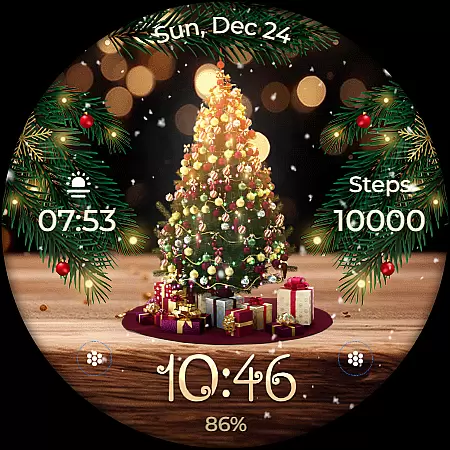
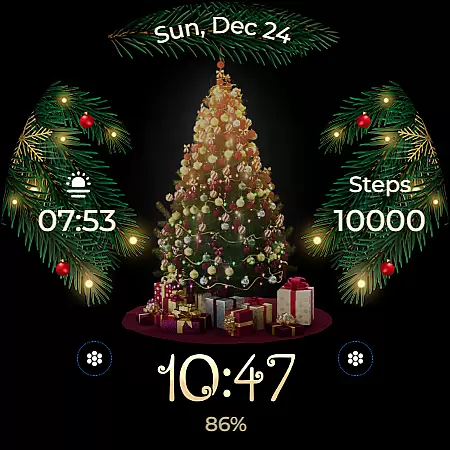
Animated is a festive Wear OS watch face that brings the magic of Christmas to your wrist. Featuring a lively animated Christmas tree adorned with presents, the watch face creates a winter wonderland experience as snowflakes cascade across the screen and enchanting sparkles leave a whimsical trail. Beyond its holiday charm, this app provides essential functionalities including 12/24h digital time, date, battery status, step count, customizable complications and shortcuts, and support for Always ON Display.
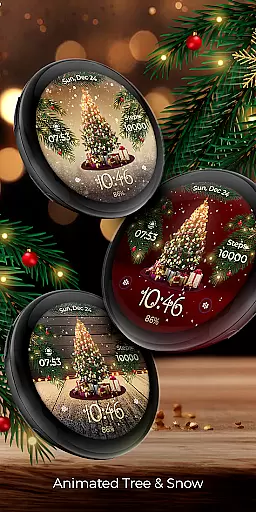
This watch face is compatible with API level 33+ devices such as Google Pixel, Galaxy Watch 4, 5, 6, and other Wear OS models. The accompanying phone app facilitates installation and customization while offering eight different backgrounds to choose from. With its unique combination of festive animation and practical features, Animated enhances both style and utility on your smartwatch.
The Animated watch face stands out with its charming holiday-themed animations. At the heart of its design is a fully decorated Christmas tree complete with presents from Santa himself. Delicate snowflakes fall gently across the display while magical sparkles create an enchanting particle effect around the watch face. These animations bring a touch of seasonal magic to users' daily lives.
Beyond aesthetics, Animated offers robust functionality. Users can view the time in either 12 or 24-hour format alongside the date, battery level, and step count. Two customizable complications allow for personalized data fields, while two additional shortcuts provide quick access to frequently used functions. The Always ON Display feature ensures important information remains visible at all times, with changeable colors and modes for further personalization.
For optimal performance, users are encouraged to disable the Always ON Display mode when not needed to conserve battery life. With these comprehensive features, Animated delivers both visual delight and practical utility tailored specifically for Wear OS devices.
Companion app integration is essential for ensuring seamless functionality between a Wear OS watch face and its corresponding mobile application. The Animated watch face demonstrates this by offering users an intuitive phone app that simplifies the installation process and helps locate the watch face on their Wear OS devices.
This companion app acts as a bridge, allowing users to access and manage the watch face's features without hassle. While the mobile app includes ads, it ensures that the core experience of the watch face remains uninterrupted and ad-free.
By facilitating easy setup and customization, the companion app enhances user engagement and satisfaction. This integration underscores the importance of having a reliable support system that extends the functionality of wearable technology, making it more accessible and user-friendly.
Compatibility with Wear OS and various devices is a cornerstone of the Animated watch face's design. Supporting API level 33+ devices, including Google Pixel, Galaxy Watch 4, 5, 6, and other Wear OS models, ensures that a wide range of users can enjoy this festive-themed watch face.
The Animated watch face is optimized for these devices, guaranteeing smooth performance and visual appeal. By adhering to compatibility standards, the watch face maintains high-quality animations and features like the animated Christmas tree, snow, and magic sparkle without compromising device performance.
Ensuring broad device compatibility not only expands the potential user base but also reinforces the reliability and versatility of the watch face. Users can experience the magic of Christmas on their wrists, confident that the watch face will function seamlessly across different Wear OS devices.
Festive Animations
Customizable Features
Always ON Display
Step Count Tracking
Multiple Backgrounds
Battery Intensive
Limited Compatibility
No Automatic Application
Requires Manual Setup
Ads in Phone App

Christmas watch face. For Wear OS devices.
 4.30
4.30
Watch face for Wear OS.
4.20
Structured watch face with seven complications and modular UI elements
3.90
Connect to your Bluelink equipped Hyundai vehicle from your smartphone.
4.50
Reliable phone calls with spam protection, caller ID and more helpful features
4.40
The most customizable hybrid watch face. For Wear OS 5.0, API 34+ and later
4.70
A realistic hybrid watch face with many customization options.
4.60
Fitbit is dedicated to helping people lead healthier, more active lives.
4.10
Track airplanes and follow flights with our real-time flight tracker
4.50
Be an elegant and classy secret agent, with this carefully detailed watch face
4.70
Highly customizable hybrid watch face for Wear OS, perfect for everyday use.
4.60
Simple, helpful messaging by Google
4.60
Digital watch face. For Wear OS devices.
4.40
A white realistic classic analog watch face with many customization options.
4.40
Connect, create, and collaborate with Gmail, part of Google Workspace.
4.10
A digital watch face that celebrates Christmas.
4.00
A full-featured Amazon Alexa voice assistant that can show you things.
3.70
A watch face that fuses motorsport precision with contemporary smartwatch design
4.5
Minimalistic design modern digital watch face.
4.3


User Reviews