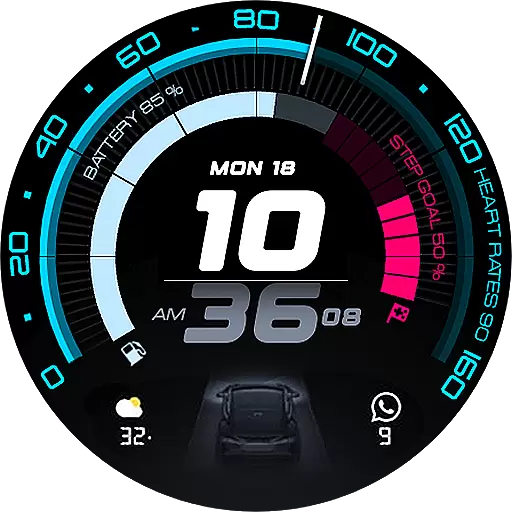
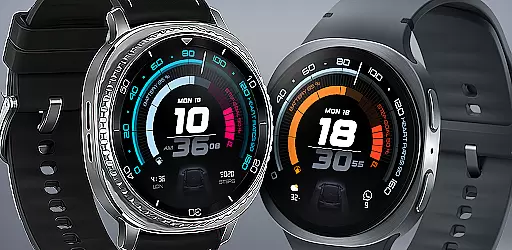
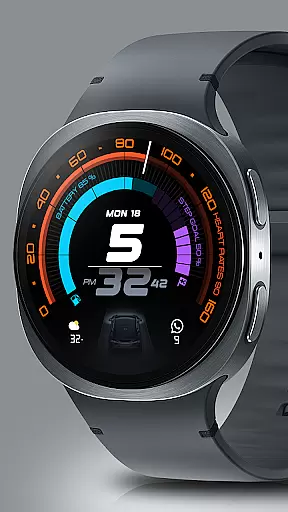
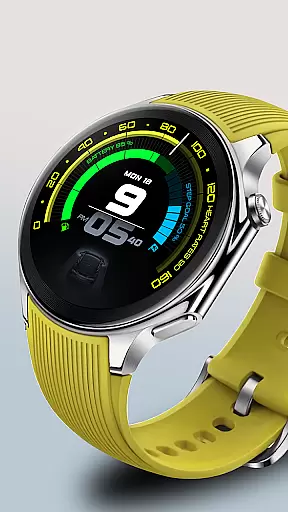
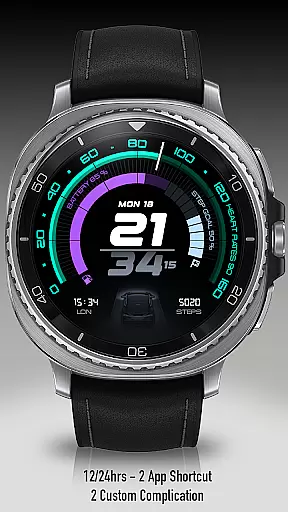
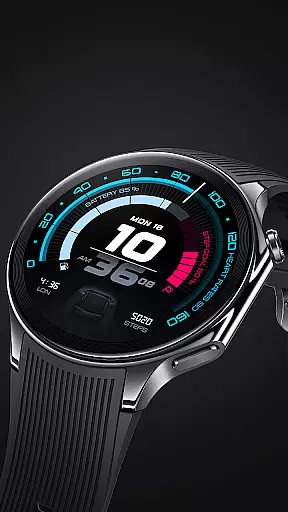
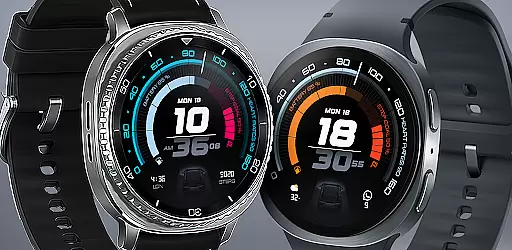
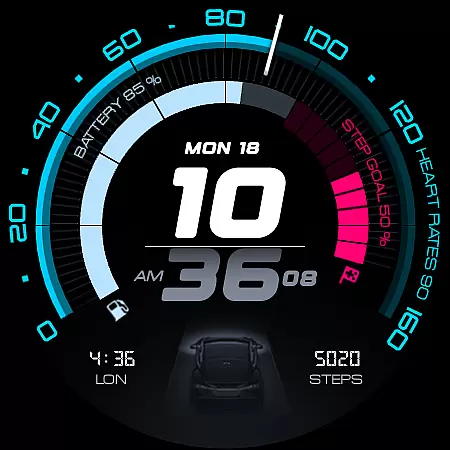
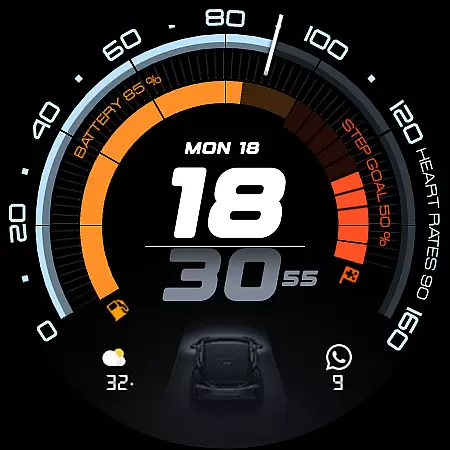
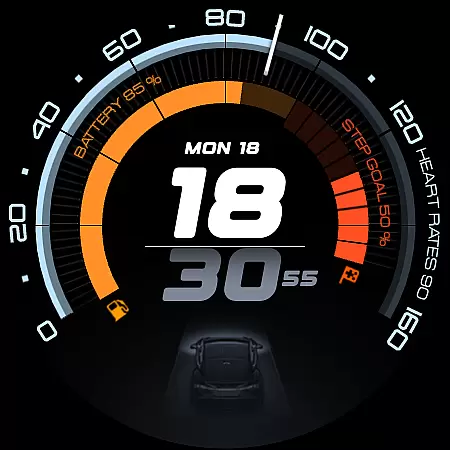
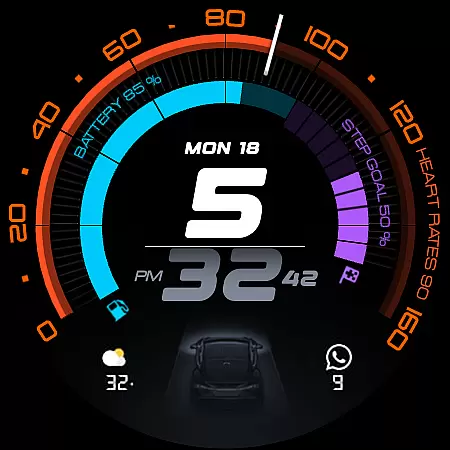
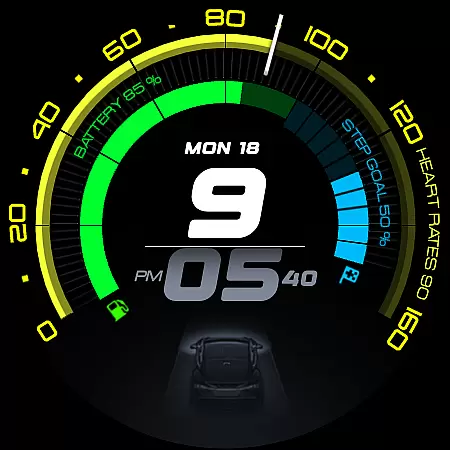
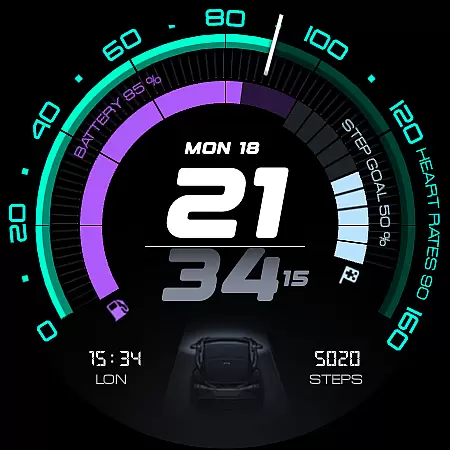
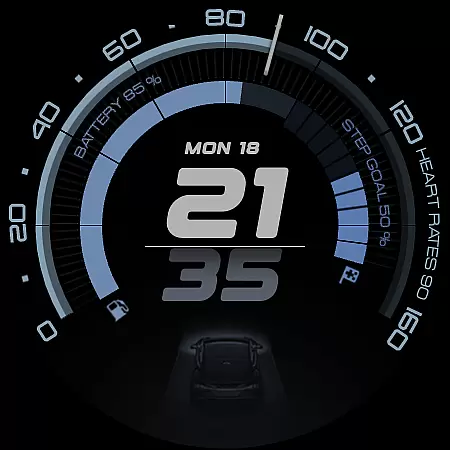
ARS Acceleration is a high-performance watch face designed for users who value both style and functionality. It features a dynamic interface with bold digital time display, vibrant activity arcs, and essential health metrics like heart rate and step count.
The design draws inspiration from sports dials and automotive aesthetics, offering real-time updates on weather, battery life, and fitness tracking. With customizable complications and dual app shortcuts, it ensures maximum convenience while adapting to both day and night usage.
This watch face transforms your smartwatch into a precision instrument, perfect for those seeking performance at a glance without compromising on elegance or utility.
ARS Acceleration stands out with its vibrant color-coded activity arcs and sleek automotive-inspired design. The watch face provides real-time health tracking, including heart rate and step count, alongside environmental updates such as weather conditions.
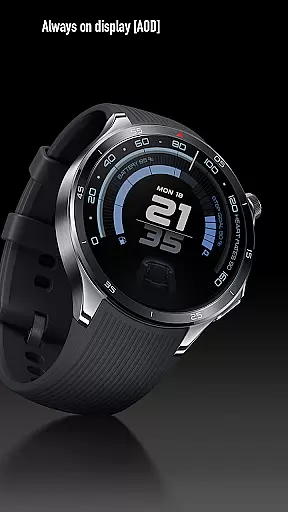
Customization options include dual app shortcuts, Always-On Display modes, and 12/24-hour time formats. These features ensure the watch face adapts seamlessly to individual preferences while maintaining an elegant appearance throughout the day.
With its focus on precision and usability, ARS Acceleration delivers a modern interface that combines functionality with aesthetic appeal, making it ideal for active lifestyles.
Companion app integration is essential for a seamless smartwatch experience. ARS Acceleration excels in this area by offering users real-time synchronization with their smartphone apps.
The watch face provides instant access to critical information such as heart rate, battery level, step count, and weather updates. This ensures that users can stay informed without needing to check their phones constantly.
Customizable complications and dual app shortcuts further enhance the user experience. These features allow for personalized and quick access to frequently used applications, making daily tasks more efficient.
By elegantly integrating these functions into its design, ARS Acceleration transforms a smartwatch into a powerful tool that supports both productivity and an active lifestyle.
Ensuring compatibility across various devices and operating systems is crucial for any wearable technology. ARS Acceleration is designed specifically for Wear OS, providing a smooth and reliable performance on compatible devices.
The watch face supports both 12 and 24-hour time formats, catering to user preferences worldwide. Its adaptable design maintains functionality and aesthetics whether in active use or Always-On Display mode.
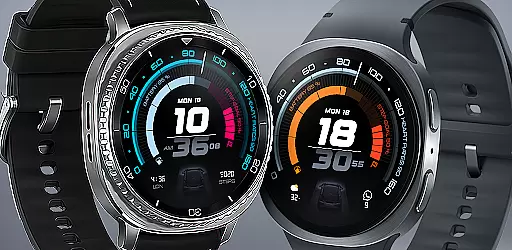
With vibrant color-coded activity arcs and bold digital time display, ARS Acceleration offers a modern interface that works harmoniously with the hardware capabilities of different smartwatches.
This compatibility ensures that users enjoy a consistent experience regardless of their specific device, making it a versatile choice for those invested in the Wear OS ecosystem.
Stylish Design
Real-Time Tracking
Vibrant Activity Arcs
Customizable Interface
Automotive Inspiration
Limited Compatibility
Battery Intensive
Premium Price
Complex Setup
Few Customization Options

Precision analog watch face with 7 complications and style options
 4.5
4.5
A Wintery Snow Globe on Your Wrist; now celebrating Christmas!
4.0
Artistic Digital Watchface
4.4
Let's celebrate Thanksgiving - Wear Os watch face
4.20
The most customizable minimal watch face. For Wear OS 5.0, API 34+ and later
4.70
Authentic military-tactical design with ZULU time! Realistic and functional!
3.80
Gym & home workout plans with strength training, exercise tracking, HIIT & more.
4.60
Bold weather Digital watchface with forecast & optional animated background
4.40
Start and succeed with PAP
4.10
Digital, flexibly customizable watch face. For Wear OS 5.0, API 34+ and later.
5.00
A modern premium sporty hybrid watch face for Wear OS by Ballozi
4.70
Highly customizable hybrid watch face for Wear OS, perfect for everyday use.
4.60
Rose gold watch face with festive lights & customizable features.
4.60
Nutrition, Macro tracker: Food, fitness & healthy diet tracking for weight loss
4.60
Ideal for surviving in the wasteland left after nuclear fallout
4.50
Structured watch face with seven complications and modular UI elements
3.90
Watch face designed for Thanksgiving Day. 7 Background Styles included.
3.20
Contemporary digital watch face with five complications
4.1
3 Complications. All shadow on/off. 30 Themes color palette...
4.4


User Reviews