
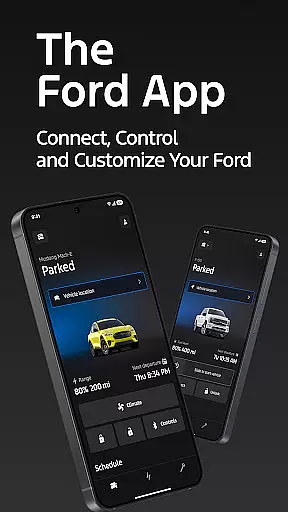
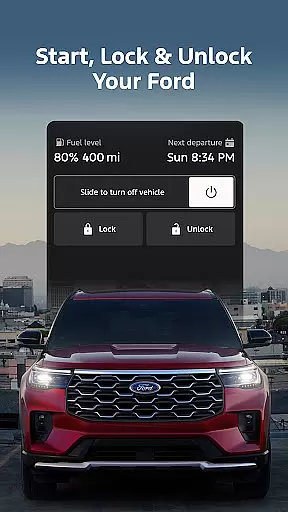
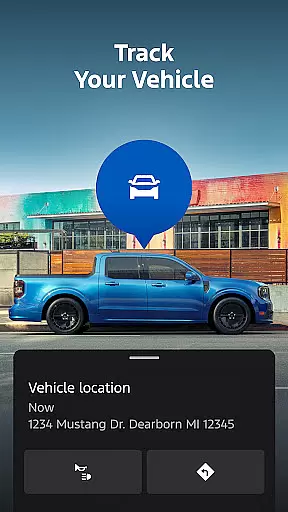
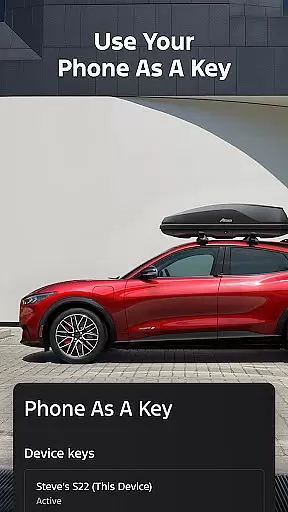
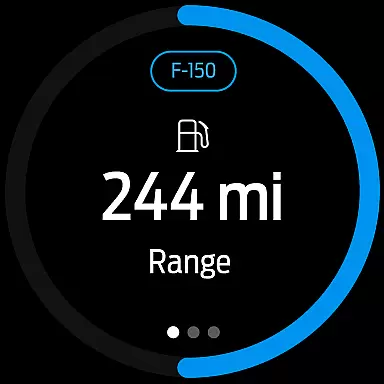
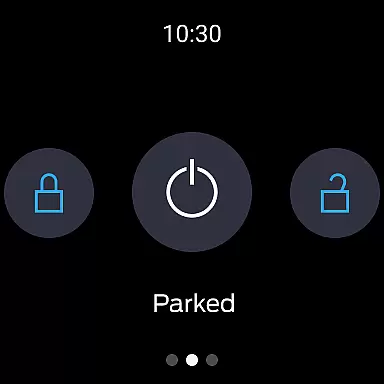
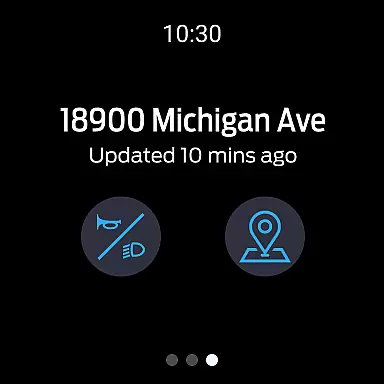
The Ford app is a comprehensive mobile solution designed to enhance the ownership experience for Ford vehicle owners. This application serves as a centralized platform that provides users with remote access and control over their vehicles, including features such as remote start, lock and unlock capabilities, and GPS tracking. All these functionalities are offered at no additional cost, making it an economical choice for Ford drivers.
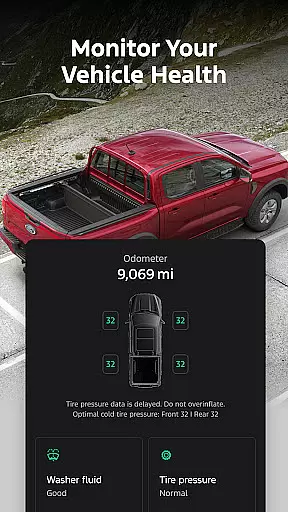
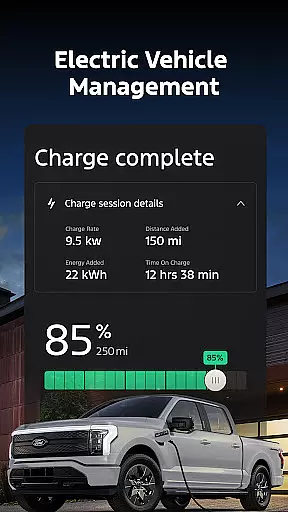
In addition to remote features, the app also offers tools for effective vehicle management. Users can monitor fuel or range status, view vehicle statistics, and even use their phone as a key. For electric vehicle owners, the app provides essential information like charge levels and public charging station locations. The integration with Wear OS allows users to send commands and check vehicle status directly from their smartwatches, further enhancing convenience and accessibility.
The Ford app stands out with its extensive array of features tailored for modern vehicle owners. One of the key highlights is the remote functionality, which includes starting the engine, locking and unlocking doors, all from the user's smartphone. This feature set evolves with regular updates, ensuring users have access to the latest advancements in vehicle connectivity.
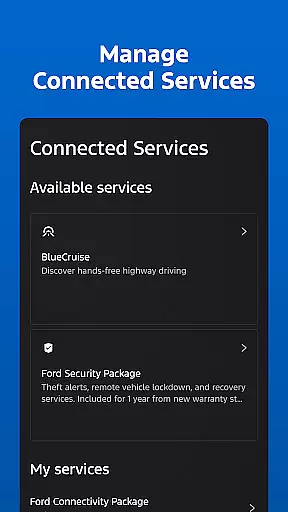
Another significant aspect is the app's focus on vehicle maintenance and service scheduling. Users can easily book service appointments with their preferred dealerships through the app, ensuring their Ford vehicles remain in optimal condition. Electric vehicle support is robust, offering features like preconditioning and charge level monitoring. Furthermore, the inclusion of connected services such as BlueCruise and various security packages demonstrates Ford's commitment to providing comprehensive digital solutions for their customers.
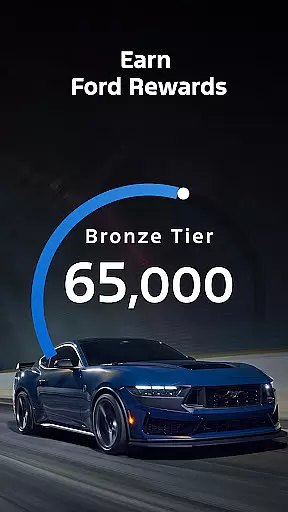
The app also incorporates a rewards program where users can earn points redeemable for services and accessories. With support for over-the-air software updates and compatibility with Wear OS devices, the Ford app represents a sophisticated approach to vehicle management and driver engagement in the Android Wear ecosystem.
Companion app integration is essential for users who want seamless connectivity between their smart devices and vehicles. The Ford app excels in this area by offering a comprehensive suite of features that work in harmony with Wear OS smartwatches.
Through the Ford app, users can send commands and check their vehicle status directly from their wrists, ensuring they stay connected without needing to reach for their phones. This level of integration provides unparalleled convenience and control.
The benefits of this integration include the ability to receive real-time updates about your vehicle's status, such as fuel levels or charging information, right on your smartwatch. Additionally, users can perform actions like locking or unlocking their cars remotely, enhancing both security and accessibility.
This robust companion app integration underscores Ford's commitment to providing a cohesive ecosystem where all devices communicate effectively, making the user's experience smoother and more intuitive.
Wear OS/device compatibility ensures that users can fully leverage their smartwatches alongside their vehicles. The Ford app supports a wide range of Wear OS devices, allowing users to interact with their cars effortlessly.
By ensuring broad compatibility, the Ford app enables users to utilize their existing smartwatches without worrying about device limitations. Whether it's checking the car's location or receiving alerts about the vehicleu2019s status, the app delivers consistent performance across different devices.
Users benefit from this compatibility through enhanced convenience and functionality. They can enjoy features like remote start, lock/unlock, and vehicle status updates directly on their smartwatches, streamlining daily interactions with their vehicles.
Ford's dedication to maintaining high standards of Wear OS/device compatibility highlights its focus on delivering a versatile and reliable user experience, catering to tech-savvy individuals who demand flexibility and performance.
User-friendly interface
Comprehensive vehicle control
Regular feature updates
Integrated rewards program
Wear OS compatibility
Limited to select models
Requires active modem
Dependent on cellular networks
Potential extra data charges
Varied feature availability

Wear Os Watch Face - Animated Snow Effect & Christmas Lights
 4.1
4.1
Christmas - Festive - Christmas Village - Winter - Christmas lights
5.00
Elegant animated Christmas tree with multiple customization options
4.20
Be an elegant and classy secret agent, with this carefully detailed watch face
4.70
Authentic military-tactical design with ZULU time! Realistic and functional!
3.80
Nutrition, Macro tracker: Food, fitness & healthy diet tracking for weight loss
4.60
Period, ovulation & pregnancy tracker. Fertility insights & menstrual calendar.
4.90
Your local weather forecast, storm tracker, radar maps & live weather news
3.40
Control your Samsung Smart TVs, appliances, and SmartThings-compatible devices
4.60
Real-time weather radar with temperatures, warnings, hurricanes, and widgets
4.80
Your second brain for organizing your life: to-do, calendar, reminder.
4.70
Highly customizable hybrid watch face for Wear OS, perfect for everyday use.
4.60
Rose gold watch face with festive lights & customizable features.
4.60
MyNISSAN® lets you remotely control your car from your phone.*
4.50
Bold weather Digital watchface with forecast & optional animated background
4.40
A watch face that fuses motorsport precision with contemporary smartwatch design
4.2
Stunning modern digital watch face with 7 complications and strong contrast
4.0
Sleek, highly customizable watch face inspired by Galaxy Watch Circle Dashboard.
4.5
Funny animated watch face for Thanksgiving
4.5


User Reviews