
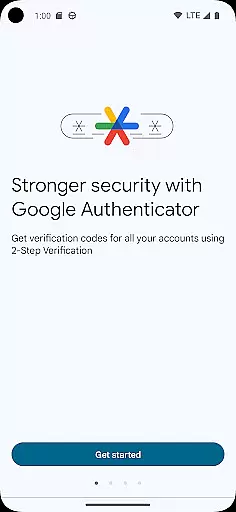
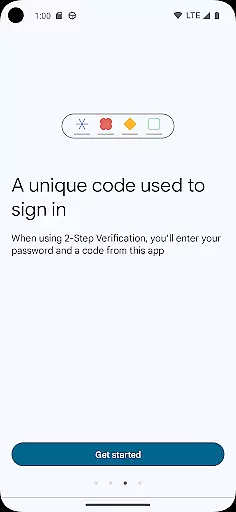
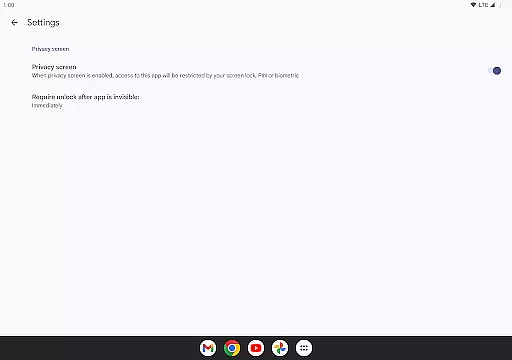
Google Authenticator is a security tool designed to protect your online accounts through two-factor authentication. By generating time-based or counter-based verification codes on your mobile device, it ensures that only you can access your accounts, even if someone else knows your password. This app works offline, meaning you can generate codes without an internet or cellular connection.
The application supports syncing of Authenticator codes to your Google Account for backup and easy access across multiple devices. It also allows for the management of multiple accounts, automatic setup via QR codes, and seamless transfer between devices. Whether you're securing your Google Account or other services, Google Authenticator provides an essential layer of protection for your digital identity.
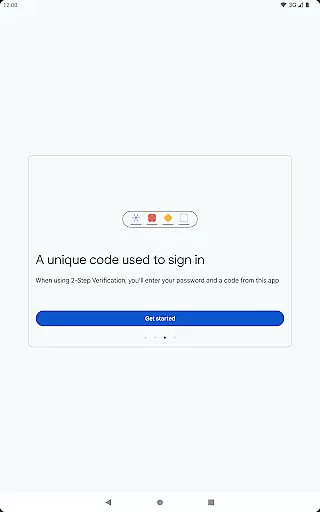
Google Authenticator offers several key features that enhance both security and user convenience. Firstly, it generates unique, time-sensitive codes that serve as a second form of verification during login processes. These codes are produced locally on your device and do not require any network connectivity, ensuring they remain accessible even in offline scenarios.
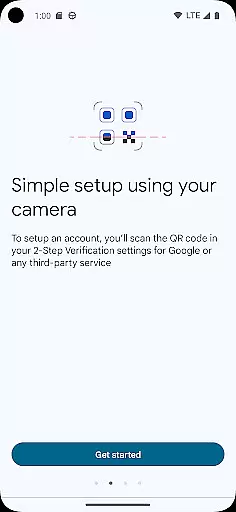
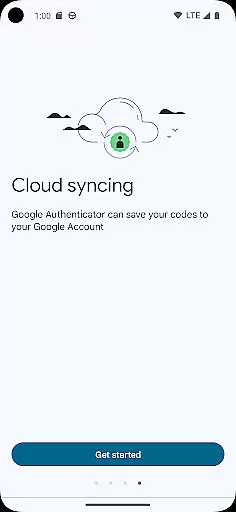
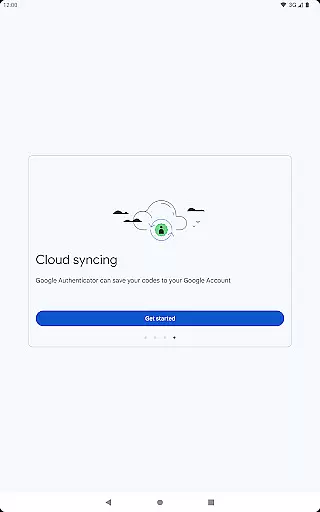
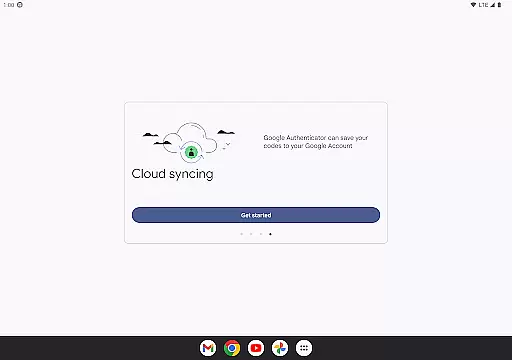
Another standout feature is the ability to sync your Authenticator data with your Google Account. This means you won't lose access to your codes if your phone is lost or damaged. Additionally, setting up new accounts is streamlined through QR code scanning, which minimizes manual input errors. The app also supports multiple account management, making it easier to handle various services from one place. Lastly, users can choose between time-based or counter-based code generation methods based on their specific needs.
Google Authenticator excels in providing precise and effective two-factor authentication, ensuring that users' online accounts are secured with an additional layer of protection. The app generates time-based or counter-based codes that serve as the second verification step after password entry.
The effectiveness of Google Authenticator lies in its ability to produce these codes even without an internet or cellular connection, making it reliable in various scenarios. This feature is crucial for users who travel frequently or find themselves in areas with limited connectivity.
By supporting multiple account management and automatic setup through QR codes, the app streamlines the process of adding and managing different services. Users can easily sync their authenticator data across devices, ensuring they never lose access to their accounts.
Ultimately, the core function of generating accurate verification codes enhances security while maintaining user convenience, making Google Authenticator a trusted choice for safeguarding digital identities.
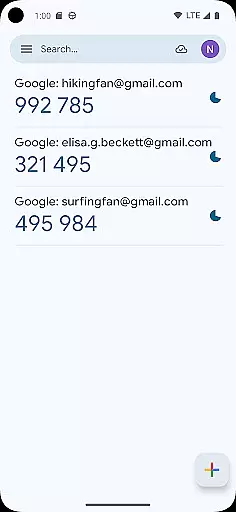
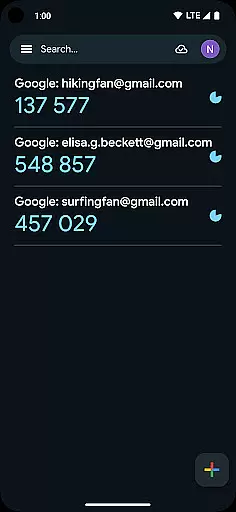
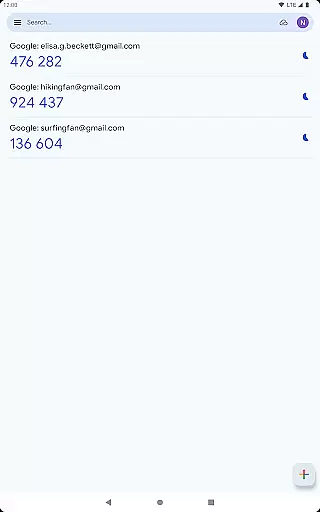
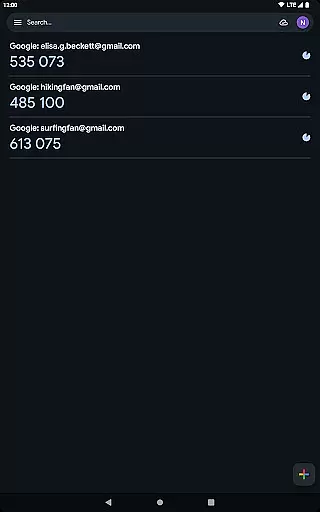
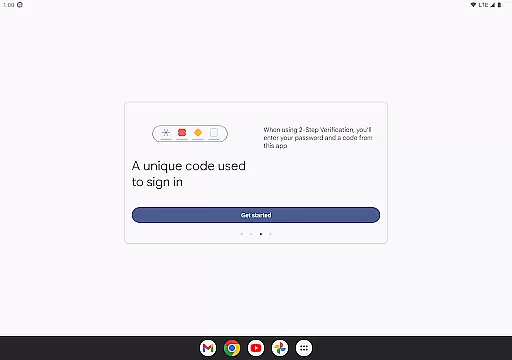
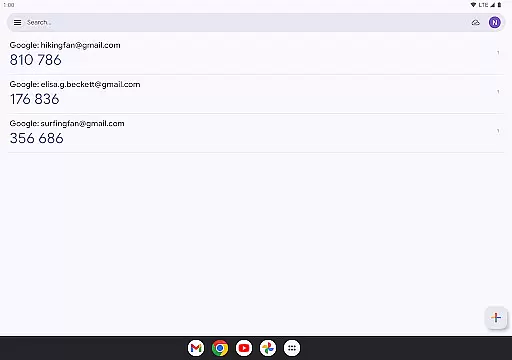
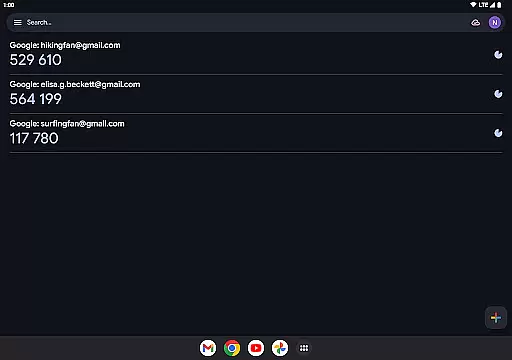
The interface of Google Authenticator is designed with simplicity and ease of use in mind, allowing users to navigate and utilize its features without confusion. Upon opening the app, users are greeted with a straightforward display of their added accounts and corresponding verification codes.
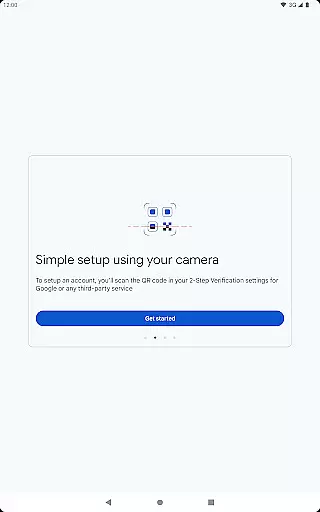
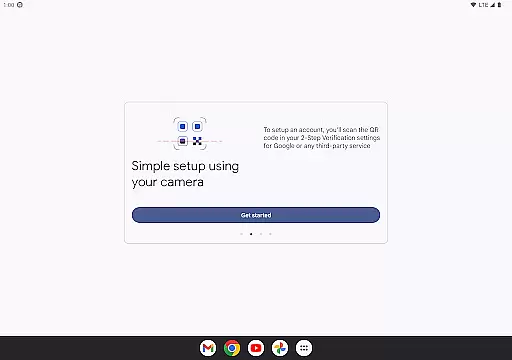
Adding new accounts is an intuitive process thanks to the support for QR code scanning. This eliminates the need for manual input and minimizes errors during setup, providing a seamless experience when configuring two-factor authentication for different services.
Despite its powerful security features, the app maintains a minimalistic design that focuses on functionality. There are no unnecessary elements or distractions, which ensures that users can quickly find and enter the required codes during the login process.
This intuitive approach not only makes Google Authenticator accessible to tech-savvy individuals but also to those who may be less familiar with advanced security measures, promoting wider adoption of two-factor authentication.
Enhanced Security
Offline Functionality
Easy Setup
Multi-Account Support
Code Syncing
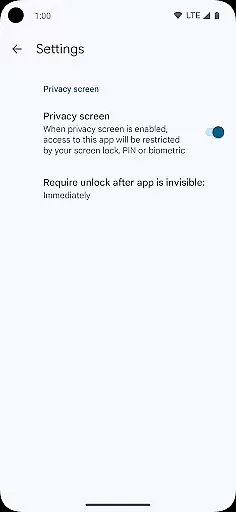
No Biometric Login
Limited Customization
No Desktop Version
QR Code Dependency
Occasional Sync Issues

Just swipe the edge to do something!
 4.40
4.40
Clean the junk files on your device
3.40
Quickly & easily calculate the spacing of handrail balusters
4.20
Keep track of your Palia friendships, tasks, and inventory with Palia Notebook
4.60
Mirror your screen to Fire TV - Super fast and simple
4.40
Powerful collection of electronics tools and reference.A must for any enthusiast
4.90
Download any file easily and quickly with Downloader
4.5
Pro Emulator is an easy to use game console emulator for a range of consoles.
4.40
Mobile Security with Scam Protection | Malware & Virus Cleaner | Safe Browser
4.70
The ultimate tool for network analysis, wifi scanning and problem detection.
4.90
Monitor car performance in real time and troubleshoot malfunctions.
4.80
Remote Play with FSR upscaling, low latency & full controller support
4.80
FV File Manager Pro, Fast and powerful file manager for Android
4.60
eXtended Permission Manager - a small app to manage permissions and AppOps
4.50
Screen Mirroring for Roku Sticks, Roku TCL TV and Roku Hisense TV
4.50
Use your phone as a webcam on your computer over WiFi or USB.
4.40 4.10
4.10
MS-DOS in your pocket. Play old DOS games anywhere you are ;)
4.10
Family Locator, Share location, StayConnect with your family in real time
3.90


User Reviews