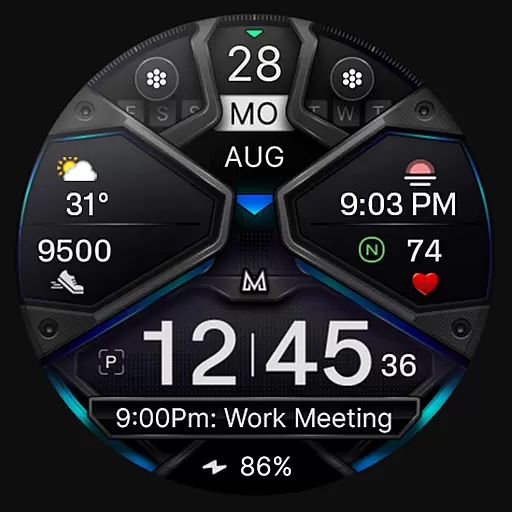
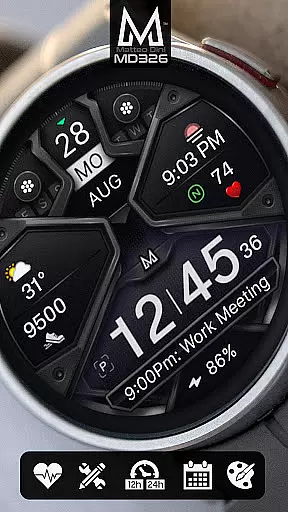
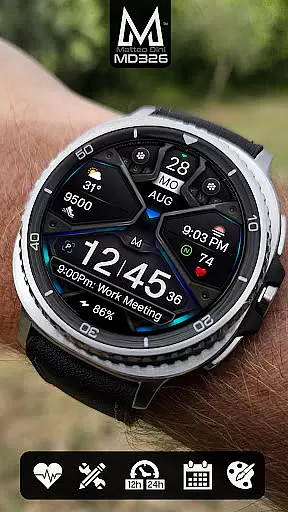
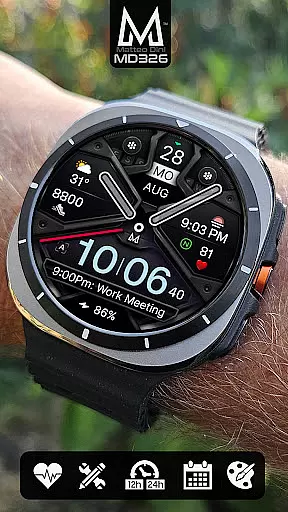
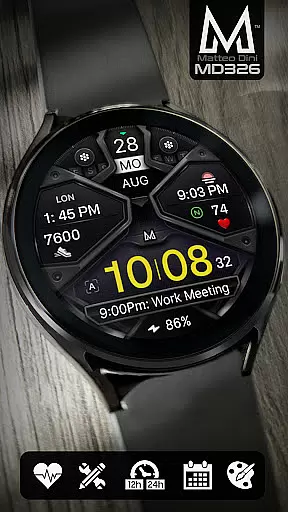
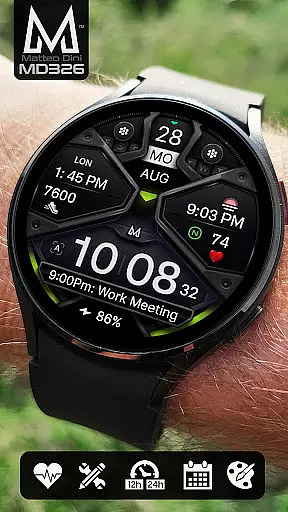
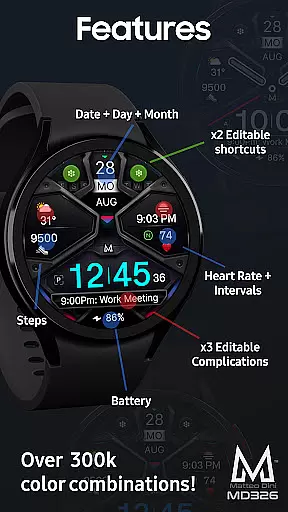
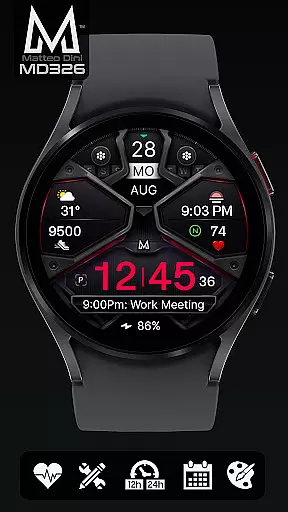
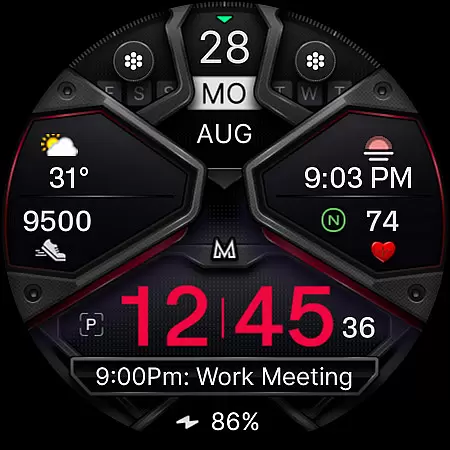
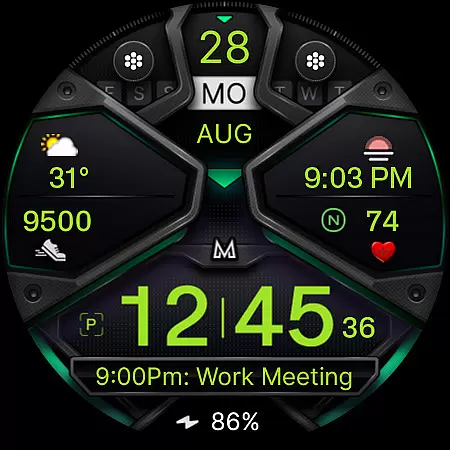
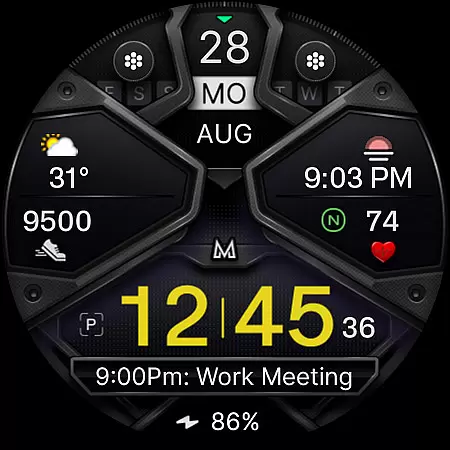
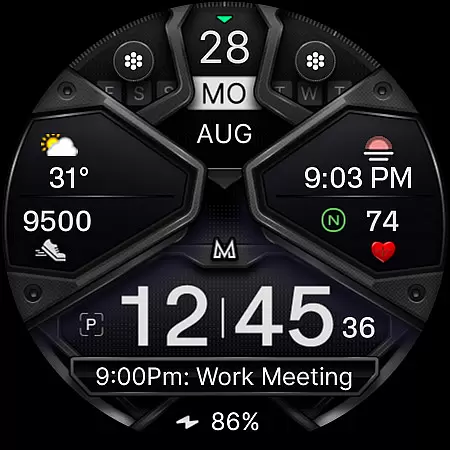
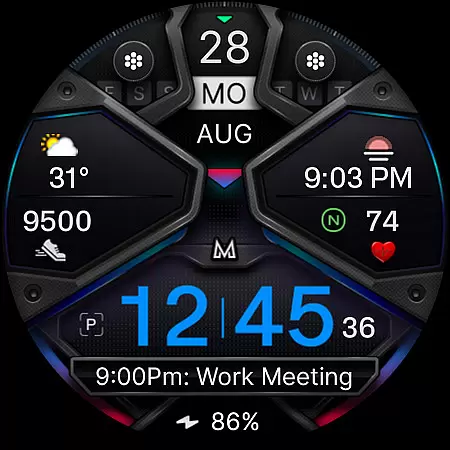
MD326 3D Modern Watch Face offers a sophisticated and customizable timekeeping solution for Wear OS devices. Designed with advanced features, this watch face supports all Wear OS devices with API Level 33+ including Samsung Galaxy Watch series and Pixel Watch.
The watch face includes 3 preset app shortcuts, 2 customizable shortcuts, and 3 complications that can display various data types such as weather, barometer readings, and UV index. Users can personalize the appearance by changing colors of the time, bezel, background, and more. The Always ON Display feature ensures visibility even when inactive.
Ideal for users seeking both functionality and style, MD326 enhances smartwatch utility while maintaining an elegant aesthetic. Its customization options cater to individual preferences making it suitable for everyday use or specific occasions.
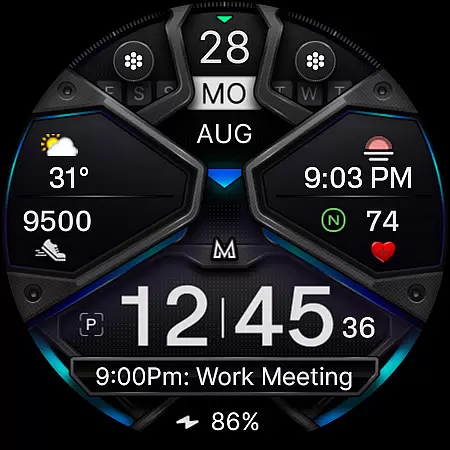
MD326 stands out with its comprehensive set of features tailored for modern smartwatch users. It automatically adjusts to 12/24hr formats based on phone settings and displays essential information like date, day, month, battery status, steps, and heart rate intervals.
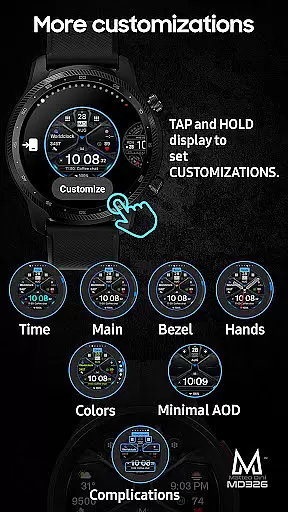
Customization is at the core of this watch face's design. Users can modify app shortcuts and complications directly from their watch by tapping and holding the screen then selecting customize. This allows integration of preferred data sources such as weather forecasts or world clocks enhancing user experience significantly.
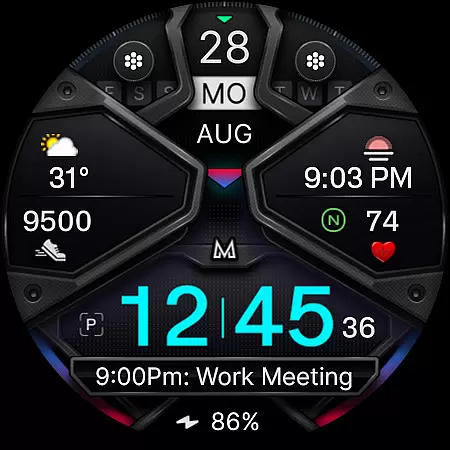
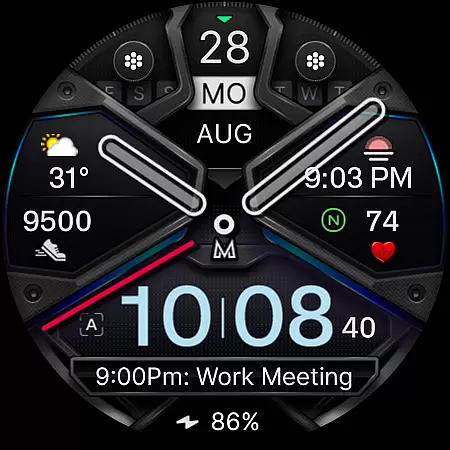
Additional functionalities include optional minimal Always ON Display styles, hideable hands, and changeable color schemes. These innovative features ensure that each user enjoys a personalized yet efficient interface contributing positively towards daily productivity and convenience.
Companion app integration is essential for a seamless smartwatch experience. The MD326 3D Modern Watch Face offers robust connectivity with its companion app, ensuring that users can easily customize and manage their watch face settings directly from their smartphone.
This integration allows for real-time synchronization of data such as weather updates, heart rate monitoring, and calendar events. Users can effortlessly switch between different complications and app shortcuts based on their preferences, enhancing both functionality and personalization.
By supporting all Wear OS devices with API Level 33+, including Samsung Galaxy Watches and Pixel Watches, this watch face guarantees compatibility and performance. This ensures that whether you're at home or on the go, your watch remains an integral part of your digital ecosystem.
Ensuring broad device compatibility is crucial for any Wear OS application. The MD326 3D Modern Watch Face supports all Wear OS devices with API Level 33+ such as Samsung Galaxy Watch series and Pixel Watches, making it versatile across various models.
With features like 12/24hr time format based on phone settings, date, day, month display, battery status, step count, and heart rate intervals, this watch face caters to diverse user needs. Additionally, it includes three preset app shortcuts and two customizable ones, allowing users to tailor their experience according to their lifestyle.
The inclusion of three customizable complications further enhances utility by enabling users to select data types they find most relevant, such as weather forecasts or UV index readings. Such comprehensive support ensures that regardless of the specific Wear OS device, users enjoy a consistent and enriched experience.
Highly Customizable
Modern Aesthetic Design
Comprehensive Data Options
User-Friendly Interface
Wide Device Compatibility
Complex Setup Process
Limited Support for Older Devices
Potential Battery Drain
Occasional Sync Issues
Advanced Features May Overwhelm New Users

Christmas - Festive - Christmas Village - Winter - Christmas lights
 5.00
5.00
Analog watch face with 8 complications and expedition styling
4.2
Artistic Digital Watchface
4.1
Beautiful, colorful and practical watch face. For Wear OS devices.
5.00
A modern premium sporty hybrid watch face for Wear OS by Ballozi
4.70
Reliable phone calls with spam protection, caller ID and more helpful features
4.40
Real-time weather radar with temperatures, warnings, hurricanes, and widgets
4.80
Retro digital watch face with customizable colors and a unique lighting effect
4.60
Viewer for Wyze/Yi/Eufy/Arlo/ONVIF/RTSP/P2P IP cams w/ adv. features & DIY DVR
4.00
WTW M17 is a premium and luxurious hybrid watch face
4.70
Embrace the holiday spirit with this magical animated watch face!
4.40
Christmas watch face. For Wear OS devices.
4.30
Bold, Modern Hybrid Watch Face for Wear OS. 10 Colors, Rich Info Display.
4.30
A customizable Christmas watch face for Wear OS with a countdown.
4.20
Structured watch face with seven complications and modular UI elements
3.90
Stay in touch with your friends and family using LINE!
3.40
Wear Os Watch Face - Animated Snow - Sesonal for Christmas & Winter
4.2
A heartwarming Christmas scene featuring a cute image of Santa and Rudolf
4.4
Sleek, highly customizable watch face inspired by Galaxy Watch Circle Dashboard.
4.3


User Reviews