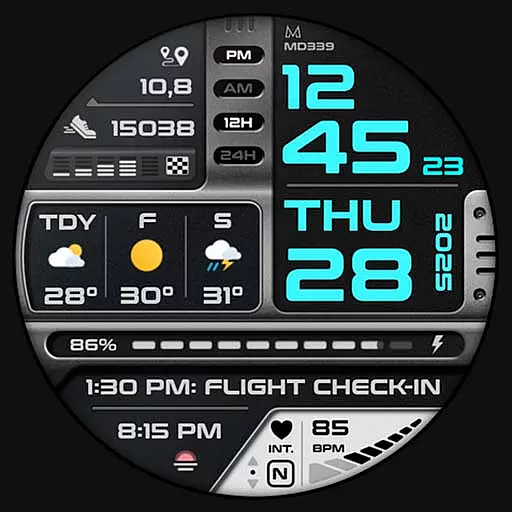
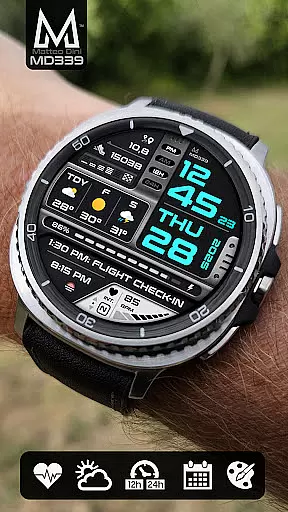
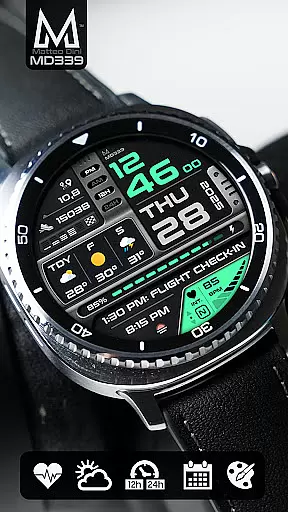
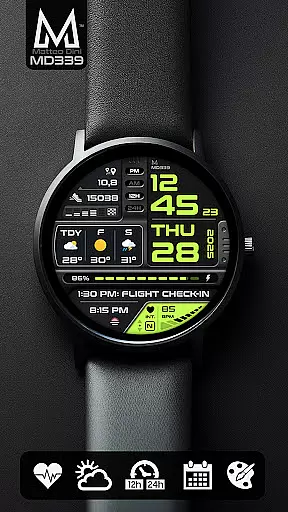
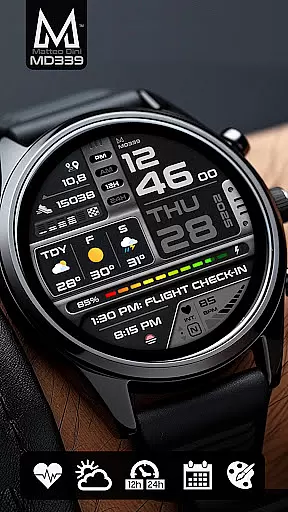
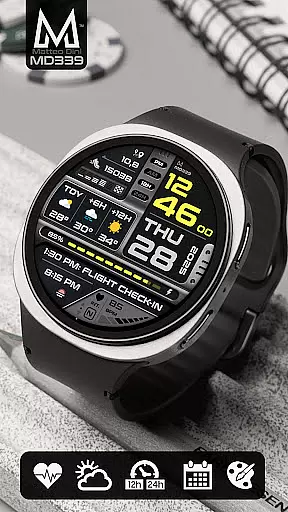
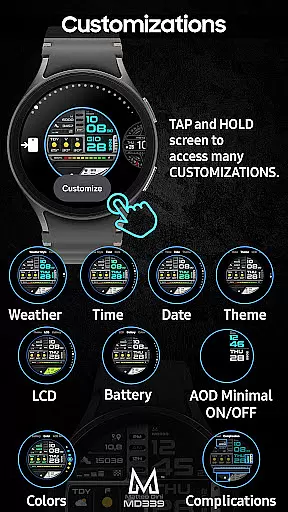
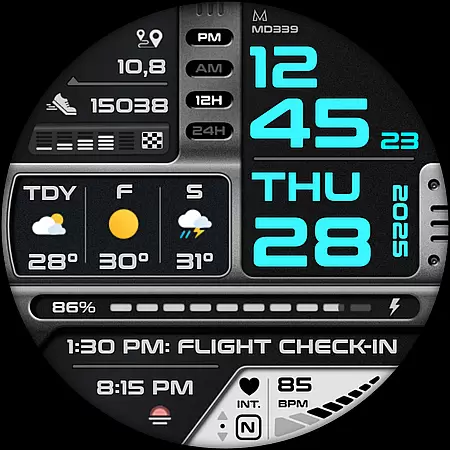
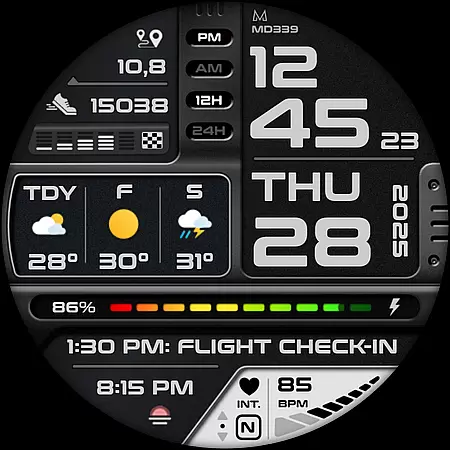
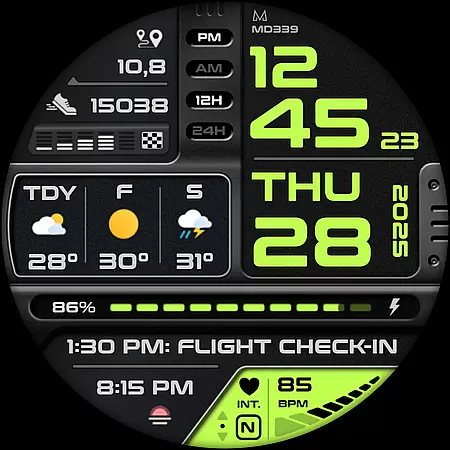
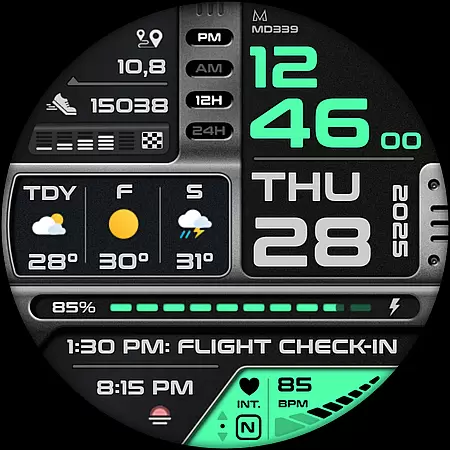
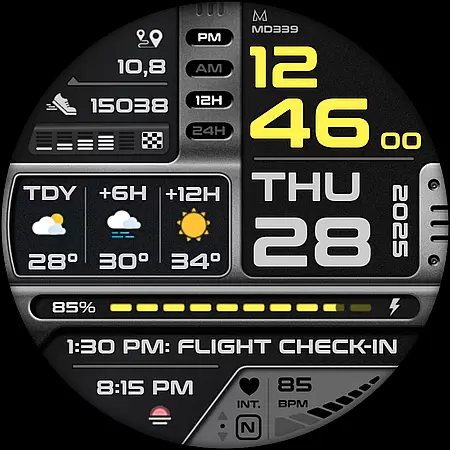
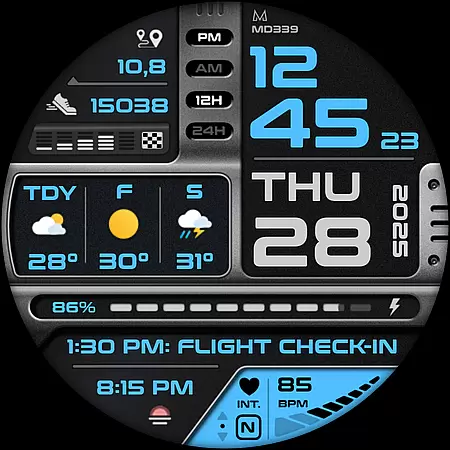
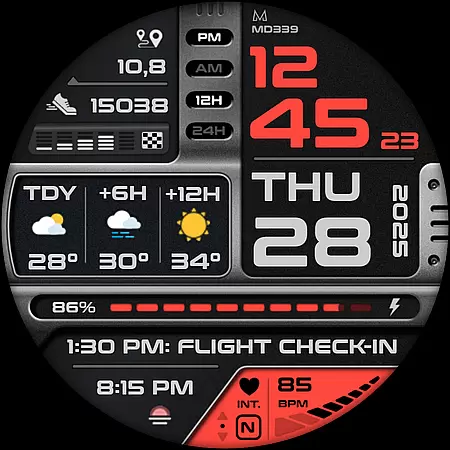
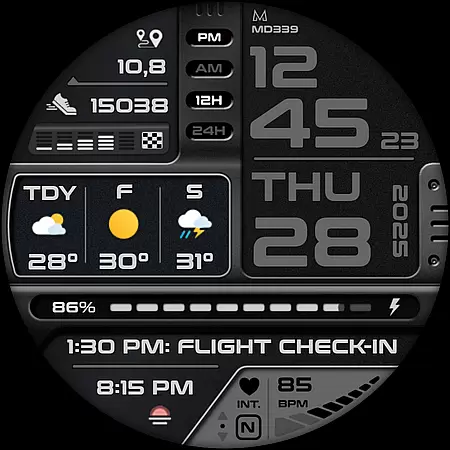
MD339 Digital watch face is a cutting-edge Wear OS watch face designed for smartwatch users seeking advanced customization and functionality. It supports all Wear OS devices with API Level 34+ and offers features like customizable complications, app shortcuts, and real-time weather updates.
This digital watch face provides users with the ability to personalize their experience through adjustable time/date colors, battery indicators, heart rate monitoring, and more. With support for both light and dark themes, it ensures optimal visibility in any setting. Its compatibility with Samsung Galaxy Watches, Pixel Watches, and other Wear OS devices makes it versatile for tech-savvy individuals.
Whether you're tracking daily fitness goals or staying updated on weather forecasts, MD339 enhances usability while maintaining a sleek design tailored to modern smartwatches.
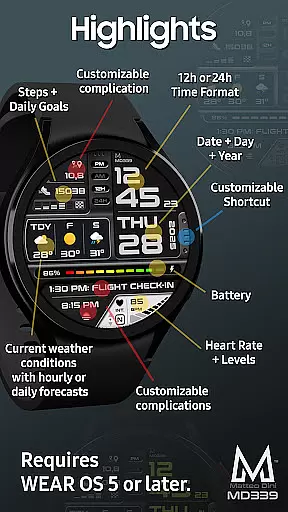
MD339 stands out with its robust feature set that includes six preset app shortcuts such as Calendar, Battery, Heart Rate measurement, Alarm settings, Steps tracker, and Weather integration. Additionally, one fully customizable shortcut allows users to tailor their quick-access options further.
The inclusion of three customizable complications enables users to display preferred data points including barometer readings, distance walked, calories burned, UV index, and even hourly or daily weather forecasts. The always-on display mode offers two viewing modes—minimal and full—for convenience during use.
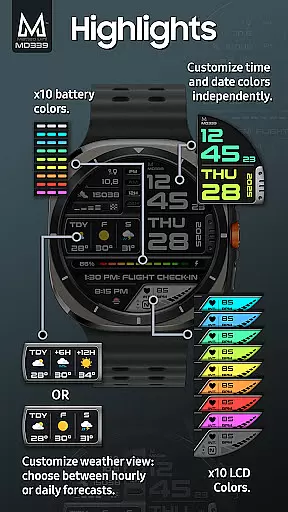
Advanced personalization features let users independently adjust colors for time/date displays, fonts for complications, battery indicator hues, and heart rate LCD colors. This flexibility ensures each user can create a unique interface suited to their preferences while enjoying seamless synchronization with phone settings for temperature formats and time displays.
Companion app integration is essential for a seamless wearable experience. The MD339 Digital watch face excels in this area by offering advanced features that sync effortlessly with your smartphone. This ensures that all your important data, such as weather forecasts, heart rate, and step counts, are consistently up-to-date on your watch face.
The watch face adheres to the latest format standards required by Google Play, ensuring compatibility with devices like Samsung Galaxy Watch 4-8, Ultra, and Pixel Watch. It supports Wear OS 5 and later versions, providing users with a reliable and feature-rich experience. By syncing with your phone settings, it offers both 12/24hr time formats, date, day, year, and more.
Users benefit from customizable shortcuts and complications that can display preferred data such as barometer readings, distance walked, calories burned, UV index, and chance of rain. This level of personalization allows users to tailor their watch face to meet their specific needs, enhancing both functionality and convenience.
Device compatibility is crucial for ensuring that a watch face functions optimally across various devices. The MD339 Digital watch face is designed to support all Wear OS devices with API Level 34 and above, including models like Samsung Galaxy Watch 4-8, Ultra, and Pixel Watch. This broad compatibility ensures that users can enjoy a consistent experience regardless of their device.
Advanced features such as weather forecasts, heart rate monitoring, and customizable complications are available, provided the user's device meets the necessary requirements. For instance, weather data relies on the watchu2019s built-in provider, allowing users to choose between daily or hourly forecasts based on their preferences.
However, it is important to note that older models like Galaxy Watch 4 or 5 may encounter customization issues due to less recent hardware. In such cases, contacting support at support@mdwatchfaces.com is recommended for assistance. Overall, the MD339 Digital watch face delivers a versatile and adaptable solution for Wear OS users seeking a modern and highly functional watch face.
Highly customizable
Modern sleek design
Real-time weather updates
Wide device compatibility
User-friendly interface
Older model issues
Weather provider bugs
External complication dependency
Limited shortcut availability
Premium feel but not free

Christmas watch face. For Wear OS devices.
 4.30
4.30
Christmas - Festive - Christmas Village - Winter - Christmas lights
5.00
Ideal for surviving in the wasteland left after nuclear fallout
4.50
Monitor health with the stress test and pulse checker in the heart rate app.
4.60
Get helpful reminders, take progress photos and find answers to your questions.
3.90
Real-time weather radar with temperatures, warnings, hurricanes, and widgets
4.80
Control your Samsung Smart TVs, appliances, and SmartThings-compatible devices
4.60
Track airplanes and follow flights with our real-time flight tracker
4.50
Spam call blocker and caller ID for automatic call protection!
4.40
Gym Log & Workout Tracker | Fitness Journal, Training & Weight Lifting Planner
4.90
The most customizable minimal watch face. For Wear OS 5.0, API 34+ and later
4.70
To-Do List: daily schedule planner, task organizer, to do reminder app, calendar
4.60
Bold weather Digital watchface with forecast & optional animated background
4.40
Locate your family members by GPS phone location tracker everywhere and anytime
4.30
Watch face for Wear OS.
4.20
Your music, your playlists, and more—offline and unlimited.
4.20
Authentic military-tactical design with ZULU time! Realistic and functional!
3.80
Artistic Digital Watchface
4.0
Fitness interactive virtual pet super fighter boy watch face
4.5


User Reviews