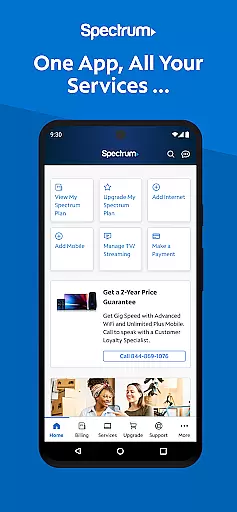
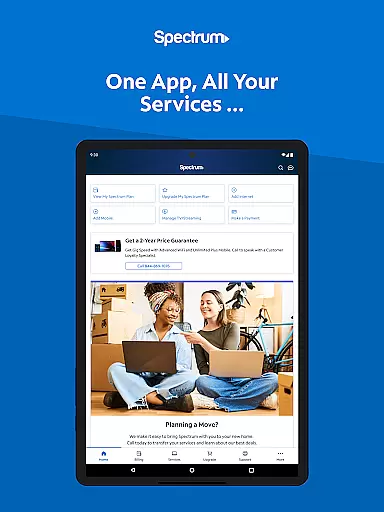
My Spectrum is a comprehensive service management app designed for residential customers of Spectrum. This all-in-one tool allows users to manage their Spectrum Mobile, Internet, TV, and Home Phone services seamlessly. With features like bill payment, data usage monitoring, and outage notifications, the app ensures you stay connected and informed at all times.
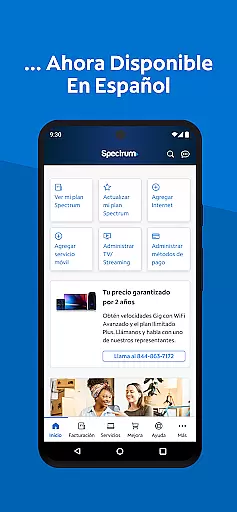
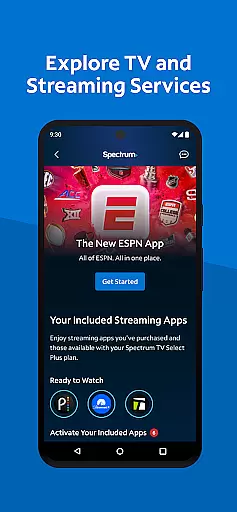
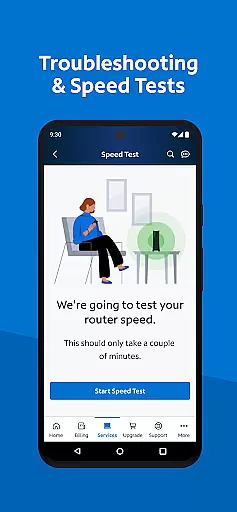
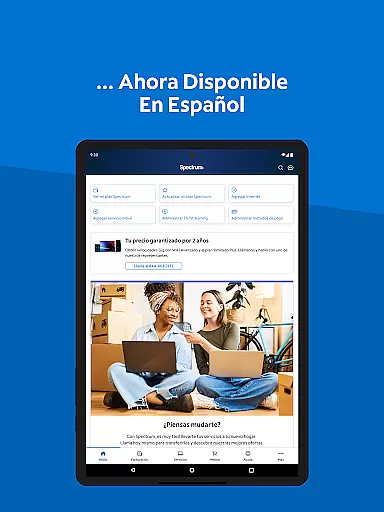
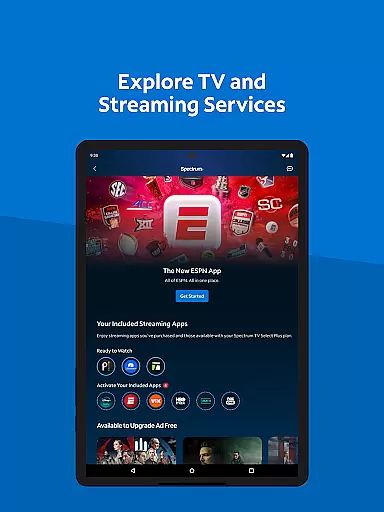
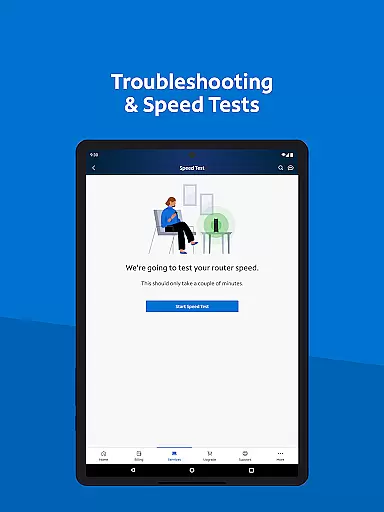
The app also offers advanced functionalities such as dual Speed Test for troubleshooting internet connections, language preferences toggle between English and Spanish, and easy access to customer support through in-app chat. Whether you need to enroll in Auto Pay, activate new mobile lines, or explore streaming services, My Spectrum provides an intuitive interface that simplifies these tasks significantly.
For those who value convenience and efficiency, My Spectrum is an essential tool. It not only helps in managing your account effortlessly but also enhances your overall service experience by providing timely updates and easy access to various Spectrum services from your mobile device.
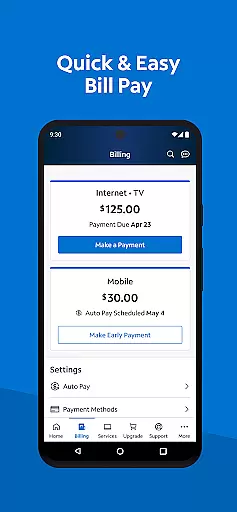
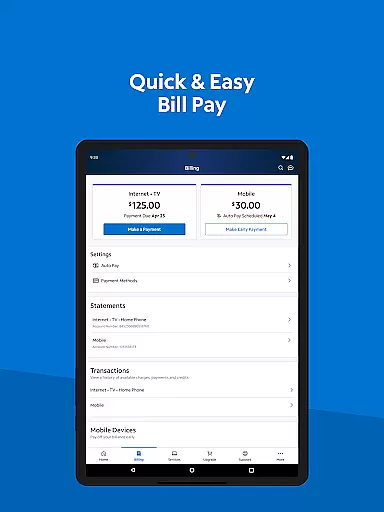
One of the standout features of My Spectrum is its robust billing management system. Users can pay their bills for multiple services including Spectrum Mobile, Internet, TV, and Home Phone directly through the app. The Auto Pay enrollment ensures you never miss a due date, while scheduled one-time payments give you control over when payments are sent. Additionally, paperless billing and statement reviews provide a seamless financial overview.
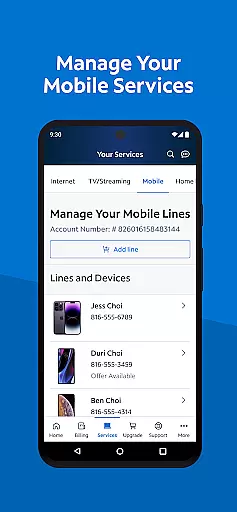
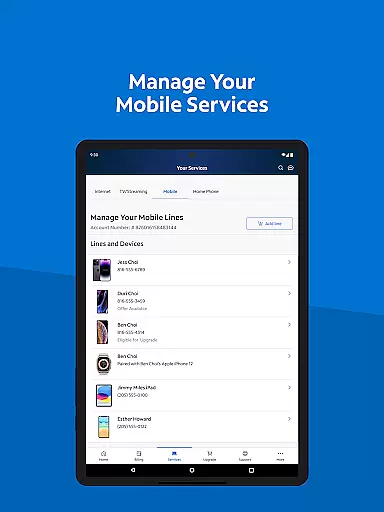
Another key aspect is the ability to manage mobile services efficiently. You can check your Spectrum Mobile data usage, add and activate new mobile lines, and customize plans according to your needs. The app also keeps you informed with notifications about billing, equipment status, activations, and outages right on the home screen.
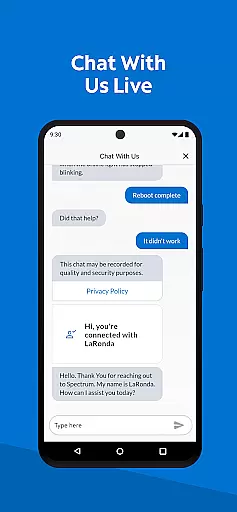
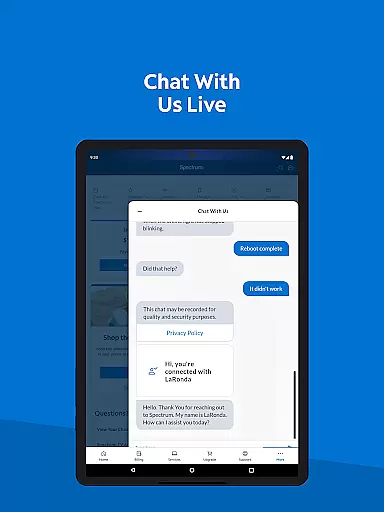
Moreover, My Spectrum offers enhanced support features such as self-installation guides for modems and routers, live customer service chat, technician tracking, and a newly designed support section for quick answers. These tools ensure that any issues are resolved promptly, enhancing user satisfaction and service reliability.
When it comes to managing your Spectrum services, the My Spectrum App excels in core function accuracy and effectiveness. This tool is designed to ensure that every interaction you have with the app brings you closer to resolving your needs without unnecessary complications.
The app allows residential customers to pay their bills for various services including Spectrum Mobile, Internet, TV, and Home Phone with precision. By enrolling in Auto Pay, users can rest assured that they will never miss a billing due date, thanks to the app's reliable and timely processing of payments.
Moreover, the ability to schedule one-time payments gives users control over how and when their payments are sent, enhancing the overall effectiveness of financial management within the app. The inclusion of features like paperless billing and easy access to previous billing statements further solidifies its role as an accurate and effective tool for account management.
The My Spectrum App offers an interface that prides itself on simplicity and intuitiveness, making service management accessible to all users regardless of their technical expertise. With a straightforward layout, the app ensures that even those who speak Spanish can toggle language preferences seamlessly from English to Spanish, right within the app.
Managing mobile services such as checking data usage or adding new lines is presented through an intuitive design that guides users effortlessly through each step. Notifications regarding billing, equipment, activation, and outages are displayed prominently on the home screen, keeping users informed without overwhelming them.
Furthermore, simplified support functions allow users to self-install devices, chat with customer service, and track techniciansu2014all within a clear and navigable interface. This thoughtful design prioritizes user experience, ensuring that finding answers and managing services remains a smooth and frustration-free process.
User-friendly interface
Comprehensive service management
Advanced troubleshooting tools
Multi-language support
Integrated customer support
Limited to Spectrum customers
Occasional bugs reported
Requires stable internet
No offline functionality
Some features need subscription

Quickly switch to an encrypted DNS server on Android TV
 4.50
4.50
A convenient photo, video, and file recovery tool.
4.00
Complete kernel toolbox with features to manage and tweak your rooted device
4.30
Fluid navigation gestures for all of us!
4.30
Save any video in HD - paste the link, download fast and watch offline.
4.1
A non-root local ADB shell client. READ BELOW!
3.40
Excellent scientific calculator with symbolic algebra, integrals, derivatives
4.80
Quickly check the frequency of the Earth
4.30
Introducing Smart Printer, your ultimate destination for printing solutions!
4.00
Support Fossify apps with a warm thank you!
5.00
Easily install aab(Android App Bundle) files on your Android device with our app
4.80
Optimize your WiFi network, turn your phone into Wifi Analyzer
4.70
Mirror your screen to Chromecast and Android TV - Super fast and simple
4.60
Head tracking for PC sim games such as MSFS 2024 or Elite:Dangerous. No headset!
4.50
Screen Mirroring for Roku Sticks, Roku TCL TV and Roku Hisense TV
4.50
Use your phone as a webcam on your computer over WiFi or USB.
4.40
Universal TV remote control all TVs, Roku, LG, Samsung, Fire, Vizio, Sony, TCL.
4.40
Smart and comfortable browsing experience.
3.80
Undelete and recover your lost or deleted files with DiskDigger!
3.40


User Reviews