
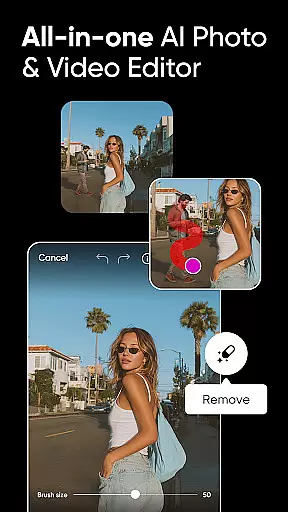
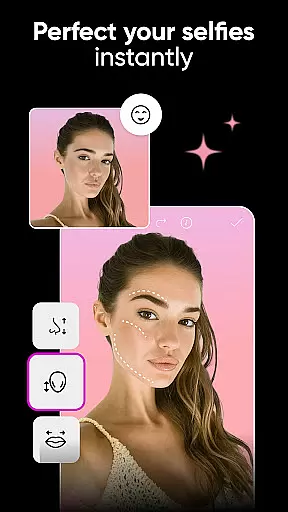
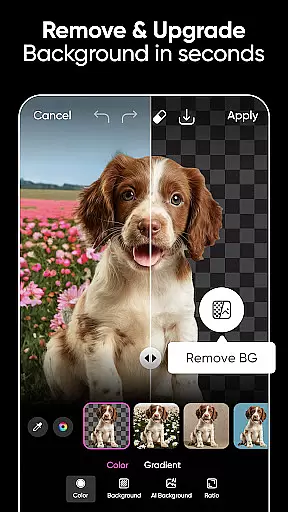
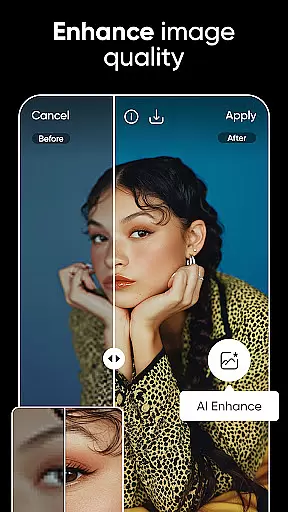
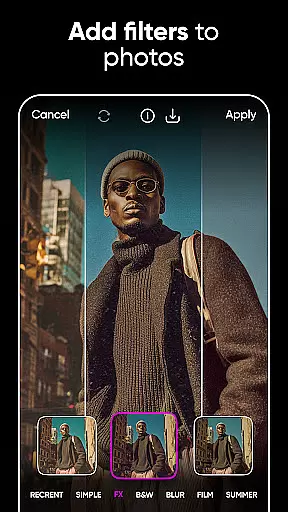
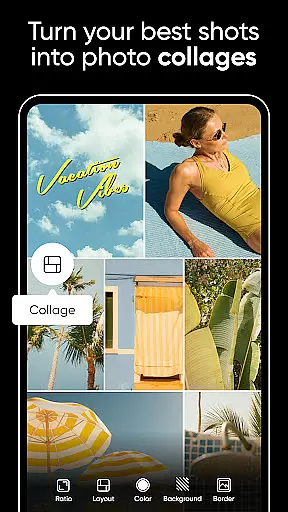



Picsart is a comprehensive AI-powered design studio that offers an extensive suite of graphic design tools for both personal and professional use. The app provides users with the ability to create pro-quality designs, edit photos and videos, and generate unique AI art pieces. With features like Background Remover, customizable templates, and AI-driven enhancements, Picsart caters to a wide range of creative needs. Whether you're an entrepreneur looking to enhance your brand's visual content or a hobbyist eager to explore digital art, Picsart delivers the tools necessary to produce stunning visuals quickly and easily.
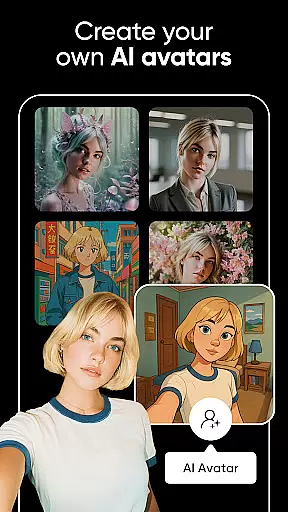
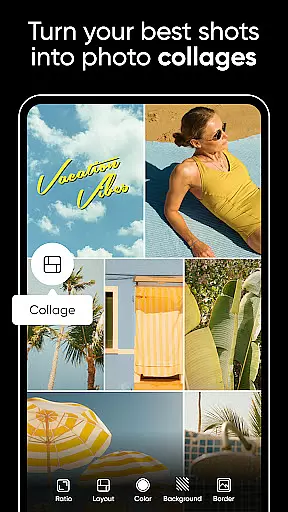
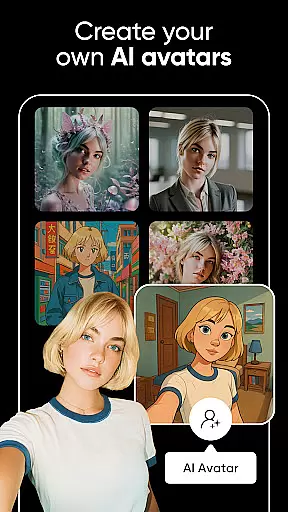
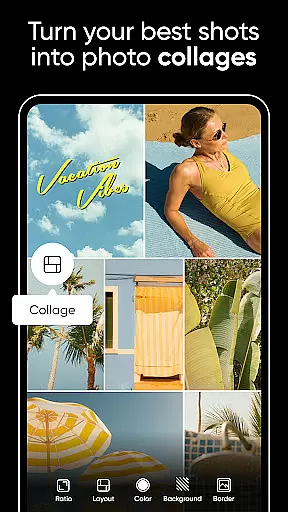
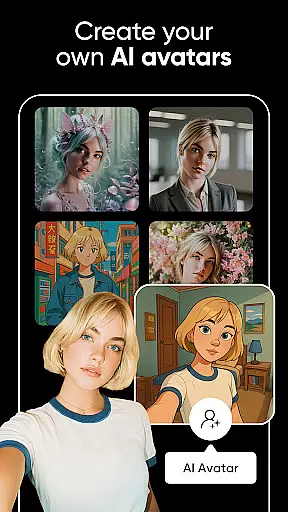
The app stands out with its powerful editing capabilities, including video editing, photo collages, and an extensive library of stickers and fonts. It also allows users to generate AI avatars and expand images seamlessly. Picsart is suitable for various platforms, ensuring that your creations look great whether they're intended for social media, marketing materials, or personal projects. By combining user-friendly interfaces with advanced AI technology, Picsart empowers users to transform their creative visions into reality efficiently.
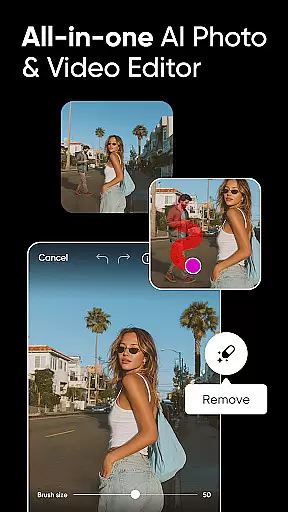
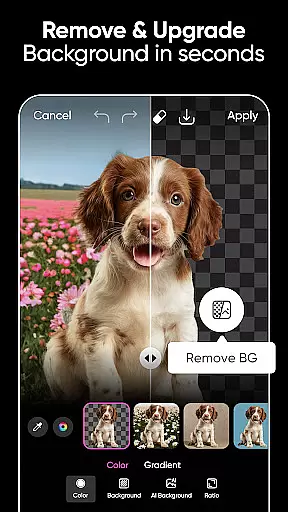
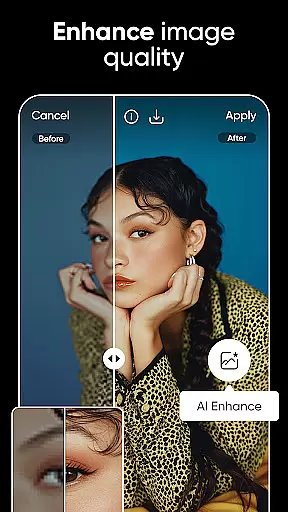
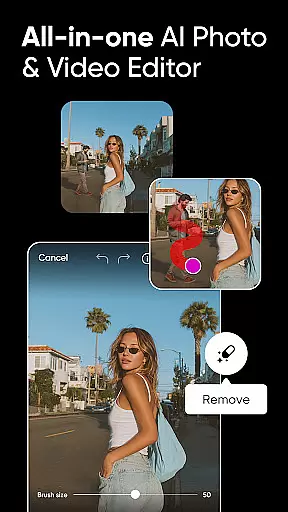
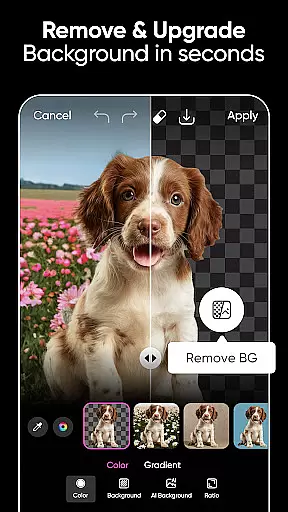
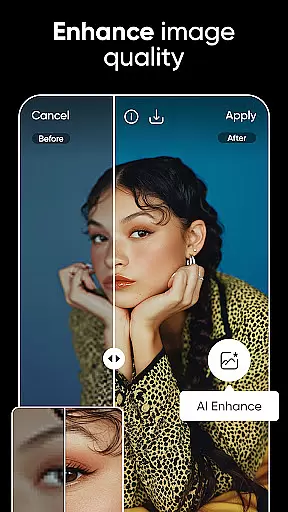
Picsart boasts a rich array of features designed to cater to diverse creative requirements. One of its standout tools is the Background Remover, which utilizes advanced AI to help users create professional-quality product shots by seamlessly merging suitable backgrounds. This feature is particularly beneficial for online sellers and entrepreneurs who need to present their products attractively. Additionally, Picsart's AI Enhance tool can significantly improve low-quality images, while the Remove Object function cleans up pictures by eliminating unwanted elements.
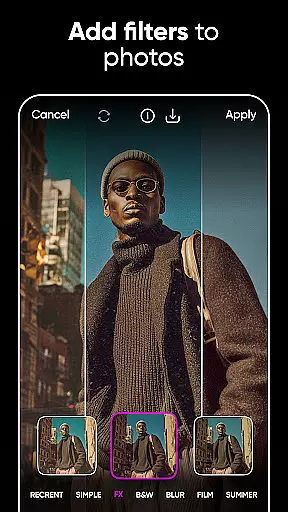
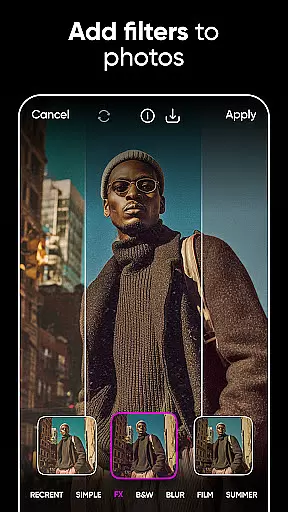
For those interested in video content, Picsart offers robust video editing capabilities. Users can create and edit clips with music, apply trendy filters, and enhance their social media stories. The app also includes a Text Editor with hundreds of fonts and customization options, allowing users to add compelling text to their images. Moreover, Picsart's AI Image Generator and AI Writer provide innovative ways to produce unique visual and textual content. These features collectively enable users to execute complex design tasks effortlessly and bring their creative ideas to life with precision and flair.
Real-time capture and preview functionality is essential for ensuring that every photo or video taken meets the user's expectations immediately. Picsart AI Photo Editor offers a seamless real-time capture experience, allowing users to see exactly how their photos will look before they even take them.
This feature leverages advanced processing capabilities to provide instant feedback on lighting, composition, and effects applied through the camera interface. Users can adjust settings such as exposure, contrast, and filters in real time, ensuring that the final image aligns perfectly with their creative vision.
The advantage of real-time preview extends beyond just photography; it also enhances the video creation process. By seeing changes instantly, creators can fine-tune their videos with various effects and filters, making sure each clip fits the desired aesthetic without needing extensive post-production work.
Ultimately, this immediate feedback loop empowers users to produce high-quality content efficiently, reducing the need for reshoots and saving valuable time during both personal and professional projects.
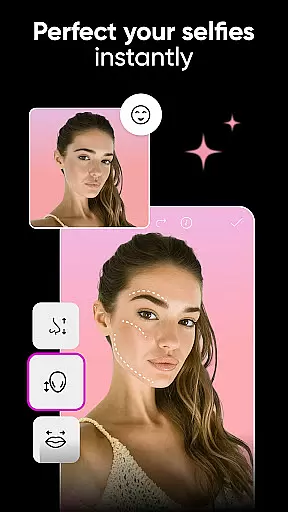
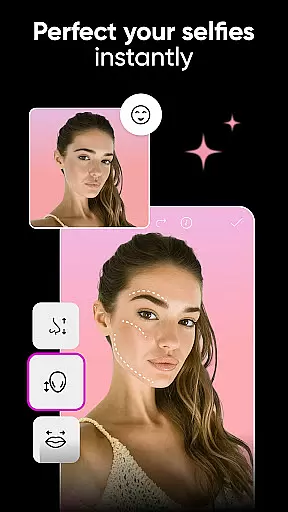
Picsart AI Photo Editor stands out with its AI Beauty and Enhancement features, which focus on delivering natural-looking enhancements to photos. This tool uses sophisticated algorithms to analyze facial features and apply adjustments that enhance beauty while maintaining authenticity.
Users can leverage AI-powered tools like skin smoothing, teeth whitening, and eye enhancement to refine portraits subtly. These enhancements are designed to be imperceptible, ensuring that edited images retain their genuine appearance without looking overly processed or artificial.
Beyond basic retouching, Picsartu2019s AI capabilities extend to more complex edits such as hair color changes and face swaps. The AI ensures these modifications blend seamlessly with the original image, preserving the subject's unique characteristics and providing a polished yet realistic result.
By prioritizing naturalness in its enhancements, Picsart enables users to elevate their photos professionally, whether for social media posts, marketing materials, or personal albums, all while keeping the edits undetectable and true to life.
User-friendly interface
Extensive template library
Powerful AI tools
Versatile editing options
Comprehensive sticker collection
Some features require subscription
Advanced tools may overwhelm beginners
Occasional performance lags
Limited free content
In-app purchases can accumulate

Add Watermark - Sign your pictures with a text or logo. Effective, quick, easy!
 4.50
4.50
Safe & smart flight with Go Fly drone controller for 40+ drone camera, zone map
4.50
Find time and duration of different sunlight phases at any location
4.90
Create & Edit with AI: AI Remove, Enhance, Retouch, Filter
4.10
Enhance, retouch & create your story - Share the moment with Photoshop Express.
4.60
Transform Photos: Edit, Beautify and Craft Memories & Make Collages!
4.10
A light meter for true photographers.
4.20
Solocator stamps photos you take with GPS location, Compass Direction, Date/Time
3.80
Discover How to Plan any Sun, Moon and Milky Way Photo You Imagine in Seconds
4.70
Amazing Photo Effects - The most fun you can have with your photos!
4.70
Create collages easily! Nice pic collage maker & background eraser for Instagram
4.50
Search, tag and rate your way to an organized image gallery
4.40
Easily stitch panoramas from multiple photos or video.
4.40
A reflected light meter with spot metering and incident light metering.
4.40
AI-powered video creator by MiniMax - Where ideas meet cinema
4.20
Hair color changer, AI haircut app, fun hair editor and buzz cut filter for all!
3.80
Perfect photos with body shaping, BG changer and object remover.
3.70
Pet Camera
3.70
Snap photos remotely using your Garmin watch as the camera trigger
4.3


User Reviews