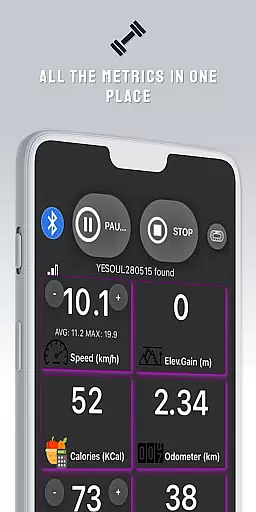
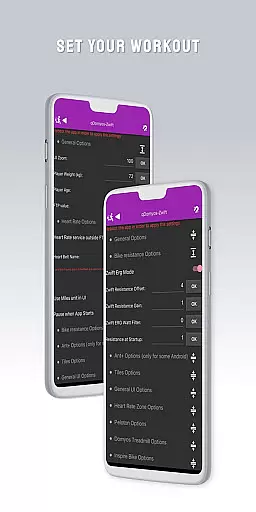
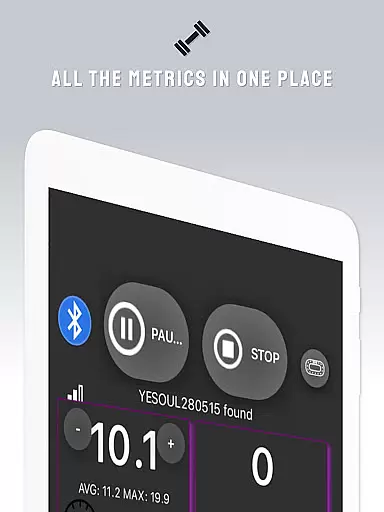
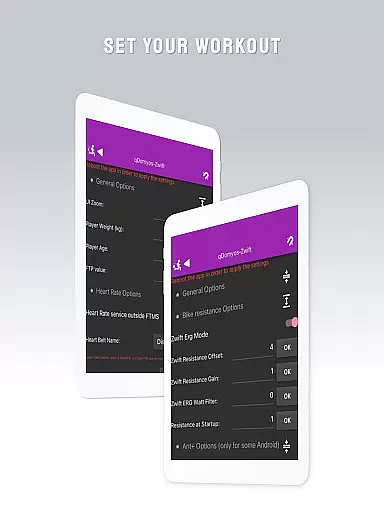
QZ is a versatile application designed to bridge the gap between various exercise machines and popular fitness platforms like Zwift. This app allows users with Domyos, Echelon, Proform, Flywheel, Yesoul, or Toorx treadmills and bikes to seamlessly integrate their equipment with virtual training environments.
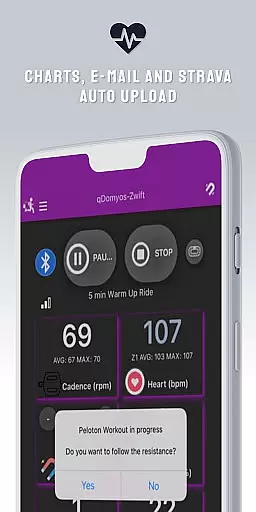
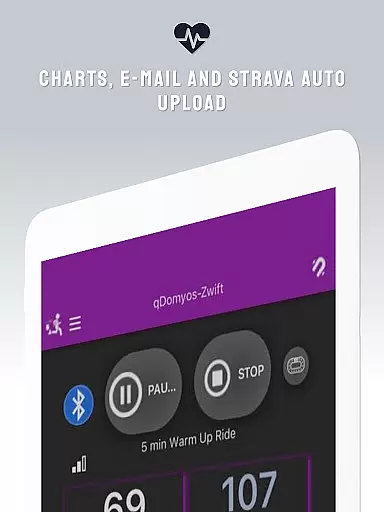
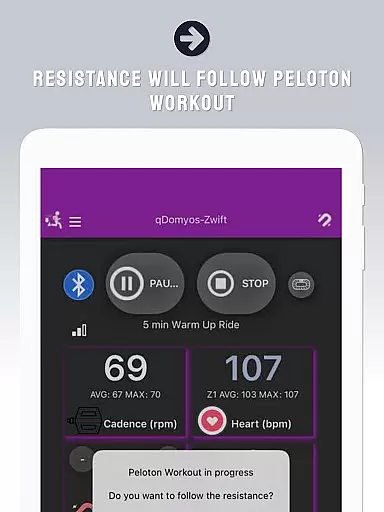
In addition to supporting multiple brands of exercise equipment, QZ also offers advanced features such as auto-following workouts for Peloton users and Strava Autopload functionality. The app extends its compatibility to Wear OS devices, enabling heart rate monitoring directly from smartwatches. Whether you're cycling or running, QZ ensures your workouts are smarter and more connected.
This app is particularly useful for fitness enthusiasts who own older or non-smart exercise equipment, giving these machines a new lease on life by connecting them to modern digital platforms. By doing so, it enhances the overall workout experience and provides users with more data-driven training options.
One of the standout features of QZ is its extensive compatibility with a wide range of exercise equipment brands. From Echelon and Domyos bikes to Proform treadmills and Flywheel bikes, this app supports numerous models across different manufacturers. It even includes specialized support for Keiser M3i bikes without requiring additional converters.
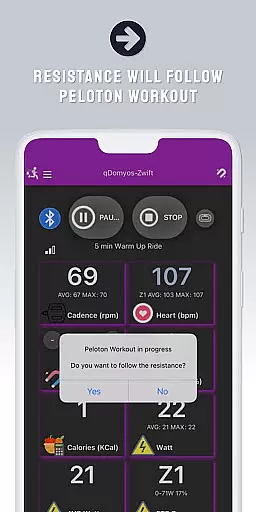
Beyond basic connectivity, QZ offers innovative functionalities such as automatic resistance adjustment for Peloton workouts and seamless integration with Strava for automatic workout uploads. The recent addition of Wear OS support further enhances user experience by allowing heart rate data to be transmitted directly from compatible smartwatches to the main app.
The app's comprehensive compatibility list demonstrates its commitment to inclusivity in the fitness technology space. Users can confidently connect their JK Fitness treadmills, Sportstech bikes, or Schwinn IC4 models knowing that QZ will facilitate smooth communication between their equipment and preferred fitness platforms.
Companion app integration is essential for users who want a seamless experience between their wearable devices and main applications. QZ (qdomyos-zwift) excels in this area by offering robust connectivity options.
The app allows users to connect their smartphones to treadmills or bikes, enabling Zwift to recognize these devices effortlessly. This ensures that your workout data is accurately reflected in real-time on Zwift, enhancing your virtual fitness journey.
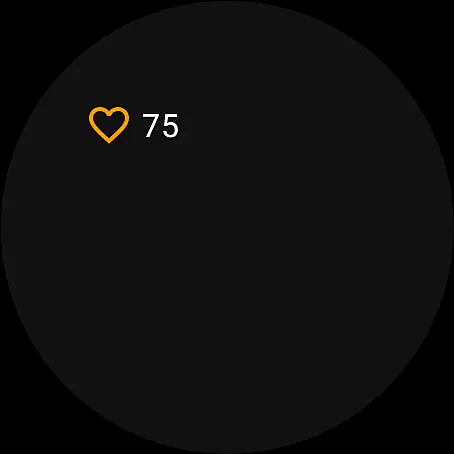
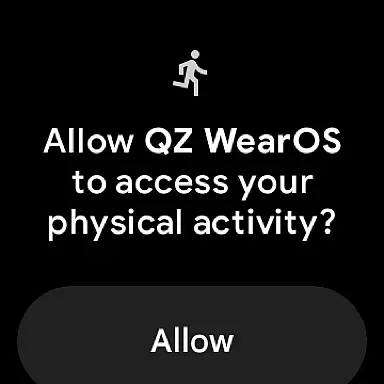
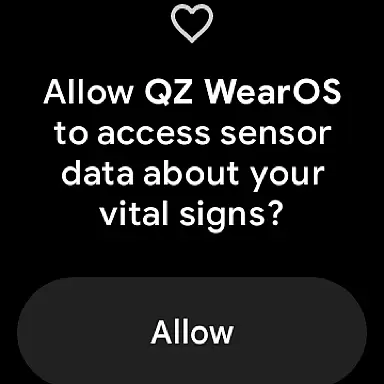
Additionally, QZ supports Wear OS, allowing users to download the companion app on their smartwatches. This feature reads heart rate data from the watch and transmits it to the main QZ app, ensuring comprehensive health tracking during workouts.
By integrating with Strava's Autopload feature, QZ further extends its functionality, automatically uploading workout data to Strava. This holistic approach to companion app integration provides users with a cohesive and enriched fitness ecosystem.
Wear OS and device compatibility are crucial for users seeking an integrated experience across multiple devices. QZ (qdomyos-zwift) stands out by supporting a wide range of exercise equipment and Wear OS devices.
This app is compatible with various brands such as Domyos, Echelon, Proform, Flywheel, Yesoul, and Toorx. Whether you have a treadmill, bike, or elliptical machine from any of these brands, QZ ensures smooth connectivity and data transmission.
Moreover, QZ's support for Wear OS means that users can enjoy advanced features directly on their smartwatches. By downloading the companion app, users can leverage their watchu2019s heart rate monitoring capabilities and send this data to the main QZ app.
With extensive compatibility, including notable models like Keiser M3i and Schwinn IC4, QZ guarantees that users can maximize the potential of their existing fitness equipment while enjoying the benefits of modern wearable technology.
User-friendly interface
Wide equipment compatibility
Advanced workout features
Wear OS integration
Regular updates
Limited official endorsements
Occasional connection issues
Requires technical setup
Premium features locked
Learning curve for beginners

A Wintery Snow Globe on Your Wrist; now celebrating Christmas!
 4.5
4.5
A watch face that fuses motorsport precision with contemporary smartwatch design
4.5
The most customizable minimal watch face. For Wear OS 5.0, API 34+ and later
4.70
Digital watch face with big numbers and many customization for Wear OS devices
4.40
sleep, alarm, snoring, stress, healing, focus, sound therapy, circadian rhythm
4.10
Get helpful reminders, take progress photos and find answers to your questions.
3.90
Hyper-Realistic Airplane Dashboard Watch Face With 10 Skins and Custom AOD
4.00
Hybrid Vibrant Health Watch Face for Wear OS
4.3
Simple, helpful messaging by Google
4.60
The most customizable hybrid watch face. For Wear OS 5.0, API 34+ and later
4.70
A realistic hybrid watch face with many customization options.
4.60
Connect to your Bluelink equipped Hyundai vehicle from your smartphone.
4.50
Beautiful artistic animated digital watch face, with a customizable layout!
4.40
Reliable phone calls with spam protection, caller ID and more helpful features
4.40
Bold weather Digital watchface with forecast & optional animated background
4.40
Christmas watch face. For Wear OS devices.
4.30
A digital watch face that celebrates Christmas.
4.00
Fitness interactive virtual pet super fighter boy watch face
4.5
Minimalistic design modern digital watch face.
4.3


User Reviews