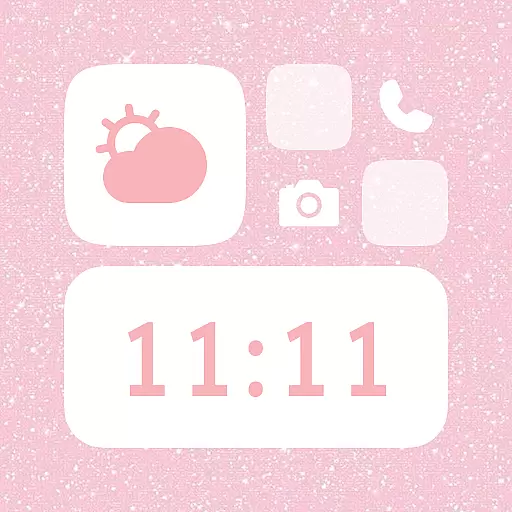
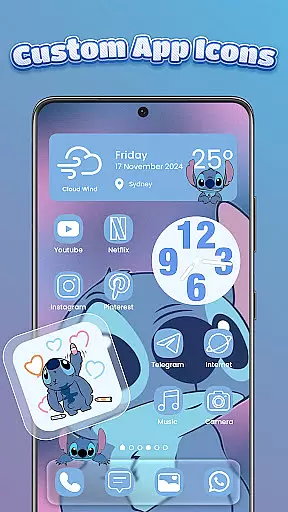
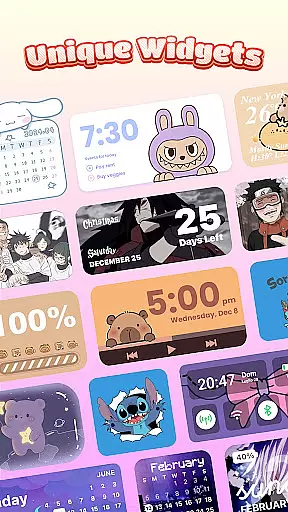
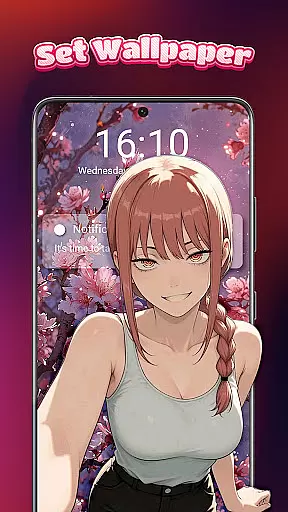
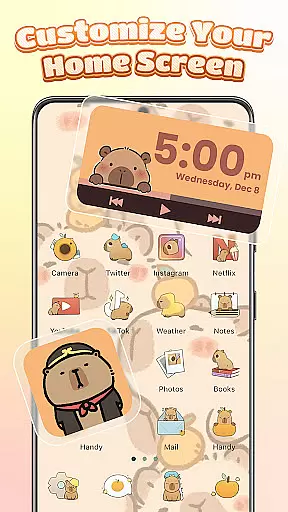
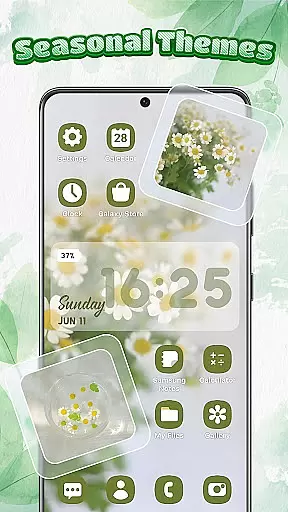
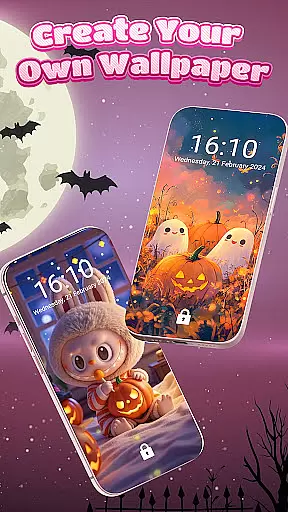
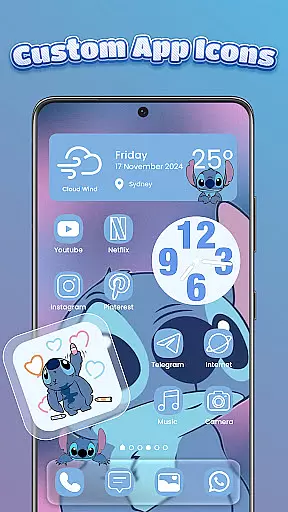
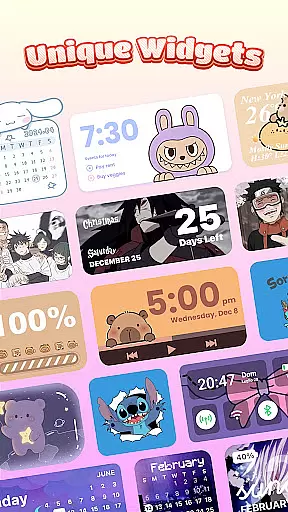
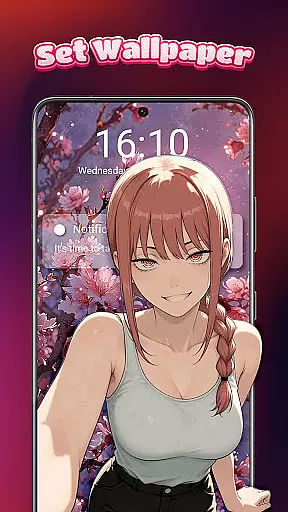
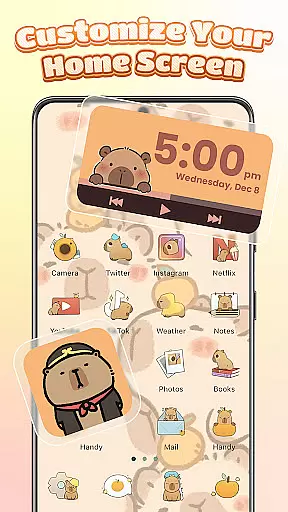
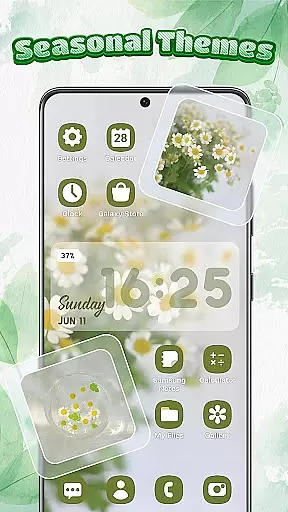
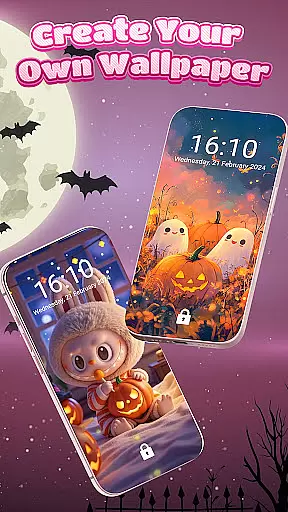
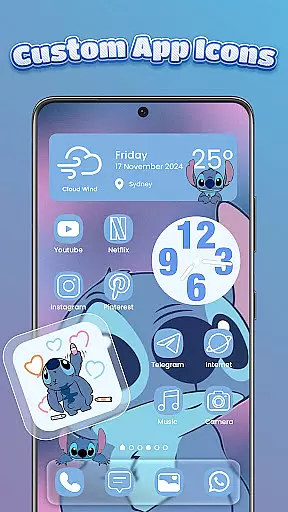
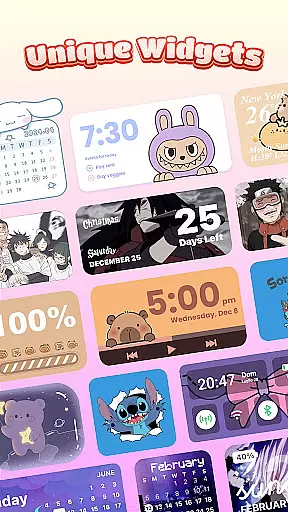
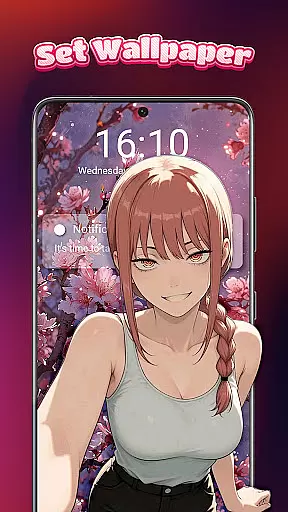
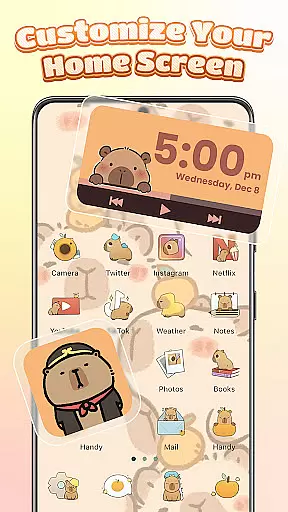
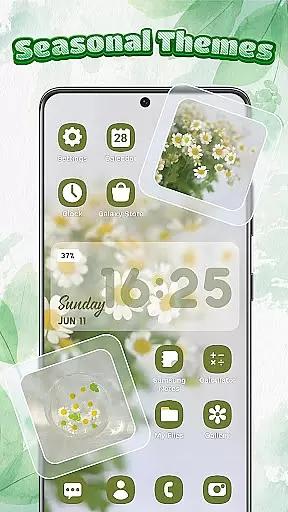
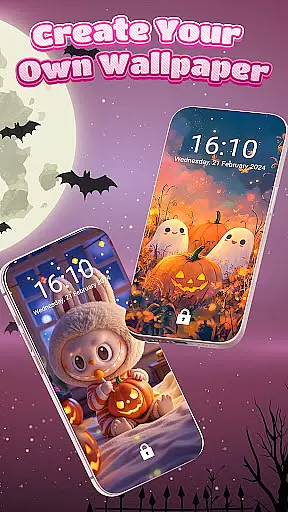
Themebox is a comprehensive personalization app that allows users to fully customize their smartphone's appearance. The app offers over 1000 beautifully designed themes, color widgets, wallpapers, and custom icons, providing users with the creative freedom to design their perfect home screen. Whether you prefer pastel tones, dark mode elegance, neon glow, or minimal anime styles, Themebox caters to all aesthetic preferences.
The app includes an icon changer feature that lets users give their apps a fresh new look. With options for DIY customization of icon styles, fonts, colors, and transparency, users can create unique combinations that match their personal vibe. Additionally, the app provides smart tools like a floating control center for quick access to essential system settings, making device management stylish, fast, and efficient.
Themebox is ideal for users who love DIY home screen designs and personalized themes for Android. It enables users to express their individuality through their phone's appearance while offering practical functionalities like battery status widgets, calendar and weather widgets, and image widgets customizable with personal gallery photos.
Themebox stands out with its extensive range of customization features. The app offers a wide variety of icon packs, allowing users to change app icons with a single tap. Users can mix and match different styles, fonts, transparency levels, and backgrounds, creating the ultimate icon combinations that reflect their personality.
In addition to icon customization, Themebox provides beautifully designed color widgets that enhance the home screen's aesthetics and functionality. These include battery status, calendar, weather, and smart control panel widgets. Each widget is customizable to match the overall home screen theme, ensuring a seamless and visually appealing layout.
The app also includes a smart control center, which is a floating panel granting quick access to essential system settings. This feature, along with daily theme updates and exclusive releases, makes Themebox a versatile tool for anyone looking to personalize their Android device with ease and precision.
Themebox stands out in the personalization category by offering an extensive range of customization options that cater to every user's unique style. With over 1000 beautifully designed themes, the app allows users to transform their home screens into personalized works of art.
The app icon changer feature provides a diverse selection of icon packs, enabling users to give their apps a fresh new look. Whether you prefer cute and colorful designs or sleek and modern aesthetics, Themebox offers the tools to mix and match styles, fonts, transparency, and backgrounds effortlessly.
Additionally, the inclusion of color widgets enhances the customization experience. Users can choose from battery status, calendar, weather, and smart control panel widgets, each customizable to blend seamlessly with their chosen theme. This level of personalization ensures that every aspect of the home screen is tailored to individual preferences.
By providing such a wide array of customization options, Themebox empowers users to express their creativity fully. The ability to personalize every detail of the phone interface not only enhances visual appeal but also creates a more engaging and enjoyable user experience.
Themebox excels in theme compatibility, ensuring that all customizations work harmoniously across different devices and screen resolutions. The app's comprehensive library of themes, wallpapers, and icon packs are designed to maintain visual consistency regardless of the device being used.
Users can explore various aesthetic styles including anime, vintage, minimalist, pastel, and neon themes, confident that each selection will display correctly on their home screen. The app's developers have implemented advanced scaling algorithms that automatically adjust elements to fit any screen size without compromising quality.
This commitment to compatibility extends to the app's widget system as well. Each color widget maintains its functionality and appearance across different Android versions, guaranteeing a seamless user experience. The smart control center, a floating panel for quick access to essential system settings, demonstrates this dedication to universal compatibility.
By prioritizing theme compatibility, Themebox ensures that users can enjoy their customized home screens without technical limitations or visual inconsistencies. This approach not only enhances user satisfaction but also establishes Themebox as a reliable choice for comprehensive home screen personalization.
User-friendly interface
Extensive customization options
Regular theme updates
Lightweight and fast performance
Versatile widget functionalities
Limited iOS compatibility
Some features may require accessibility permissions
Premium themes need purchase
Occasional bugs in widget updates
Design consistency varies across themes

Customizable Glass widgets. Over 360+ stunning widgets and more!
 4.70
4.70
A light in the dark, a unique style and an andless cutomization!
4.30
3D, live, and moving wallpapers & themes in 4K and HD for your device.
4.50
Ultimate widget creator. Design custom widgets for a truly unique home screen!
3.90
App Icon Changer & Shortcut Creator. Customize your icons without any watermarks
4.30
Turn text & photos into stunning AI videos, art, and creative visual stories.
4.50
Organize and manage your photos and videos effortlessly with Photo Gallery
4.20
Adorable pets roam and play right on your phone screen!
3.30
Create stunning widgets with Widget 2026: Aesthetic Widgets for Android!
4.60
Vertically oriented rectangular icons
4.70
Bring adorable pets to life on your screen. Playful, interactive and full of fun
4.60
Ultimate Gallery Lock App - Hide Pictures, Videos and Lock Apps Instantly!
4.60
Transform your phone with Launcher iOS 26 - Smooth & elegant iOS experience
4.50
Try creating your own keyboard with "Keyboard theme for android" app now!
4.50
Yandex Browser — stylish and secure, with voice search and data compression
4.40
Design your screen with unique, vibrant clocks
3.80
Transform your phone with stunning video wallpapers and a unique, personal touch
3.80
Customize glowing edges, wallpapers, and caller screen with EdgeAura.
3.50
Custom edge gestures for volume control, brightness, apps, and shortcuts.
4.3


User Reviews