
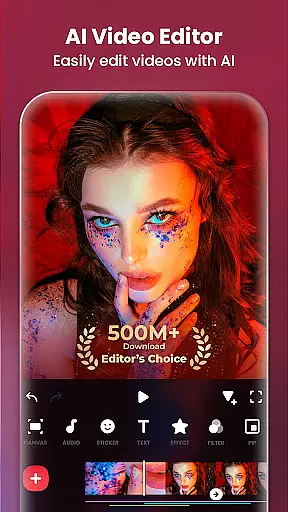
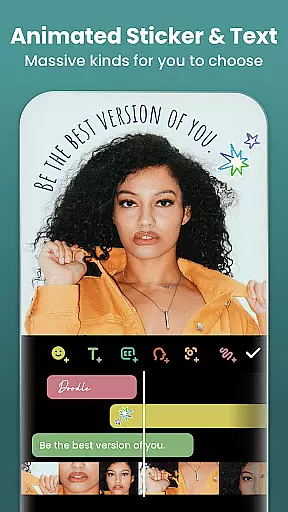
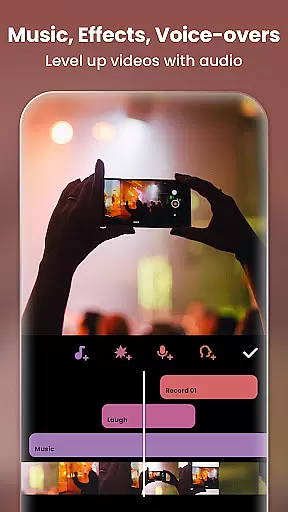
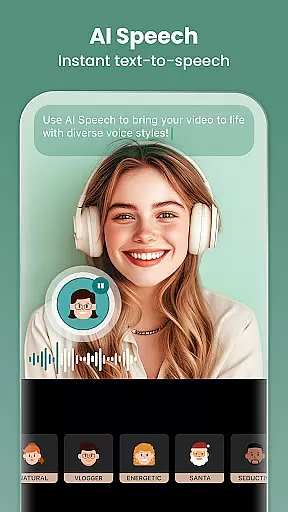
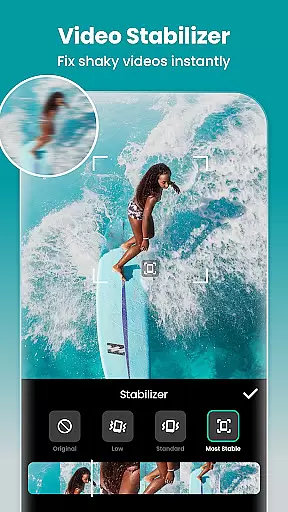
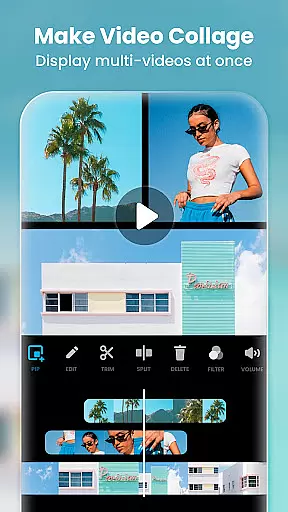
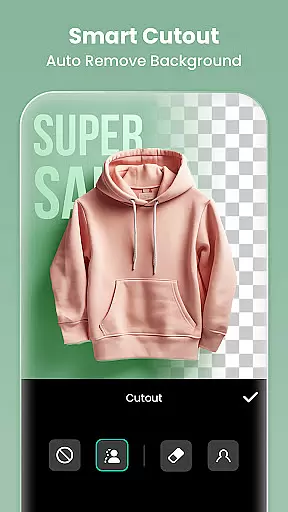
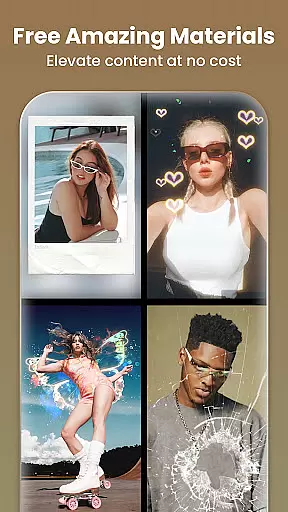
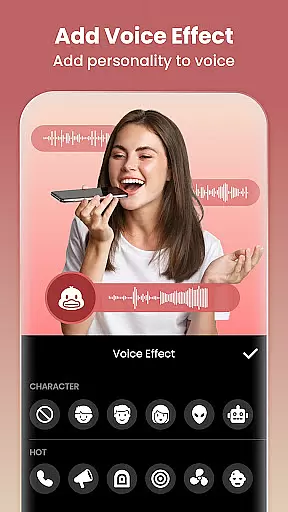
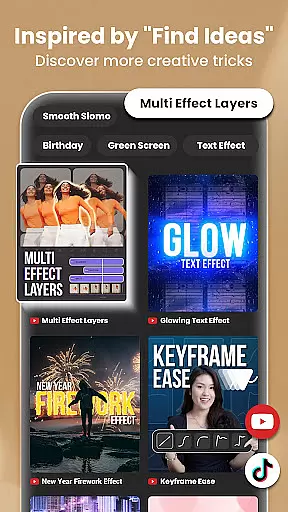
InShot is a comprehensive video editing and photo enhancement application designed for content creators across multiple social media platforms. As a versatile Video Editor and Maker, it offers professional-grade features such as adding music, text, and transition effects to videos, creating smooth slow-motion sequences, producing video collages, and applying background blur. The app also functions as a capable photo editor and collage maker, allowing users to edit pictures, remove backgrounds, apply filters, and adjust HSL settings.
With its user-friendly interface, InShot simplifies the process of vlog creation, making it accessible for aspiring influencers on platforms like YouTube, Instagram, TikTok, WhatsApp, and Facebook. Whether you're looking to enhance your video storytelling or create visually appealing Instagram story covers and posts, InShot provides the tools necessary to elevate your content and engage with your audience effectively.
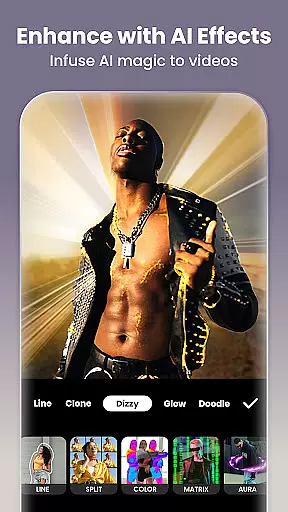
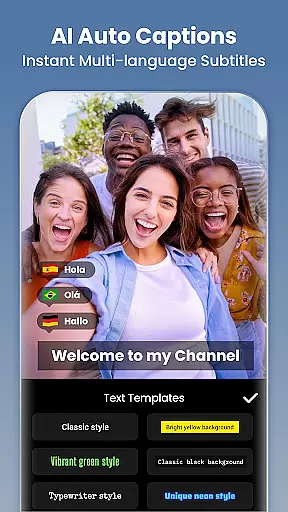
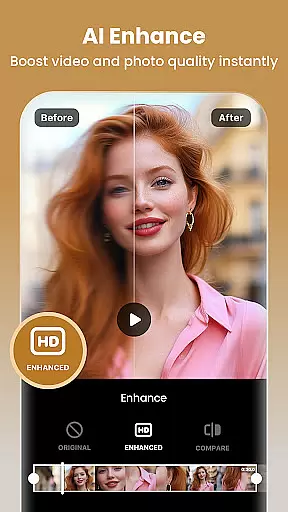
InShot stands out with its extensive array of AI-powered tools that streamline the editing process. Users can take advantage of AI Body Effects for instant image and video enhancement, Auto Captions for effortless speech-to-text conversion, and Auto Remove Background for quick edits. The Smart Tracking feature allows stickers and text to move in sync with tracked objects, while Smooth Slow-Mo creates buttery-smooth slow-motion effects.
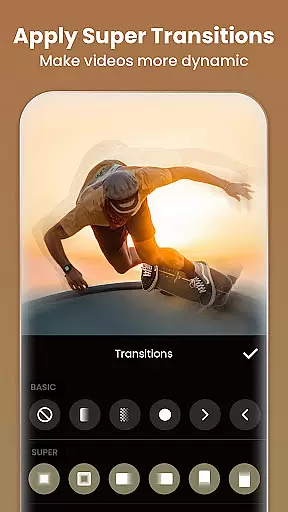
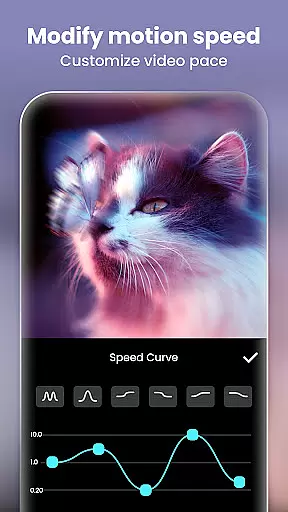
The app's full-featured video editing suite includes trimming, merging, reversing clips, and adjusting speed with ramping. It supports keyframe animations, chromakey editing, picture-in-picture functionality, and color blending. Additionally, InShot offers cinematic filters, customizable video effects, and unique transitions to seamlessly combine clips. Its photo editing capabilities extend to blurring backgrounds, using AI Photo Enhancer for HD restoration, and removing unwanted objects with advanced AI tools.
Real-time capture and preview functionality is essential for ensuring that every moment is captured exactly as intended. InShot's Video Editor & Maker offers a seamless experience where users can instantly see the results of their edits, making the process more intuitive and efficient.
The application provides a dynamic preview window that updates in real time as adjustments are made. Whether adding filters, adjusting brightness, or applying transition effects, users can witness the changes immediately, allowing for precise control over the final output.
This instant feedback loop not only enhances the editing experience but also saves valuable time. Users no longer need to render previews or guess the outcome of their edits, leading to a more streamlined workflow and enabling creators to produce high-quality content faster.
With this feature, InShot empowers creators to experiment with confidence, knowing they can fine-tune every detail until it meets their vision. This capability is crucial for influencers and content creators who rely on quick turnarounds and high production values to engage their audience effectively.
In the realm of photo and video editing, achieving natural-looking enhancements is key to maintaining authenticity. InShot incorporates advanced AI beauty and enhancement features that elevate visual content while preserving a realistic appearance.
The AI tools within InShot include auto-beautification options that intelligently smooth skin, enhance facial features, and adjust lighting without creating an over-processed look. These features utilize sophisticated algorithms to ensure that edits appear organic and true to life.
Furthermore, the AI-driven background blur and object removal capabilities allow users to focus attention on the subject naturally. By mimicking professional photography techniques, these tools help amateurs achieve polished results akin to those produced by seasoned photographers.
Ultimately, InShot's commitment to natural enhancement ensures that users can beautify their media while retaining genuine expressions and details. This balance between enhancement and realism is vital for creators aiming to maintain credibility and connect authentically with their audience across platforms like Instagram, TikTok, and YouTube.
User-friendly interface
Extensive AI toolset
Versatile video editing
Professional photo editing
Wide platform compatibility
Some features may require premium access
Advanced tools might overwhelm beginners
Occasional ads in free version
Export quality depends on device
Limited offline tutorials

Viewfinder, Light meter, Reciprocity failure time, DOF & Bellows Extension
 4.60
4.60
What celebrity do you look like? Celebs will find your celebrity match!
4.10
Light-weight Media Gallery app for Android made with Jetpack Compose
4.60
USB Storage Access for Photos, Videos, Music and Documents
3.80
Professional photography on your mobile phone
4.20
GCamera allows all GCam features on all phone models! Better photos with GCamera
3.30
PhotoSync Bundle Add-On License. Enables all features and services in PhotoSync.
4.60
Remote control the phone camera shutter from your smartwatch and take a picture
1.60
A unique animation app. Powerful, easy to use, and lots of fun.
4.30
AI Photo Editor with 100+ Filters, Effects! Remove BG, Retouch & Photo Enhancer.
4.80
A collection of tools and reference tables for DPs, ACs, DITs and Operators.
4.70
Easily view, share, delete photos with Gallery.
4.70
Movie camera, supports pro recording settings for filming. Try it and be amazed!
4.50
Create AI photos & videos with Enhancer; restore, fix, beautify, enhance photos
4.50
AI photo enhancer with Sora 2! Enhance, descratch, and colorize your old photos.
4.50
Use AI Video Generator to turn your words to ai generated videos.
4.50
Create AI Photos, Improve and restore quality of blurry, old or damaged pics.
4.20
How old age camera Gender Swap App Face Shape Hairstyle App Hair Styler App fun!
4.00
Over 800 film simulation recipes for Fujifilm. Black Friday Offer!
4.2


User Reviews