
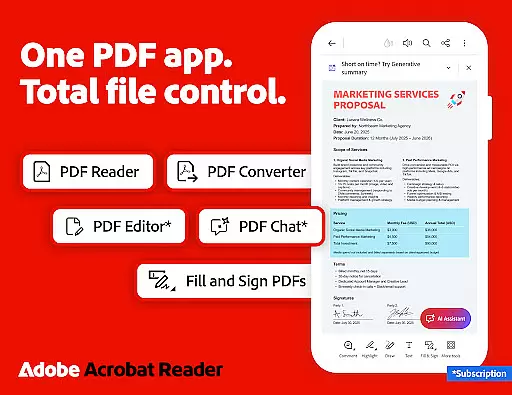
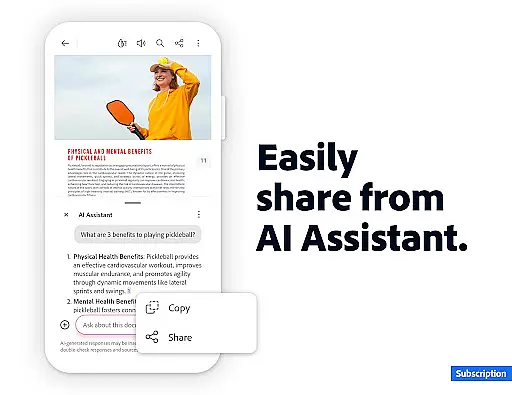
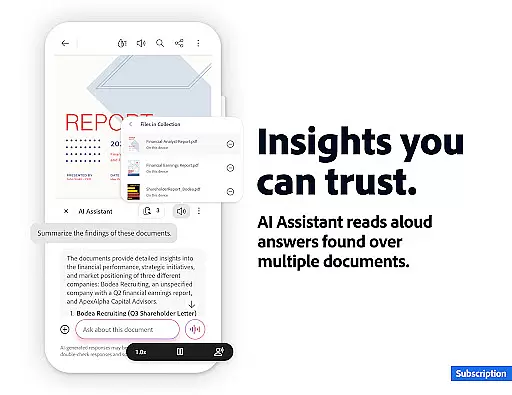
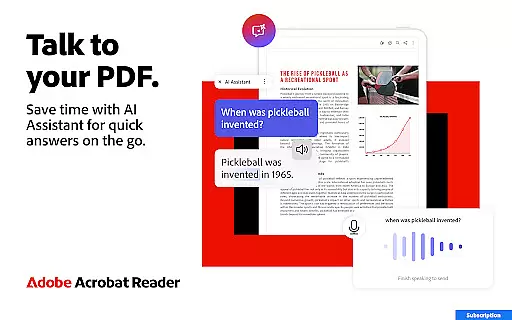

Adobe Acrobat Reader is a comprehensive PDF solution that combines document viewing, editing, and collaboration features. The app's standout feature is the new Adobe Acrobat AI Assistant, which allows users to work across multiple files using PDF Spaces, ask questions about document content through Figures Q&A, and generate instant summaries with Generative AI Summaries.
This productivity tool serves as both a PDF reader and editor, enabling users to edit text/images, perform OCR, merge/organize PDFs, and create/convert documents. Its cross-platform functionality and integration with cloud services make it suitable for professionals who need to manage PDF documents on-the-go while maintaining high security standards.
The application's value lies in its ability to streamline document workflows while offering advanced AI-powered capabilities. Whether you're editing PDFs, converting file formats, or collaborating with team members, this app provides a complete solution for managing professional documents efficiently.
Adobe Acrobat Reader distinguishes itself through its extensive feature set that goes beyond basic PDF viewing. The app's AI-powered capabilities include multi-file workspace management through PDF Spaces, voice/text-based AI assistance, and intelligent document analysis through Figures Q&A. These features enable users to extract meaningful insights from complex documents.
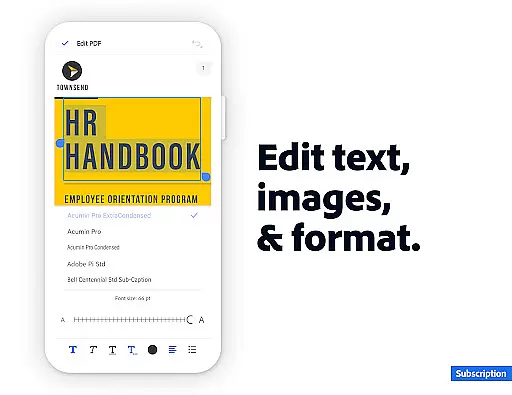
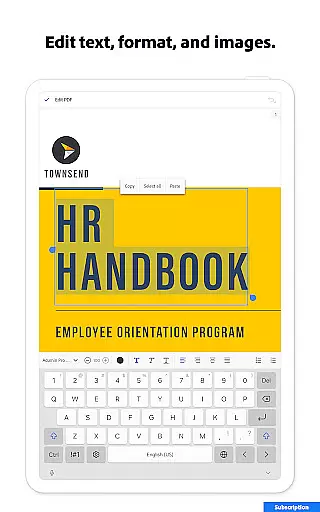
The app's editing capabilities are particularly robust, allowing users to modify text/images directly in PDFs, perform OCR conversions, and manipulate PDF structures through splitting/merging functions. Its conversion tools support various file formats including Microsoft Office documents and images, while maintaining formatting integrity.
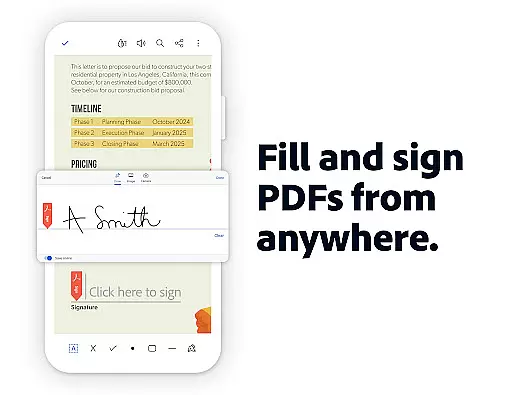
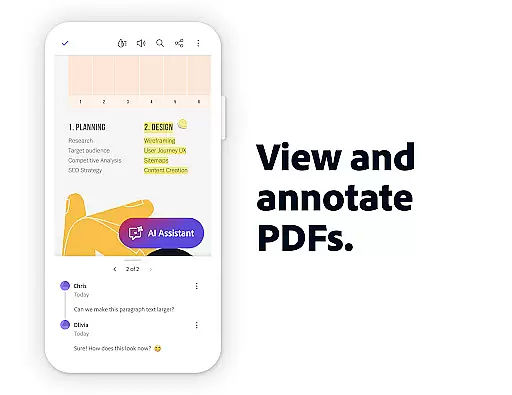
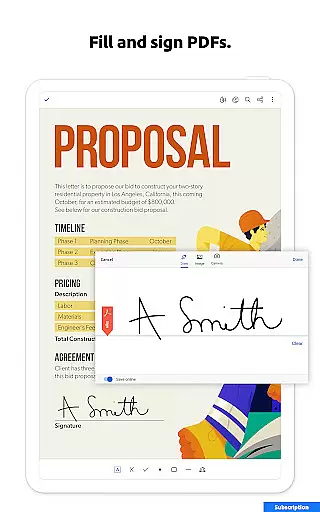
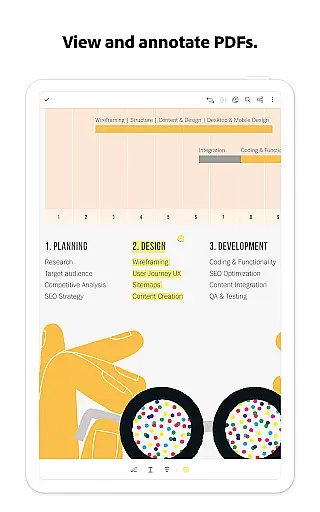
Additional notable features include document compression, password protection, text-to-speech functionality, and seamless integration with cloud storage services. The free version offers essential tools like form filling, annotation, and collaboration features, making it valuable even for users who don't need advanced editing capabilities.
Core task management in Adobe Acrobat Reader encompasses a wide range of functionalities that streamline PDF handling. This includes the ability to edit text and images directly within PDFs, making document adjustments seamless and efficient.
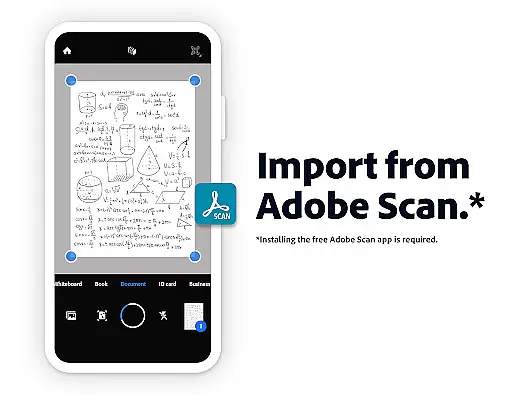
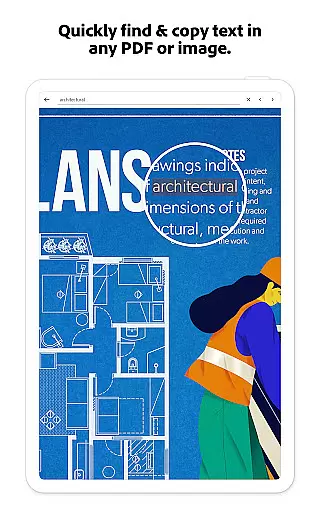
The application provides Optical Character Recognition (OCR), which transforms scanned documents into editable and searchable files. This feature is crucial for repurposing content across different formats and enhancing productivity.
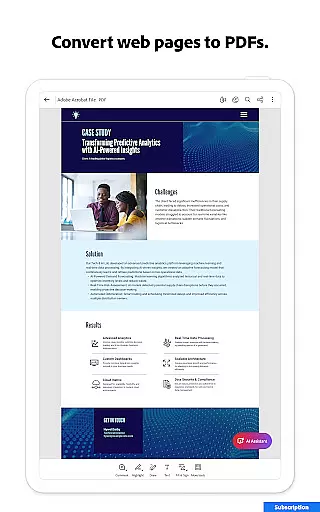
Moreover, users can merge, split, or reorder pages, as well as convert various file types into PDFs or export PDFs into formats like Microsoft Word or PowerPoint. These capabilities ensure that managing complex documents remains intuitive and flexible.
With these comprehensive task management features, users can efficiently handle their PDF workflows, from simple edits to complex file manipulations, all within a single, reliable application.
Cross-device synchronization is a pivotal feature in Adobe Acrobat Reader, ensuring that users have access to their files across multiple platforms. By linking cloud storage services such as Google Drive, Dropbox, and Microsoft OneDrive, the app guarantees that your documents are always up-to-date and accessible wherever you are.
This synchronization extends to collaborative features, allowing real-time sharing and commenting on PDFs. Users can tag colleagues, manage comments, and receive notifications about shared document activities, fostering an environment of teamwork and efficiency.
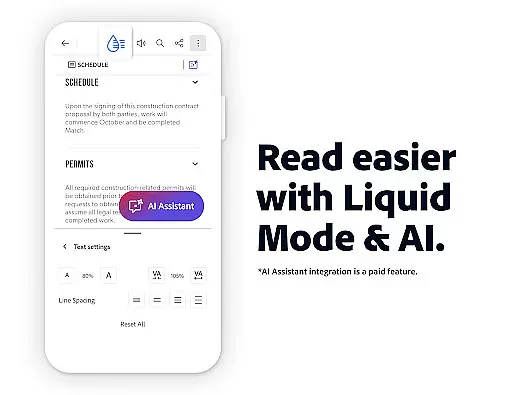
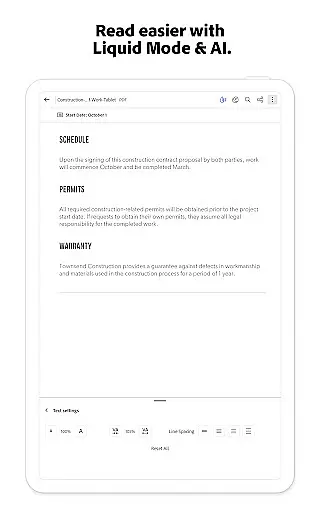
In addition, starred files provide quick access to important documents, while Liquid Mode optimizes PDF viewing for different screen sizes. These aspects contribute to a consistent and personalized user experience across devices.
By offering dependable cross-device functionality, Adobe Acrobat Reader ensures that users can seamlessly transition between their mobile, tablet, and computer without any loss of productivity or document integrity.
Industry-leading PDF solution
Advanced AI-powered features
Comprehensive editing tools
Strong security options
Excellent cloud integration
AI features require subscription
Some tools are mobile-only
Free version has limitations
Occasional performance issues
Learning curve for new users

Experience real multitasking on your Android!
 4.00
4.00
Planet Free VPN - The best Fast Unlimited and Secure VPN Without Logs
4.50
Multilingual translator for text, voice, and image translation!
4.90
Calendar 2023 widget for Android. Appointment scheduler, planner, and reminder
4.60
Docker, Kubernetes management over Portainer Mobile
4.40
* block pre-roll ads, pop-up and forced redirect ads * Samsung certification app
4.00
Ultimate Virtual AI Character for immersive Roleplay Chat. Perfect Companion
3.90
Seamlessly read, manage, and organize all your PDF files solution in one place
4.40
Browse and view your photos and videos from the phone with photo & video hide.
4.10
A beautiful digital clock with autostart and many other functions
4.70
Client for Nextcloud Deck
4.60
Secure, fast, open-source, Remote Desktop Client for Windows and Linux with SSH
4.60
Stay on top of your to-dos with Google Tasks, part of Google Workspace.
4.60
To do list widget with a notebook organizer, checklist, simple shopping list
4.60
Experience Reading - Night Mode for Documents
4.40
Mega cloud explorer plugin for Solid Explorer
3.80
All in one sketching tool. Technical and General drawing. Online Maps support.
3.70
Experience and share your SolidWorks designs on your Android® phone and tablet.
2.50
The upgraded version of Name Wheel with AI and the power to add your own wheels.
4.0


User Reviews