
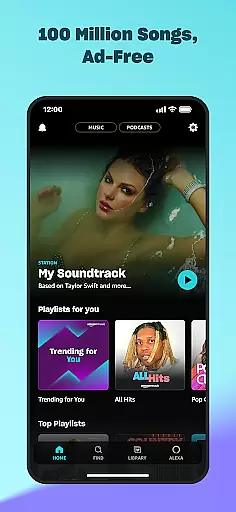

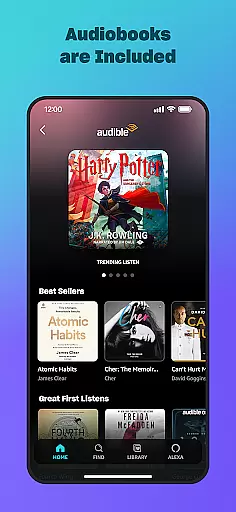
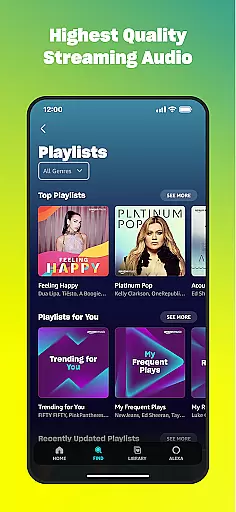
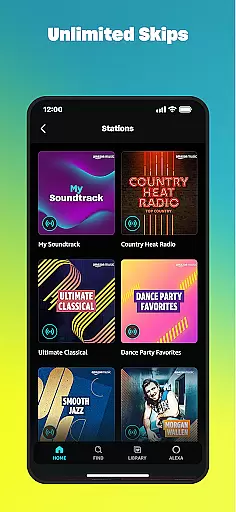
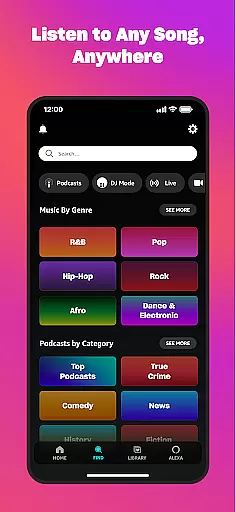
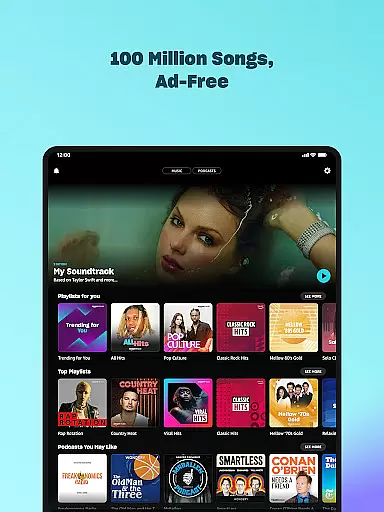

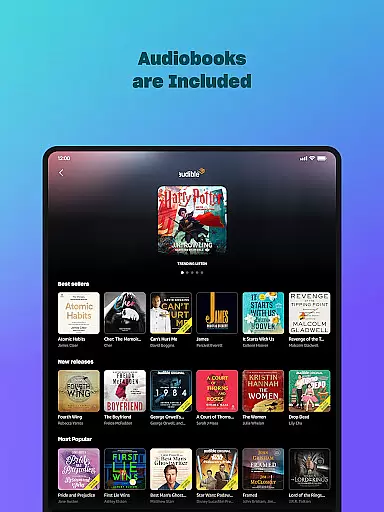
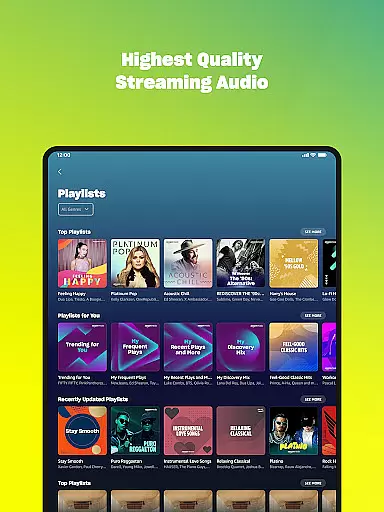
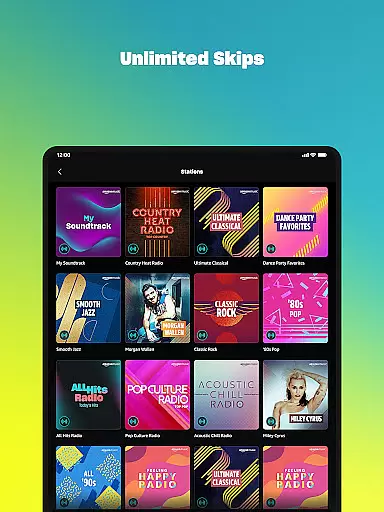
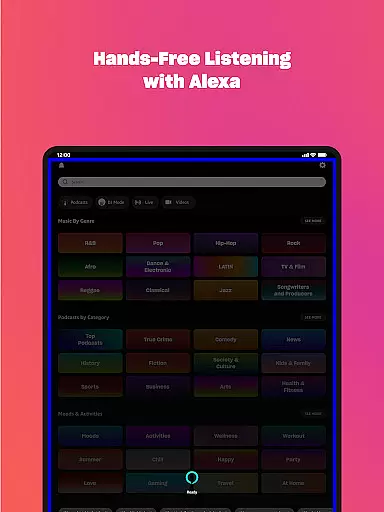
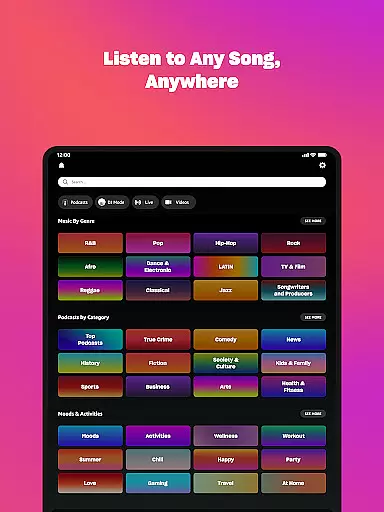
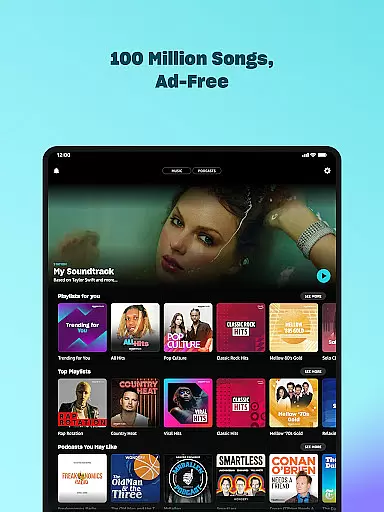

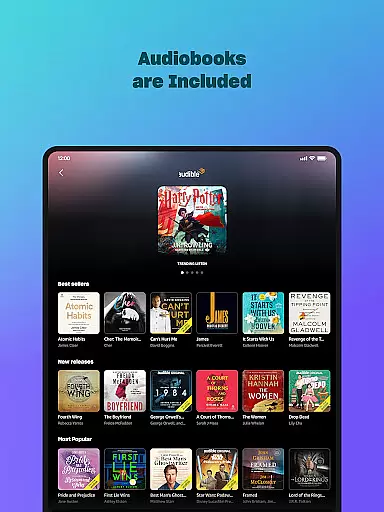
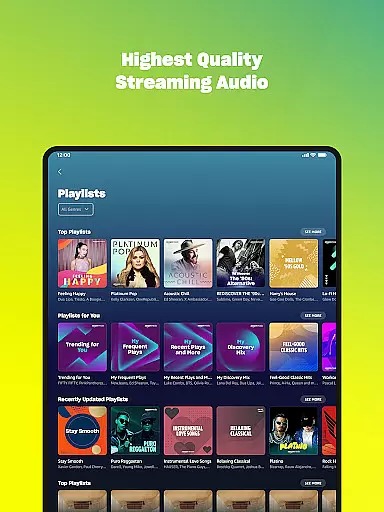
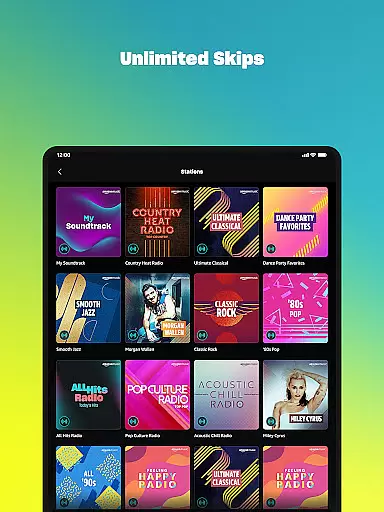
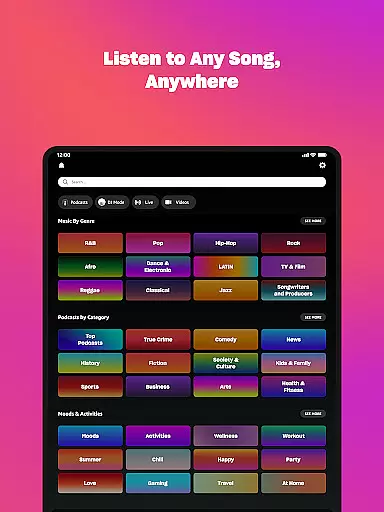



Amazon Music is a comprehensive music streaming application designed for Android Wear devices. It offers users the ability to stream millions of songs and podcasts, either for free with ads or ad-free with a Prime membership. The app also provides access to Amazon Music Unlimited, which boasts an extensive library of 100 million songs, top podcasts, and audiobooks without interruptions.
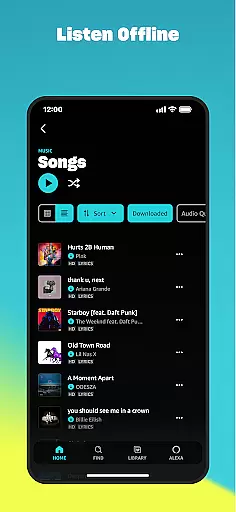
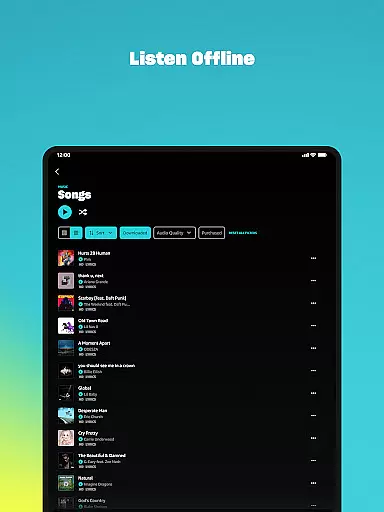
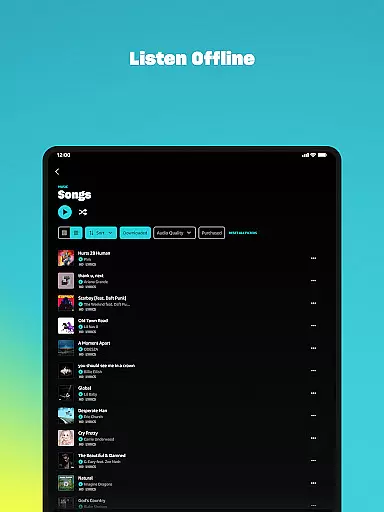
With features tailored for wearable technology, Amazon Music allows users to control playback directly from their smartwatches, download playlists for offline listening, and even cast music to compatible devices. Whether you're looking to discover new music based on your preferences or import existing playlists from other platforms, this app caters to diverse musical tastes and needs.
Amazon Music stands out with its integration across various subscription models, including free, Prime-included, and premium tiers like Music Unlimited. This flexibility ensures that whether you are a casual listener or an avid audiophile, there's a tier suited to your listening habits.
The Android Wear functionality enhances user experience by enabling quick access to favorite tracks, voice search capabilities, and remote control over connected devices. Additionally, personalized recommendations help users uncover new content while maintaining easy access to purchased music stored in the cloud.
Companion app integration is essential for a seamless experience between mobile devices and wearables. Amazon Music ensures that your favorite playlists, albums, and personalized recommendations are effortlessly synchronized across your smartphone and Wear OS device.
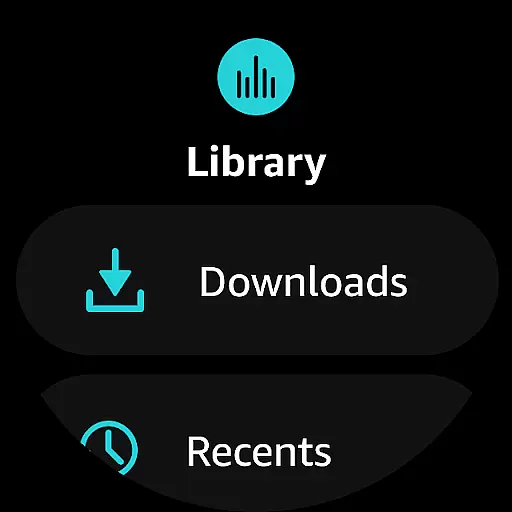
The app allows users to access their entire music library directly from their wrist, providing quick access to top recommendations and personal collections. This synchronization enhances user convenience by enabling control over music playback without needing to reach for the phone.
With real-time updates, any changes made on one device reflect instantly on the other. Whether you create new playlists or download songs for offline listening, these actions are mirrored across all linked devices, ensuring consistency and accessibility wherever you go.
Ensuring broad compatibility with various Wear OS devices, Amazon Music offers an optimized experience tailored for smartwatches. The application supports a wide range of devices, allowing users to enjoy high-quality audio streaming directly from their wrists.
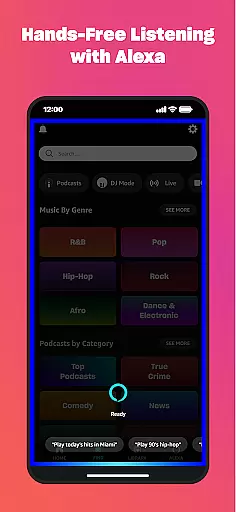
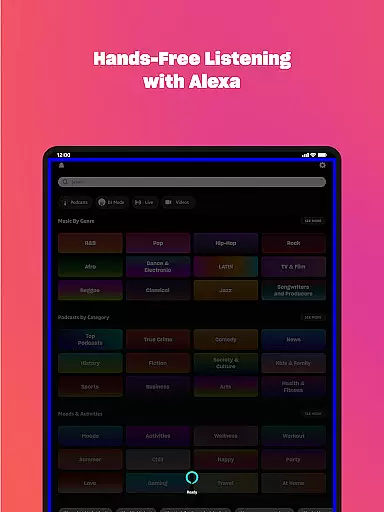
Amazon Music's design takes full advantage of Wear OS features, such as voice commands and intuitive touch controls. Users can easily navigate through their music libraries, search for specific tracks, or play recommended content using simple gestures or spoken instructions.
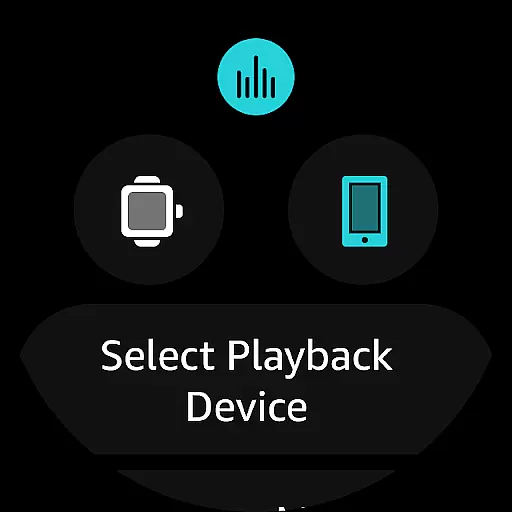
Additionally, the app enables remote control functionalities, letting users cast music to compatible Android devices directly from their watches. This feature not only enhances convenience but also provides a versatile way to manage music playback during various activities, making it ideal for workouts or when multitasking.
Wide music selection
No ads for Prime members
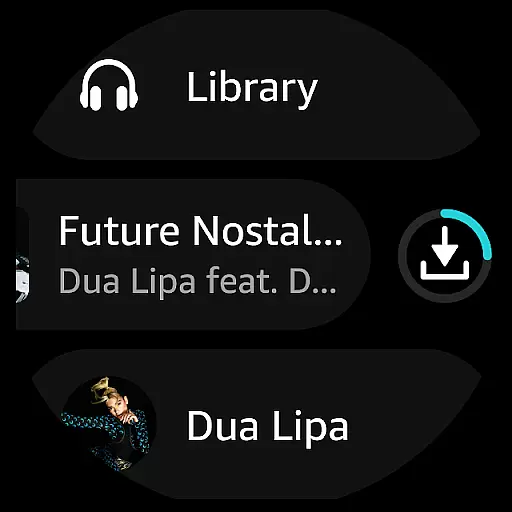
Offline listening mode
Personalized recommendations
Voice search capability
Limited free version features
Prime membership required for full benefits
Separate subscription for Music Unlimited
Occasional connectivity issues
Interface can be complex for beginners

"PER27 Galaxy Digital" is a digital Wear OS watch face designed by PERSONA
 4.10
4.10
Walking app for weight loss: walk & step tracker, pedometer, indoor treadmill
4.60
Wear Os Watch Face - Animated Snow - Sesonal for Christmas & Winter
4.5
Watch face for Wear OS.
4.20
Sleek, highly customizable watch face inspired by Galaxy Watch Circle Dashboard.
4.2
Ideal for surviving in the wasteland left after nuclear fallout
4.50
A white realistic classic analog watch face with many customization options.
4.40
Want to take charge of your health? Let Google Fit help you reach your goals.
3.50
Start and succeed with PAP
4.10
A realistic hybrid watch face with many customization options.
4.60
MyNISSAN® lets you remotely control your car from your phone.*
4.50
Current temperature, weather hourly, weather radar by the weather forecast app
4.40
Digital watch face. For Wear OS devices.
4.40
Find EV charging stations
4.30
Elegant animated Christmas tree with multiple customization options
4.20
sleep, alarm, snoring, stress, healing, focus, sound therapy, circadian rhythm
4.10
Structured watch face with seven complications and modular UI elements
3.90
Authentic military-tactical design with ZULU time! Realistic and functional!
3.80
Contemporary digital watch face with five complications
4.2


User Reviews