
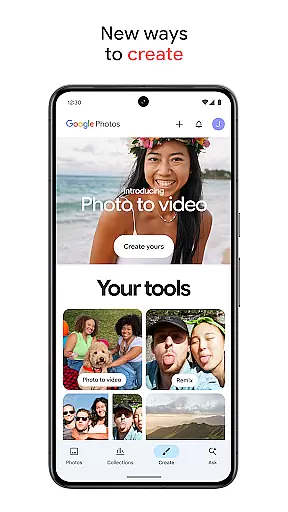
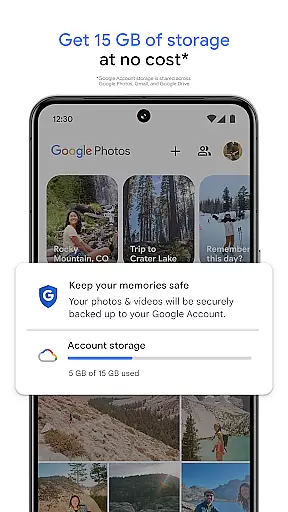
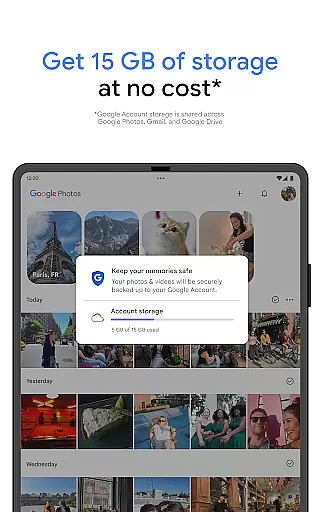
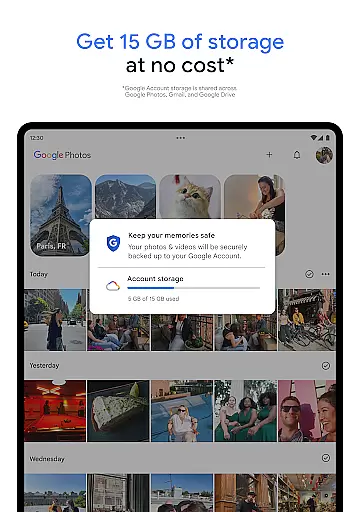
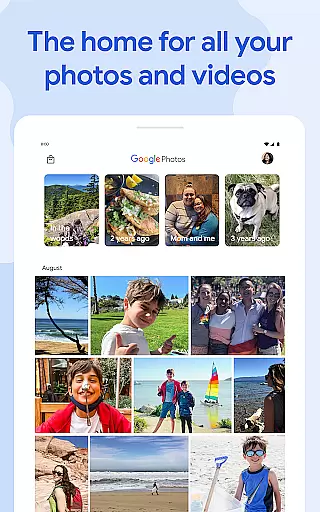
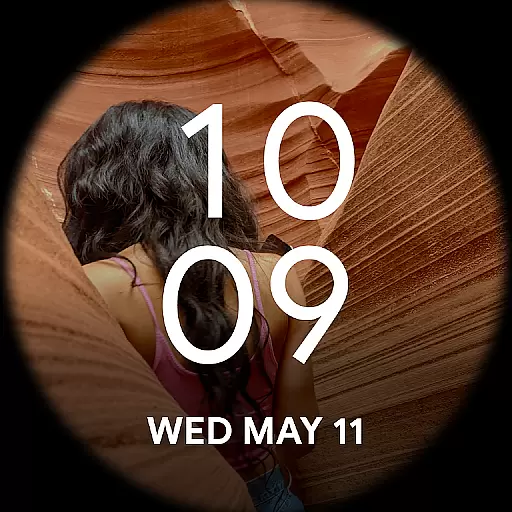
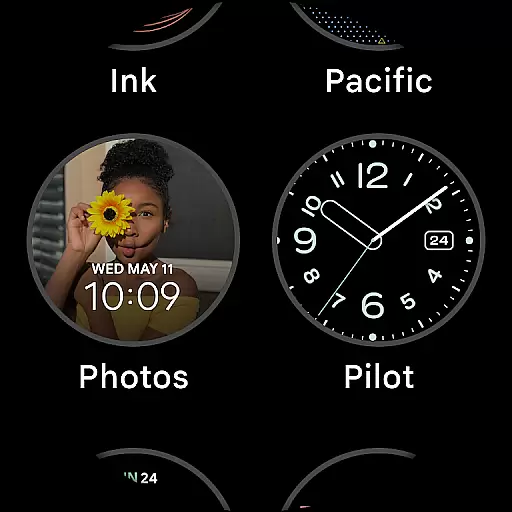
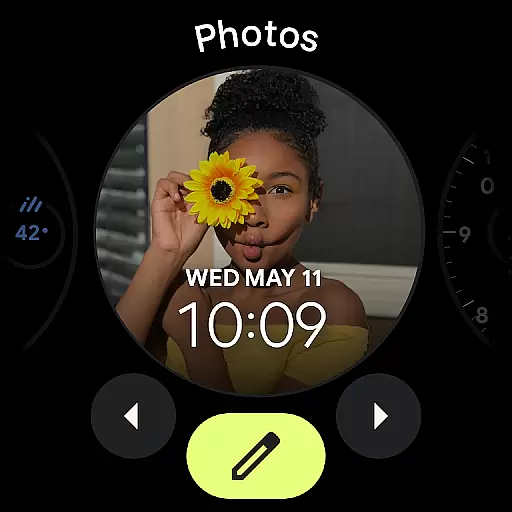
Google Photos is a comprehensive photo and video management application that leverages Google AI to help users back up, edit, organize, and search their memories. The app provides 15 GB of free cloud storage for every Google account, ensuring automatic backup across all devices.
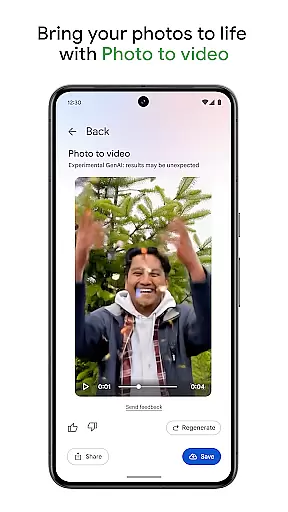
With advanced AI-powered editing tools like Magic Eraser, Unblur, and Portrait Light, users can make complex edits effortlessly. The app also offers features such as Remix and Photo to video, which transform static images into dynamic content. Its powerful search functionality allows users to find specific photos quickly, while intuitive organization tools keep galleries tidy.
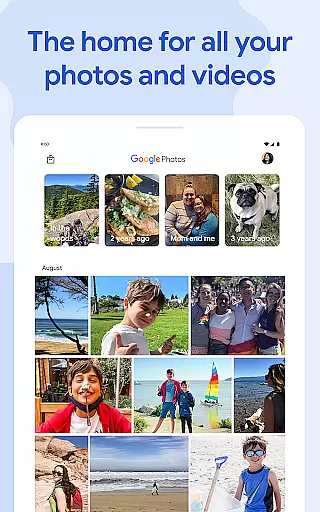
Users can relive and share favorite memories easily, even with those who don't use Google Photos. The app consolidates all memories in one place, ensures data safety with advanced security infrastructure, and helps free up device space by removing backed-up photos from local storage.
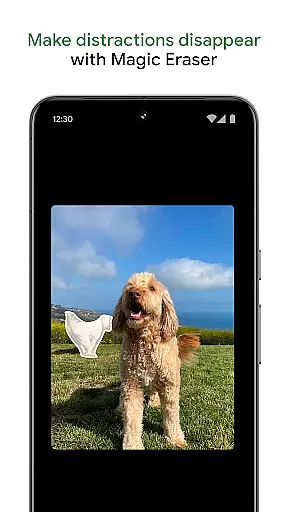
Google Photos stands out with its robust set of features designed to enhance user experience. One of the key highlights is the AI-powered editing tools, including Magic Eraser for removing distractions, Unblur for fixing blurry images, and Portrait Light for adjusting lighting. These tools enable users to achieve professional-quality edits with minimal effort.
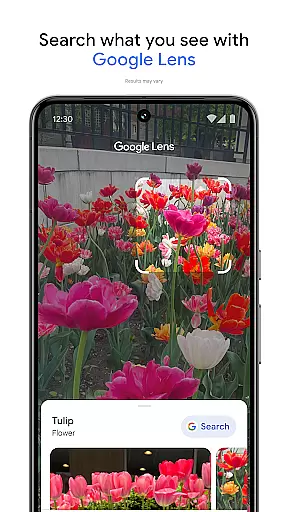
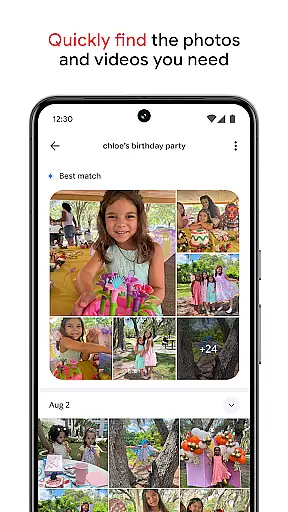
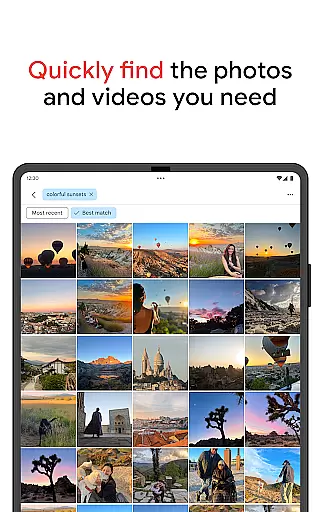
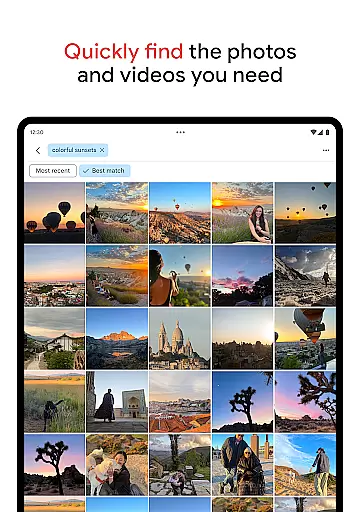
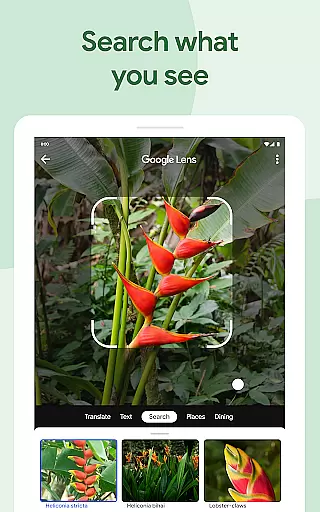
The app's search functionality is powered by Google AI, allowing users to perform both simple and complex searches effortlessly. Whether looking for specific objects or recalling past events, the search feature simplifies the process significantly. Additionally, Google Photos automatically organizes duplicates and similar photos into Photo Stacks, offering smart folders for screenshots, documents, and daily camera roll organization.
Another notable feature is the ability to create animated videos and stylized images using tools like Remix and Photo to video. Users can also print their favorite moments as photo books or canvas art. With continuous backup and advanced security measures, Google Photos ensures that all memories are safe and accessible from any device.
Companion app integration is essential for wearable devices to function seamlessly with smartphones. Google Photos ensures that your photos and videos are automatically backed up and synchronized across all your devices, providing a cohesive experience.
With Google Photos, users can easily transfer their memories from their smartwatches or other Android Wear devices to their smartphones or the cloud. This synchronization allows for effortless access and management of your photo library, regardless of the device you're using at the moment.
The application's ability to integrate with Android Wear means that you can receive notifications, view, and even save images directly from your wearable device. This connectivity ensures that your most cherished memories are always accessible, whether you're on a run or simply away from your phone.
Furthermore, the seamless companion app integration provided by Google Photos enhances user convenience by allowing features such as voice commands and quick settings adjustments directly from your wearable device, streamlining the way you interact with your photo collection.
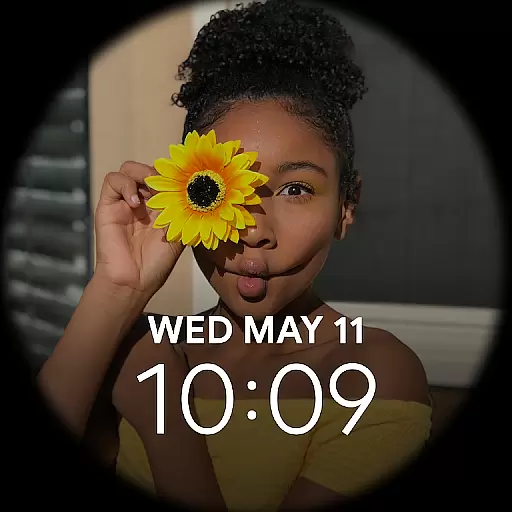
Device compatibility is crucial for applications like Google Photos to ensure they work well across various devices, including those running Wear OS. Google Photos is designed to be fully compatible with Wear OS, offering users a versatile and integrated experience.
Google Photos supports a wide range of Wear OS devices, ensuring that no matter which smartwatch or wearable you own, you'll be able to enjoy the benefits of automatic backups, easy sharing, and convenient access to your photo library. This broad compatibility underscores Google's commitment to accessibility and user convenience.
In addition to supporting multiple devices, Google Photos also offers tailored experiences for Wear OS users. Features such as simplified navigation and optimized performance make managing your photos on a wearable device as intuitive as on a smartphone.
By prioritizing Wear OS/device compatibility, Google Photos not only expands its reach but also enhances user satisfaction by delivering a reliable and efficient service that adapts to the unique demands of wearable technology.
User-friendly interface
Advanced AI tools
Generous free storage
Seamless cross-device sync
Robust security features
Limited free storage
Paid subscription required
Occasional bugs reported
Privacy concerns raised
High resource usage

Christmas Theme Watch Face for Wear Os
 5.00
5.00
Current temperature, weather hourly, weather radar by the weather forecast app
4.40
Easy Voice Recorder is your everyday companion to record important moments.
4.70
Simple Analog-Digital Watchface For Wear OS 3.0 and Up Smartwatches
4.5
Be an elegant and classy secret agent, with this carefully detailed watch face
4.70
Sleek, highly customizable watch face inspired by Galaxy Watch Circle Dashboard.
4.1
Digital, flexibly customizable watch face. For Wear OS 5.0, API 34+ and later.
5.00
A white realistic classic analog watch face with many customization options.
4.40
Back up your contacts & access them anywhere
4.30
Gym Log & Workout Tracker | Fitness Journal, Training & Weight Lifting Planner
4.90
The most customizable minimal watch face. For Wear OS 5.0, API 34+ and later
4.70
Real-time results, stats, schedules and player profiles for all leagues
4.60
Reliable phone calls with spam protection, caller ID and more helpful features
4.40
Premium hybrid watch face with many customizations for Wear OS devices.
4.40
A full-featured Amazon Alexa voice assistant that can show you things.
3.70
A Wintery Snow Globe on Your Wrist; now celebrating Christmas!
4.2
A heartwarming Christmas scene featuring a cute image of Santa and Rudolf
4.5
3 Complications. All shadow on/off. 30 Themes color palette...
4.4
Stylish digital watch face for Wear OS devices with customizable features
4.3


User Reviews