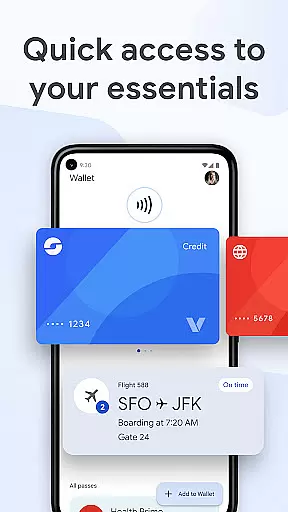
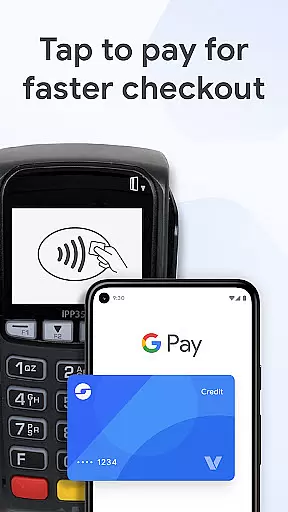
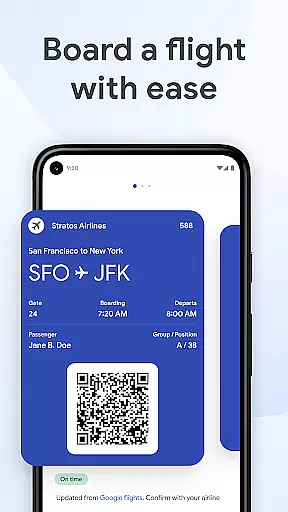
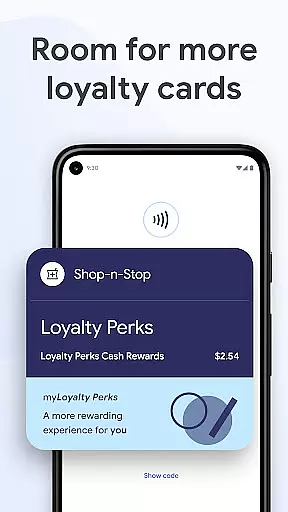
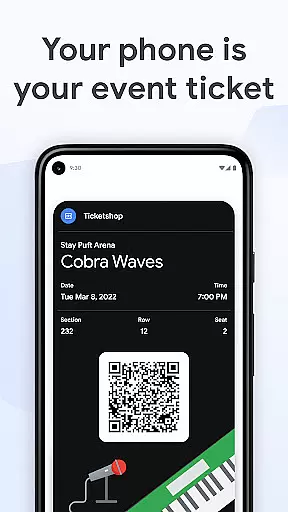
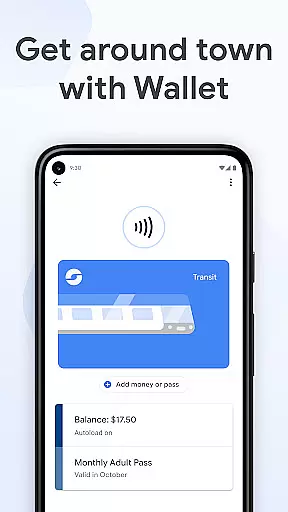
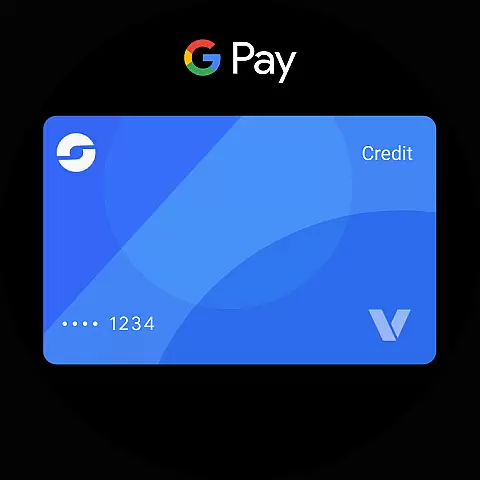
Google Wallet is a versatile digital wallet solution designed specifically for Android Wear and Android devices, allowing users to carry their essential cards, tickets, passes, and even boarding passes directly on their smartwatches or phones. The app provides fast and secure access to everyday essentials, enabling users to make payments wherever Google Pay is accepted. With seamless integration across Google services, users can sync their wallet with Calendar and Assistant for real-time updates on flight changes, event notifications, and more.
One of the key strengths of Google Wallet is its convenience. Users can access their essentials in three quick ways: through phone quick settings, the Wallet app from the homescreen, or via Google Assistant. Additionally, Wear OS users can instantly access Wallet complications right from their watch face. Whether it's storing loyalty cards, transit passes, or even digital car keys, Google Wallet ensures that everything you need is available at your fingertips, no matter where you go.
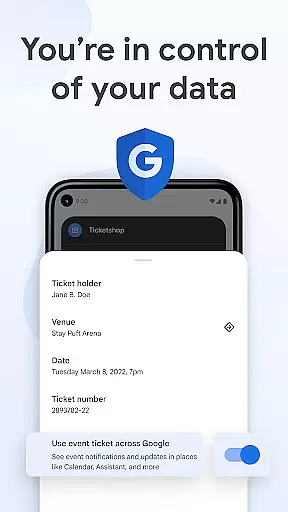
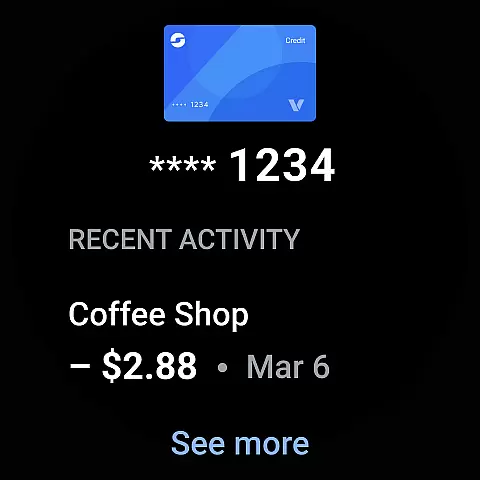
Beyond payments, Google Wallet offers helpful features like receipt tracking, location-based transaction details, and tailored suggestions based on user behavior. For instance, the app can notify users of boarding passes on the day of travel, making airport navigation effortless. Security is also a top priority, with advanced Android security features such as 2-Step Verification and remote data erasure ensuring that all stored information remains protected. This makes Google Wallet not only convenient but also one of the safest ways to manage personal essentials digitally.
Google Wallet stands out due to its robust feature set tailored for both Android Wear and mobile users. One of its core functionalities is the ability to store multiple types of cards and passes, including credit/debit cards, loyalty cards, transit passes, and even digital car keys (available in the US). This versatility allows users to replace physical wallets entirely, carrying everything they need on their smartphones or Wear OS watches. The app also integrates seamlessly with Google Maps, providing location-based receipts and transaction details, which enhances the overall user experience by offering contextual information.
Another notable feature is the app's deep integration with other Google services. By syncing with Google Calendar and Google Assistant, Wallet keeps users informed about upcoming events, flight delays, or gate changes in real time. This interconnected ecosystem ensures that users are always up-to-date without needing to switch between multiple apps. Furthermore, Google Wallet employs advanced security measures to protect sensitive data. When users tap to pay, their actual credit card number isn't shared with merchants, adding an extra layer of privacy. These features collectively create a comprehensive digital wallet solution that prioritizes both convenience and safety.
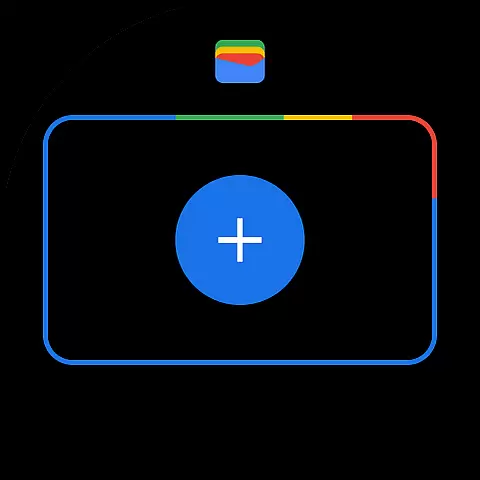
For Android Wear users, Google Wallet offers unique benefits like instant access through watch face complications, making it easy to present tickets or boarding passes without needing to take out a phone. The app also supports quick setup options, allowing users to import existing cards saved in Gmail or other Google services effortlessly. Overall, these features demonstrate how Google Wallet leverages Android's capabilities to deliver a streamlined, secure, and highly functional digital wallet experience.
Companion app integration is crucial for wearable devices as it ensures seamless functionality between the smartphone and the wearable. Google Wallet excels in this area by offering a cohesive experience across multiple platforms.
The app allows users to access their essential cards, tickets, and passes directly from their Wear OS watch. This is made possible through well-designed companion app integration that syncs data in real-time, ensuring that all information is up-to-date on both devices.
Users benefit from having instant access to their digital wallet right from their watch face. This means they can conveniently make payments or access boarding passes without needing to take out their phone, streamlining daily tasks and enhancing overall convenience.
This level of integration not only simplifies access but also enhances security. By syncing with Android's advanced security features, users can ensure their data remains protected across all linked devices, providing peace of mind while enjoying the benefits of a connected ecosystem.
Device compatibility is a key factor when evaluating apps designed for wearable technology. Google Wallet offers extensive support for Wear OS and other devices, making it versatile and widely accessible.
The app is compatible with all Android phones running Lollipop 5.0 and above, ensuring that a broad range of users can take advantage of its features. Additionally, it supports Wear OS watches and even extends functionality to Fitbit devices, showcasing its adaptability across different ecosystems.
This wide-reaching compatibility ensures that users can enjoy consistent performance regardless of their device choice. Whether commuting using transit passes or making secure payments, Google Wallet provides reliable service tailored to each platform's unique capabilities.
By prioritizing cross-device functionality, Google Wallet not only enhances user convenience but also promotes an inclusive approach to wearable tech, accommodating various user preferences and technological setups.
Seamless Google integration
Advanced security features
Versatile card storage
Real-time updates
Wear OS compatibility
Limited iOS support
Region-specific features
Occasional bugs
Not all merchants accept
Requires Android Lollipop+

Diet tracker for weight loss - track calories, food and macros. Simple and easy!
 4.70
4.70
Precision analog watch face with 7 complications and style options
4.1
A heartwarming Christmas scene featuring a cute image of Santa and Rudolf
4.0
Simple Analog-Digital Watchface For Wear OS 3.0 and Up Smartwatches
4.0
Monitor health with the stress test and pulse checker in the heart rate app.
4.60
Period, ovulation & pregnancy tracker. Fertility insights & menstrual calendar.
4.90
The Chevron App allows you to pay for fuel from the comfort of your car!
4.80
Premium hybrid watch face with many customizations for Wear OS devices.
4.40
Hybrid watch face for Wear OS with customizable complications by Matteo Dini MD
4.70
The most customizable hybrid watch face. For Wear OS 5.0, API 34+ and later
4.70
Embrace the holiday spirit with this magical animated watch face!
4.40
Connect, create, and collaborate with Gmail, part of Google Workspace.
4.10
Hyper-Realistic Airplane Dashboard Watch Face With 10 Skins and Custom AOD
4.00
Structured watch face with seven complications and modular UI elements
3.90
Watch the sharpness of the sky on your wrist..
3.70
Stay in touch with your friends and family using LINE!
3.40
Watch face designed for Thanksgiving Day. 7 Background Styles included.
3.20
Artistic Digital Watchface
4.1
Sleek, highly customizable watch face inspired by Galaxy Watch Circle Dashboard.
4.3


User Reviews