
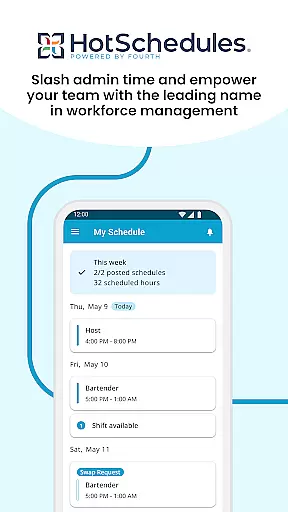
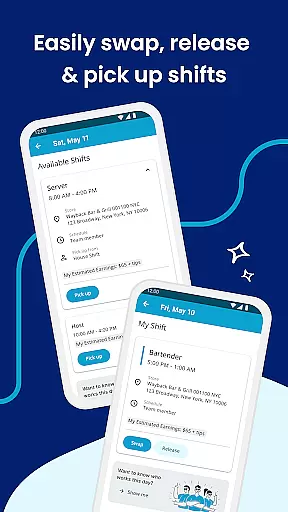
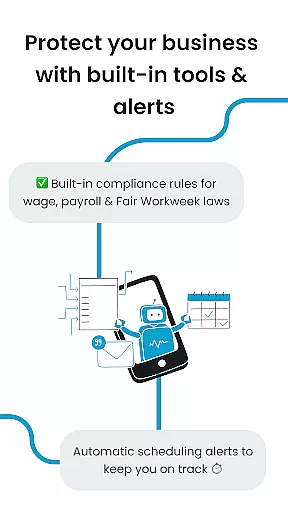
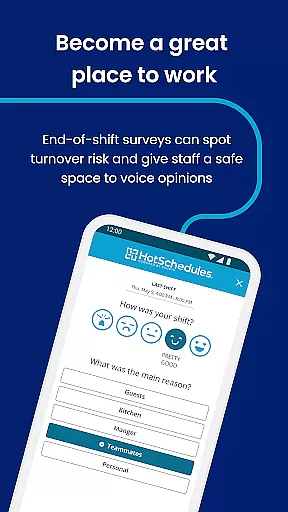
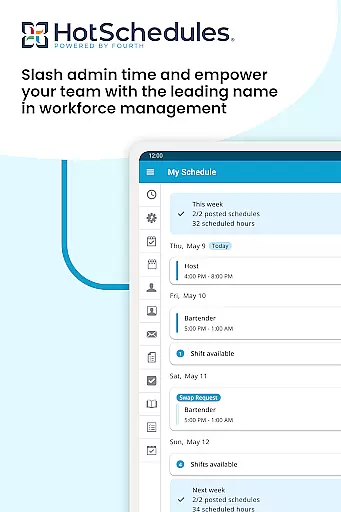
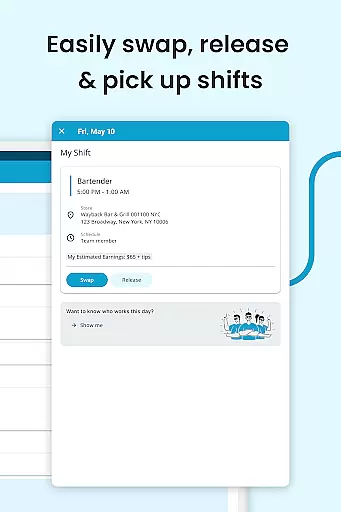
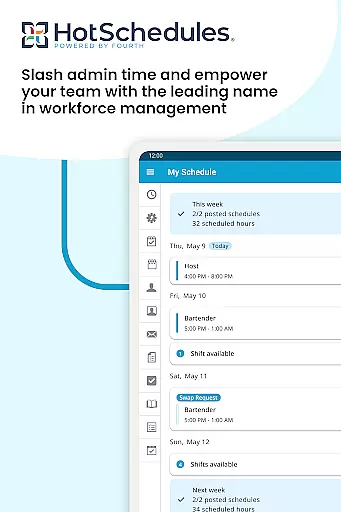
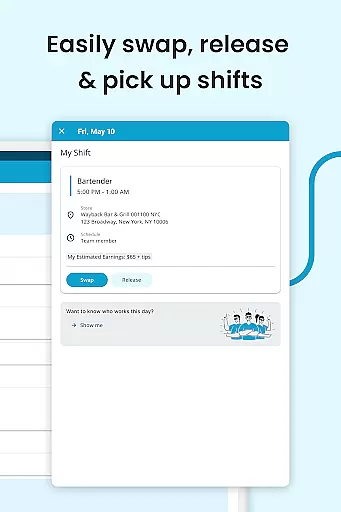
HotSchedules is a leading productivity app designed specifically for workforce management in industries like hospitality and retail. The app's core functionality revolves around employee scheduling, enabling both team members and managers to efficiently manage work shifts. Team members can easily swap, pick up, or release shifts with a single click, while automatic shift pickups help maintain work-life balance. Managers benefit from features that save up to 75% of their time when creating schedules and allow one-click approvals for shift changes.
The app also provides tools for monitoring business performance through sales and labor snapshots, accessible from anywhere. With calendar sync, real-time notifications, and messaging capabilities, HotSchedules ensures seamless communication between teams and helps foster a productive work culture. This makes it an essential tool for businesses looking to streamline operations and improve team collaboration.
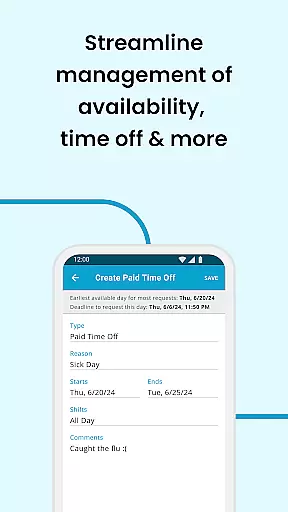
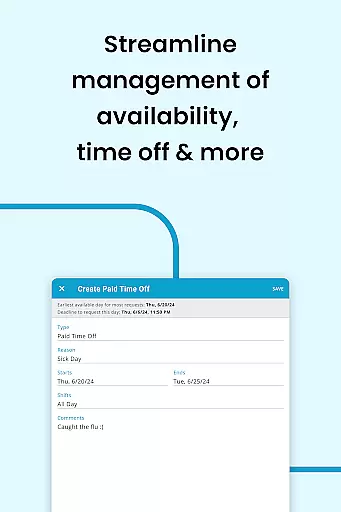
HotSchedules offers a comprehensive set of features tailored to enhance productivity in the workplace. One of its standout capabilities is the ability for employees to manage their schedules effortlessly. Users can swap shifts, request time off, and even pick up additional shifts automatically, all through an intuitive interface. The app's calendar sync and notification system ensure that any manager-approved changes are immediately reflected on users' devices, keeping everyone up-to-date without manual intervention.
For managers, HotSchedules provides advanced tools that significantly reduce the time spent on administrative tasks. Building schedules becomes 75% faster, thanks to automated processes and one-click shift change approvals. Additionally, the app allows managers to monitor key business metrics such as sales and labor costs remotely. The inclusion of broadcast and one-to-one messaging further enhances team connectivity, promoting a cohesive and motivated work environment. These robust features make HotSchedules an indispensable solution for modern workforce management.
HotSchedules excels in core task management by streamlining the scheduling process for both employees and managers. The app allows team members to swap, pick-up, or release shifts with a single click, making shift management effortless and efficient.
For managers, the app offers significant time savingsu2014up to 75%u2014when building schedules, along with one-click approvals for shift changes. This ensures that managers can focus more on business performance rather than getting bogged down with administrative tasks.
The ability to monitor sales and labor snapshots from anywhere further enhances productivity, allowing managers to stay connected with their team without being tied to the back office. This seamless integration of task management features makes HotSchedules an indispensable tool for enhancing workplace efficiency.
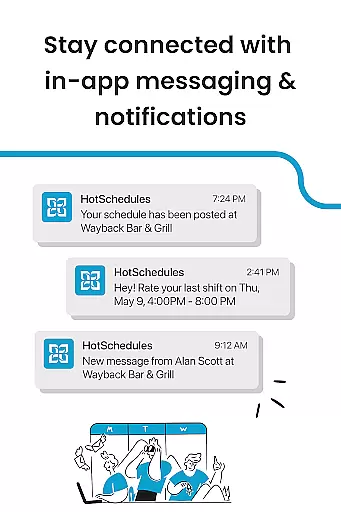
Cross-device synchronization is a standout feature of HotSchedules, ensuring that all schedule updates are reliably synced across devices. Calendar sync and notifications keep your schedule automatically updated on your phone with any manager-approved changes, providing real-time access to the most current information.
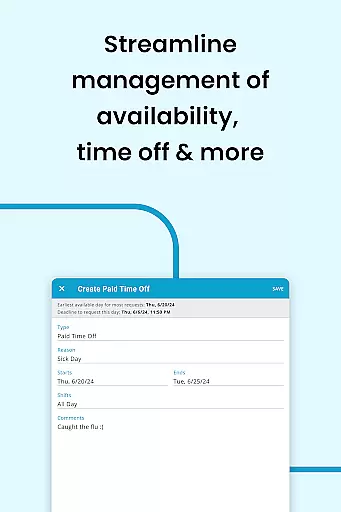
Employees benefit from automatic shift pick-ups and time-off requests, which are promptly updated and reflected across all devices. This reliable synchronization helps maintain work-life balance by ensuring that users are always aware of their upcoming shifts and can plan accordingly.
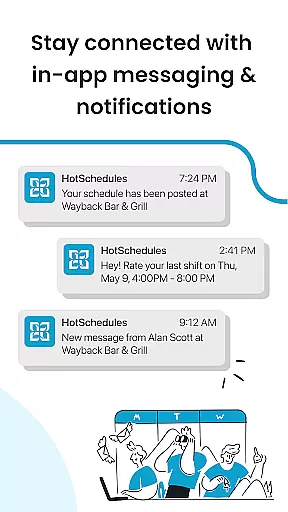
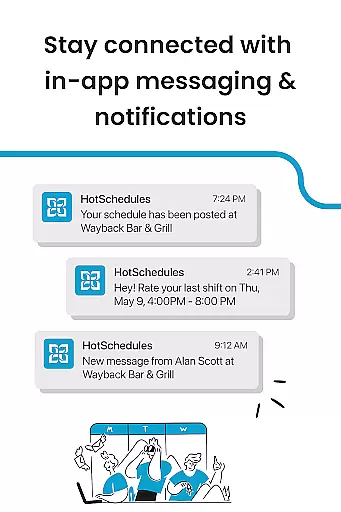
Furthermore, the app's robust notification system ensures that no updates are missed, whether it's a shift change or an important message from the management. This level of synchronization reliability fosters a well-informed and agile workforce, ready to adapt to any scheduling changes swiftly and efficiently.
User-friendly interface
Efficient shift swapping
Real-time notifications
Remote performance monitoring
Enhanced team communication
Requires employer account
Limited to specific industries
Dependent on manager approval
No standalone functionality
Premium features may incur extra cost

Take control of your clipboard with Clipper!
 3.90
3.90
Native client for Forgejo and Gitea
5.00
Create study competitions, track your hours, and stay consistent with friends
4.0
Mega cloud explorer plugin for Solid Explorer
3.80
App Lock with fingerprint, password: Lock apps & hide photos with lock screens
4.60
Font maker keyboard with your own handwriting
4.10
PDF scanner & converter for files, photos, lottery, QR codes. One swipe away!
4.50
Simple and reliable communication between inmates, friends and family
3.20
A comprehensive suite of tools designed specifically for Lactation Consultants
4.5
Best Tool for the professionals Electrician, Electrical contractors, etc.
4.90
Simple notepad & memo. Take notes, to-do list, shopping list with reminders.
4.80
The long-awaited modern gallery app for your Nextcloud server
4.70
The Pro Version of Android's tiniest Notepad app. Just 0.3MB but feature-packed!
4.60
Share files & memories safely. Keep your photos and videos secure.
4.40
Pwnagotchi companion app
4.20
Todo reminder
4.10
Make apps & sites with natural language prompts
4.10
Experience real multitasking on your Android!
4.00
Easiest event planning, volunteer signups & parent teacher conference scheduling
2.20


User Reviews