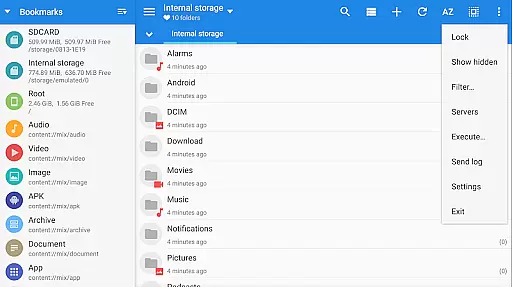
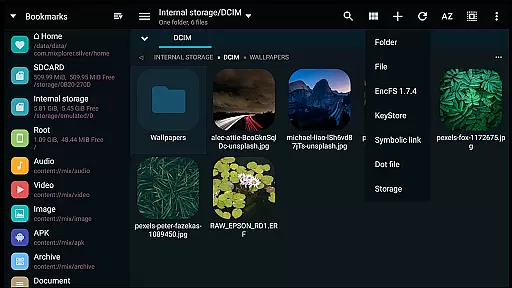
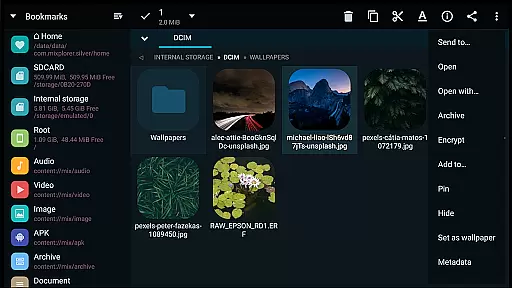
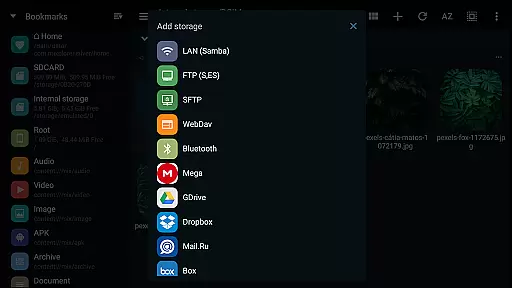
MiXplorer Silver File Manager is a comprehensive productivity tool designed for efficient file management on Android devices. This paid app combines the core MiXplorer file manager with powerful add-ons like Archiver, Image viewer, Tagger, and PDF reader, offering users an all-in-one solution for organizing, compressing, and viewing files. With support for a wide range of file formats and cloud storage services, it ensures seamless access to both local and remote files.
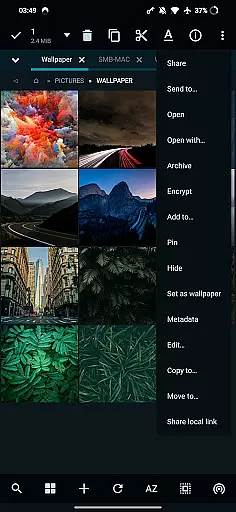
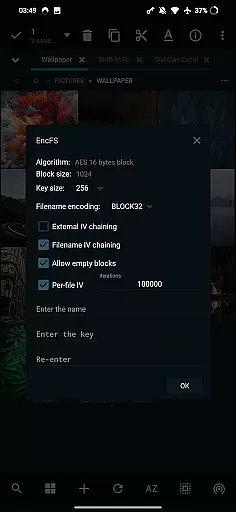
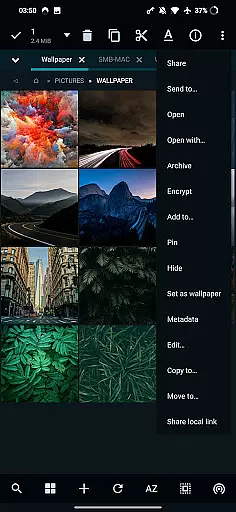
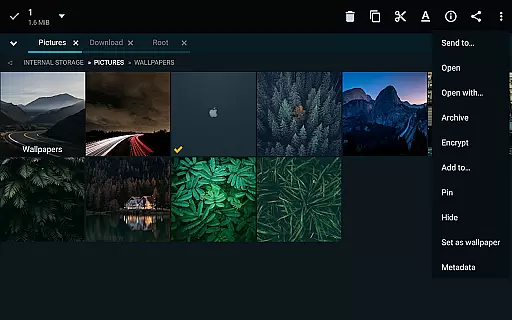
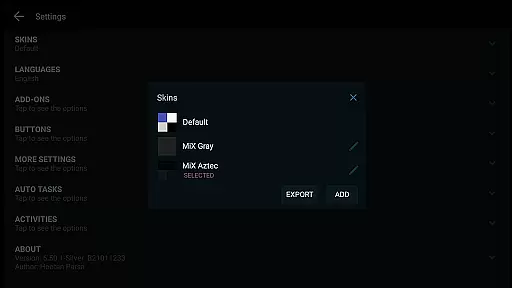
One of the standout features of MiXplorer Silver is its highly customizable interface. Users can personalize themes, menu options, and action buttons to suit their preferences. The app also supports advanced functionalities such as root access, EncFS volume handling, and file encryption using Aescrypt format. Whether you're managing archives, reading eBooks, or streaming media, this app provides the tools necessary for maximizing productivity in various scenarios.
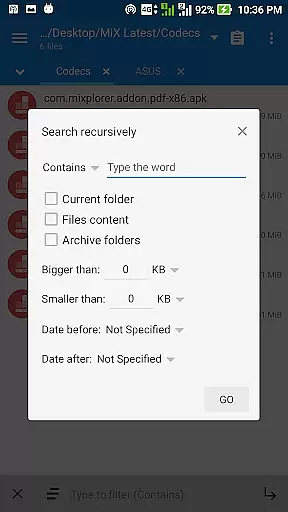
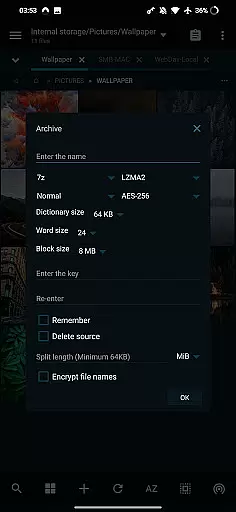
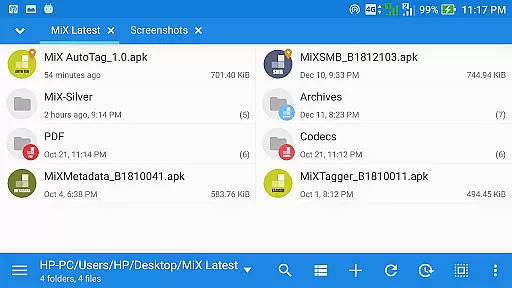
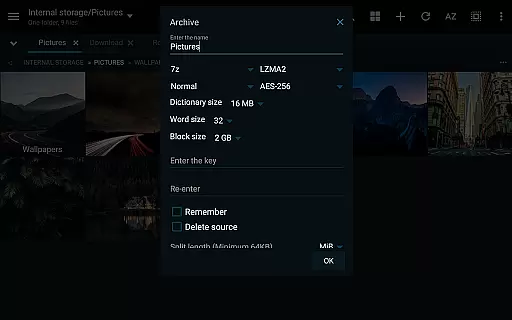
MiXplorer Silver File Manager distinguishes itself through its extensive feature set tailored for power users. The app supports over 30 archive formats for packing and unpacking, including 7z, Zip, RAR, and ISO, while enabling modifications to existing zip files. Its dual-panel mode in landscape orientation allows for drag-and-drop operations between folders, streamlining multitasking workflows. Additionally, the built-in servers for FTP, HTTP, and WebDAV make file sharing across devices effortless.
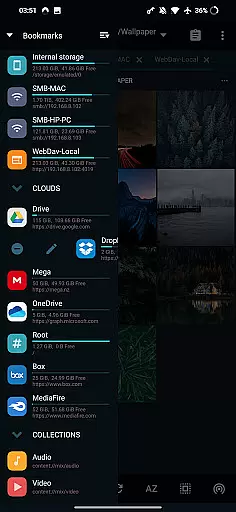
Another key highlight is its integration with multiple cloud storage providers such as Google Drive, Dropbox, and OneDrive, consolidating all your cloud-based files into a single interface. For media enthusiasts, the app includes a media player with extra video codecs, an eBook reader, and an image viewer that supports formats like SVG and RAW. Advanced users will appreciate the APK signer, root access capabilities, and EncFS support, which cater to specialized use cases requiring elevated permissions and security measures.
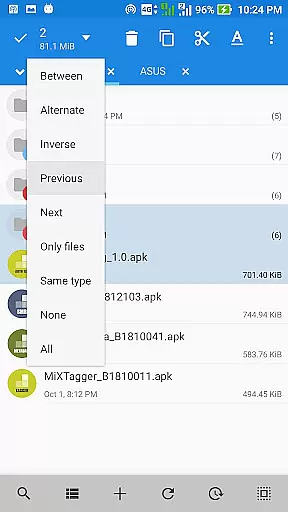
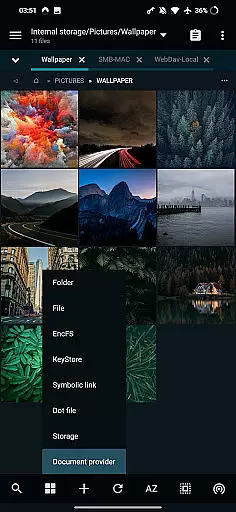
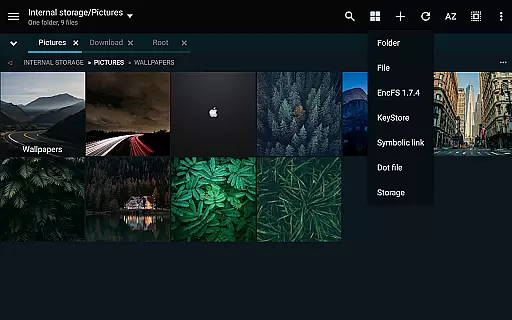
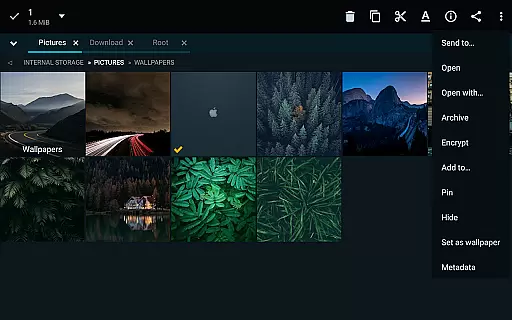
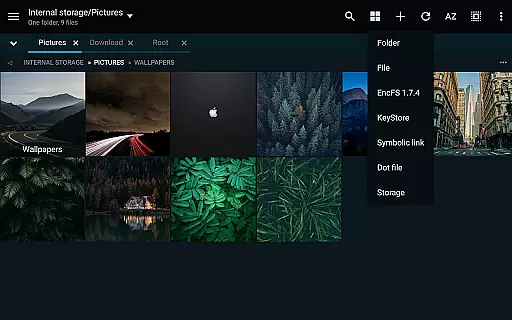
In the realm of file management, MiXplorer Silver excels with its robust core task management capabilities. This feature allows users to handle multiple operations such as copying, moving, and other file manipulations simultaneously through an intuitive task creation system.
Users can easily create and manage tasks, ensuring that complex file operations are executed smoothly and efficiently. The ability to multitask is crucial for productivity, allowing seamless transitions between different activities without losing track of ongoing processes.
The app's design emphasizes user control, providing clear feedback on task progress and completion. This ensures that users are always informed about the status of their operations, enhancing overall efficiency and reliability in managing files across various storage platforms.
MiXplorer Silver offers reliable cross-device synchronization, a vital feature for users who operate in multi-platform environments. With support for a wide range of cloud storage providers, including Google Drive, Dropbox, and OneDrive, the app ensures that your files are consistently synchronized across all your devices.
This synchronization capability extends beyond mere file storage; it encompasses preferences, bookmarks, and customized skins, providing a uniform experience regardless of the device in use. Such comprehensive sync features guarantee that users have access to their personalized settings and essential files wherever they go.
Furthermore, the app's dedication to security and data integrity means that all synchronized information is protected against unauthorized access. By leveraging secure protocols and encryption standards, MiXplorer Silver maintains the confidentiality and accuracy of your data during transit, offering peace of mind in an interconnected digital world.
Highly customizable UI
Wide format compatibility
Cloud storage integration
Advanced root features
Efficient multitasking tools
Paid app only
Steeper learning curve
No iOS version
Occasional bugs
Heavy on resources

Secure, fast, open-source, VNC and SSH Remote Desktop for Windows, Linux and Mac
 4.70
4.70
Experience real multitasking on your Android!
4.00
Unlock AutoNotification
4.00
The upgraded version of Name Wheel with AI and the power to add your own wheels.
4.1
All in One PDF Reader: Manage, Read and Edit your Documents
4.20
Create and edit presentations with Google Slides, part of Google Workspace.
4.00
Access your phone's notifications, calls, apps, photos & texts on your PC
3.90
Daily processing of PDF documents.
4.40
Note taking, handwriting, record audio, PDF annotation, planner & journal
4.20
aCalendar+ makes your day, week and month
4.70
Scan paperwork into PDF/JPG, generate your own e-signature and send fax or email
4.70
Calendar 2023 widget for Android. Appointment scheduler, planner, and reminder
4.60
Lightweight PDF, Word, Excel reader.
4.60
Translate text/voice/photos in 150+ languages. Offline & fast translator app.
4.50
The ultimate file manager for rooted devices. The original and still the best.
4.00
Take control of your clipboard with Clipper!
3.90
A Revolutionary All-in-One Artificial Intelligence Tools
3.80
Find and delete junk files & block unwanted notifications & manage files
3.70
Ads Free App! Editor, Hide File, Copy, Move, Delete and Rename.. all facility av
1.70


User Reviews