
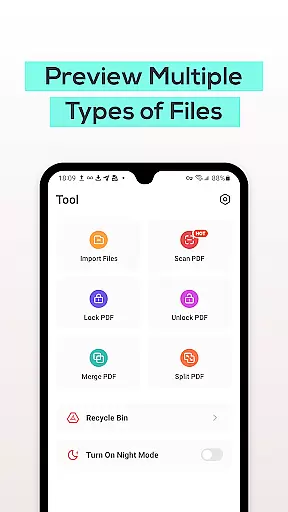
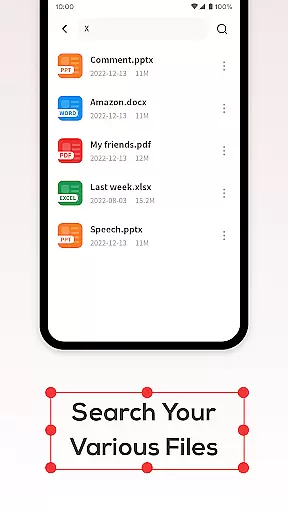
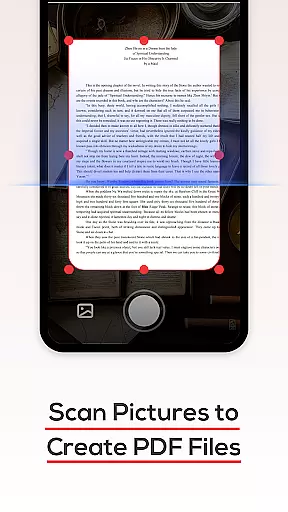
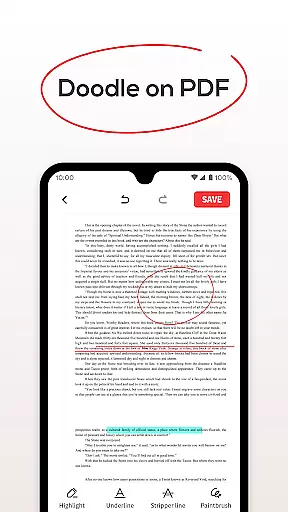
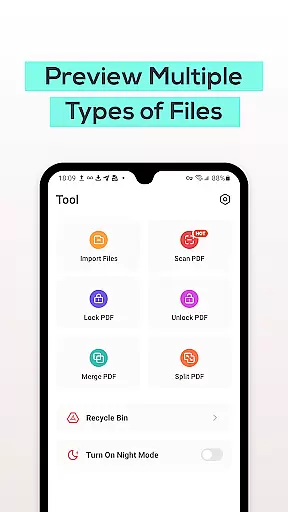
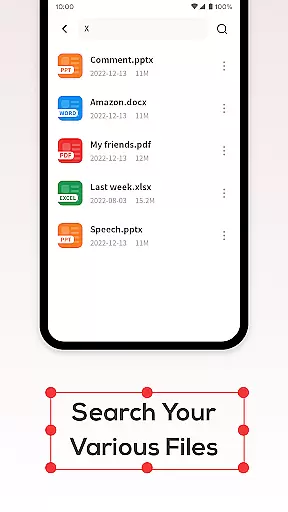
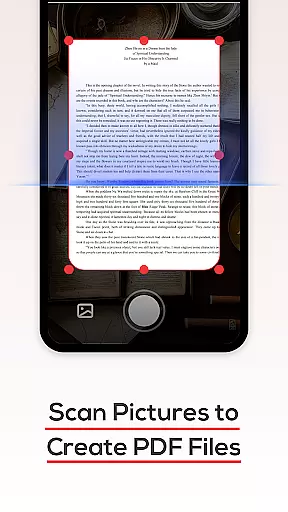
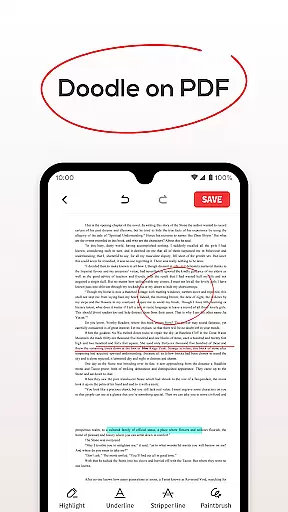
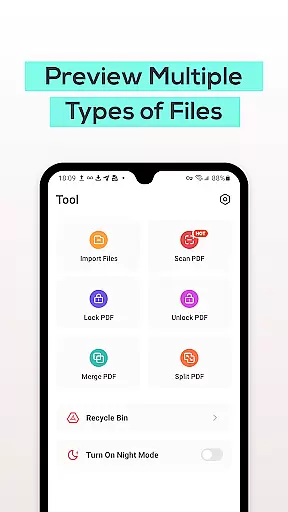
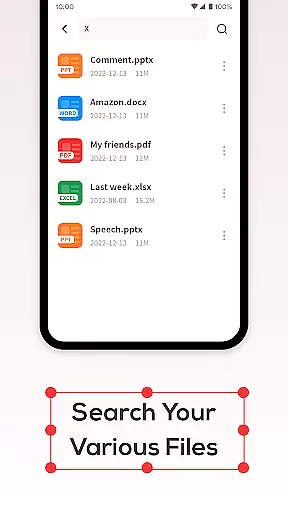
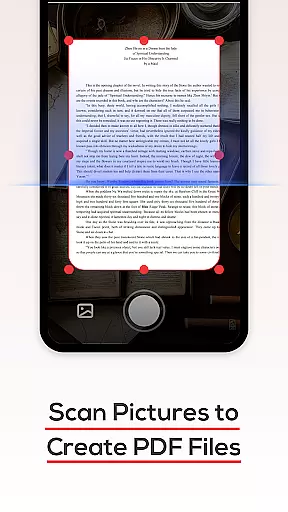
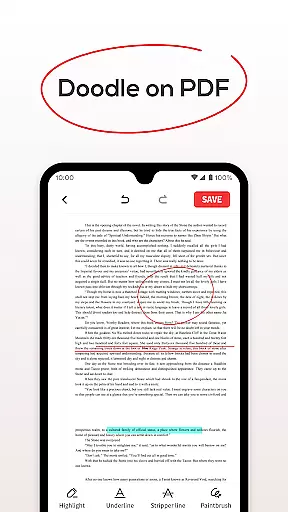
PDF File Reader is a powerful productivity tool designed to help users efficiently manage PDF files on their mobile devices. The app allows you to view PDF documents with ease, while also providing essential features such as text highlighting, underlining, and simple annotations. Beyond basic viewing, the app supports quick file search functionality, ensuring that users can find the documents they need without delay.
In addition to its core functionalities, PDF File Reader offers a Recycle Bin feature, which temporarily stores deleted files for up to seven days before permanent deletion. This ensures users have a safety net in case of accidental deletions. Whether you're handling work-related tasks or personal documents, this app simplifies PDF management and enhances your productivity by streamlining document processing.
PDF File Reader stands out with its comprehensive set of features tailored for efficient document management. One of its key capabilities is the ability to open and interact with PDF files. Users can perform various operations like adding highlights, underlines, and annotations directly within the document, making it easier to emphasize important content.
The app's search functionality is another standout feature, allowing users to quickly locate specific PDF files without wasting time. Additionally, the built-in Recycle Bin provides an added layer of security by storing deleted files temporarily. This ensures that users can recover accidentally deleted documents within a seven-day period. With these robust features, PDF File Reader delivers a seamless experience for anyone looking to manage PDFs effectively.
In the realm of productivity, managing tasks efficiently is paramount. PDF File Reader excels in this area by offering a suite of features that streamline document handling. With capabilities to open and manipulate PDF files, including text highlighting and underlining, users can effectively manage their documentation tasks.
The application goes beyond basic viewing by integrating essential task management functions. Users can perform simple operations on PDFs, which aids in organizing work tasks more straightforwardly. This ensures that documents are not only read but also processed in a manner that aligns with broader project goals.
Moreover, the inclusion of a recycle bin feature adds another layer of task management security. By allowing users to recover recently deleted files, it prevents accidental data loss, ensuring that all critical information remains accessible for productivity purposes.
For any productivity tool, reliable cross-device synchronization is crucial for maintaining workflow continuity. PDF File Reader addresses this need by ensuring that your PDF documents are accessible and consistent across different devices. This means you can start reading or editing a document on one device and seamlessly continue on another.
The app's design emphasizes the importance of having up-to-date information at your fingertips, regardless of the device you're using. Whether you're switching from your phone to a tablet, the integrity and status of your PDF files remain intact, providing a dependable experience.
Additionally, with cloud integration becoming standard in many applications, PDF File Reader ensures that all your devices reflect the latest changes made to your documents. This synchronization capability supports an uninterrupted workflow, making it easier to stay productive no matter where you are or which device you choose to use.
User-friendly interface
Quick file search
Recycle Bin for safety
Text annotation tools
Cross-format support
Limited advanced editing
No cloud integration
Ads in free version
Occasional lag
Basic design

The long-awaited modern gallery app for your Nextcloud server
 4.70
4.70
Ads Free App! Editor, Hide File, Copy, Move, Delete and Rename.. all facility av
1.70
Professional calendar app for Google Calendar, MS Outlook & Exchange
4.20
⏰ Finally a timer app which can run multiple timers simultaneously on your watch
3.90
Todo reminder
4.10
Easiest event planning, volunteer signups & parent teacher conference scheduling
2.20
App lock - lock apps with fingerprint, password, pin or pattern, protect privacy
4.70
* block pre-roll ads, pop-up and forced redirect ads * Samsung certification app
4.00
This small app MUST BE INSTALLED after purchase, else license won't work
4.40
Stay on top of your to-dos with Google Tasks, part of Google Workspace.
4.60
Functional QR scanner and barcode reader that requires little storage space.
4.60
Translate text/voice/photos in 150+ languages. Offline & fast translator app.
4.50
A lightweight JSON & XML files creator, editor and viewer (Premium Version)
4.40
Secure your apps with lock screens, use custom themes and different features.
4.40
A Revolutionary All-in-One Artificial Intelligence Tools
3.80
ID.me Authenticator is a simple and free Two Factor Authentication solution
3.50
Code on-the-go with VScode for Android. Edit,debug and collaborate from mobile!!
3.10
Create study competitions, track your hours, and stay consistent with friends
4.3
IP Camera Viewer - Android TV : RTSP Surveillance camera viewer for Android TV
4.1


User Reviews