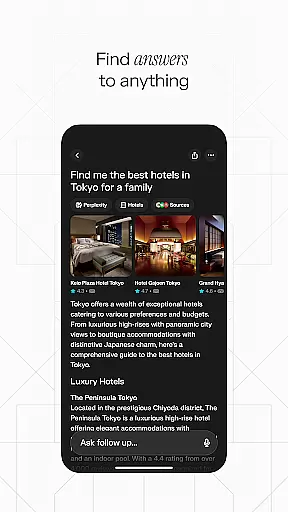
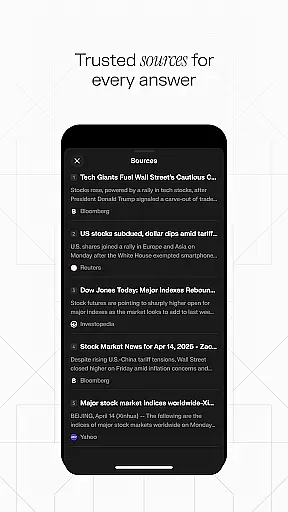
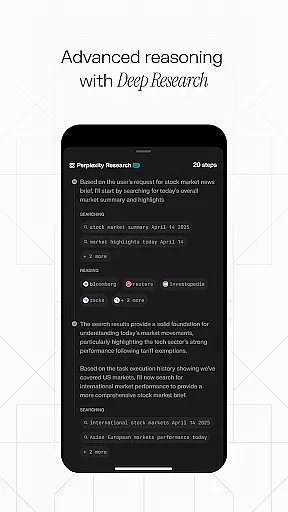
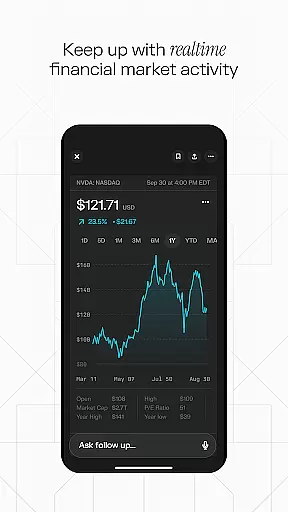
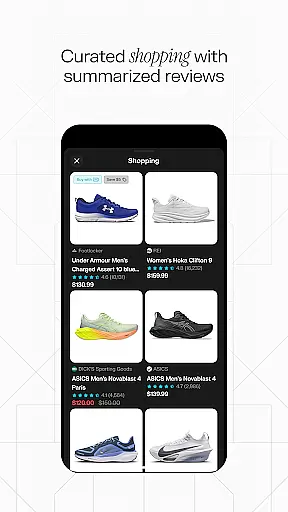
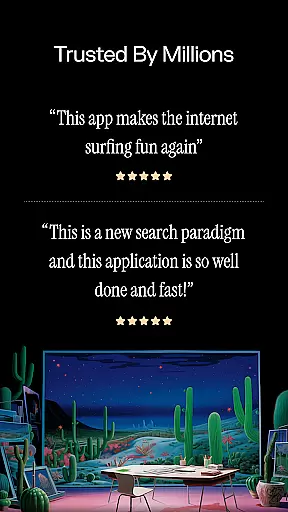
Perplexity is a productivity-focused AI search app that delivers credible, up-to-date answers by leveraging top AI models from OpenAI, Anthropic, Meta, and others. Designed for knowledge seekers, it provides instant responses through both text and voice inputs while ensuring every answer comes with cited sources for trustworthiness.
The app offers features like Perplexity Pro Search for deeper exploration, Thread Follow-Up to continue conversations, and a personalized library to curate discoveries. Syncing seamlessly across devices, it helps users stay informed and organized in their daily workflows.
Perplexity stands out with its advanced AI-driven search capabilities. The app integrates multiple top-tier AI models to provide accurate and reliable information tailored to user queries. Its guided search feature allows users to explore topics more deeply, while the Thread Follow-Up option maintains conversational context for ongoing learning.
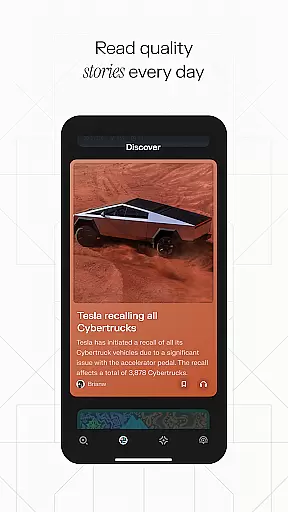
Additional functionalities include voice-enabled search for hands-free use, a Discover section to learn from community-shared insights, and a personal library where users can save important findings. With cross-device syncing and transparent source citations, Perplexity ensures an efficient and trustworthy research experience.
Effective task management is essential for productivity apps, and Perplexity excels in this area by offering a streamlined approach to organizing your knowledge journey. The app's search functionality leverages top AI models to provide accurate and up-to-date answers, ensuring that users can efficiently manage their informational tasks.
Perplexity goes beyond simple search capabilities with features like Thread Follow-Up, which allows users to maintain context and continuity in their research. This ensures that every step of the task management process is coherent and connected, leading to deeper understanding and more effective information handling.
The app also includes Your Library, a feature that transforms search history into a curated collection of discoveries. This not only aids in task management but also helps users to build a personalized repository of knowledge that can be revisited and expanded upon over time.
In today's multi-device world, reliable cross-device synchronization is crucial for maintaining productivity. Perplexity addresses this need by providing seamless syncing across devices, allowing users to access their information and continue their research from anywhere, at any time.
This synchronization ensures that all user data, including search history, saved threads, and library collections, are updated in real-time across all devices. Whether switching from a phone to a tablet or a computer, users can pick up right where they left off without missing a beat.
By leveraging the power of cloud technology and robust data syncing protocols, Perplexity guarantees that users will always have the most current and comprehensive view of their work. This reliability fosters confidence in using the app as a primary tool for knowledge gathering and task management.
Accurate AI models
Trusted cited sources
Voice and text input
Cross-device syncing
User-friendly interface
Limited offline use
Premium features locked
Occasional slow responses
Dependent on internet
Subscription costs

Direct Chat without saving contacts & Dual WA Account on Single Device
 4.70
4.70
Send files, sync SMS, notifications & clipboard across devices via local network
4.40
A simple, portable logger for POTA, SOTA, Field Day, and more
4.3
App lock - lock apps with fingerprint, password, pin or pattern, protect privacy
4.70
Simple and reliable communication between inmates, friends and family
3.20
ID.me Authenticator is a simple and free Two Factor Authentication solution
3.50
Ultimate Virtual AI Character for immersive Roleplay Chat. Perfect Companion
3.90
Okta MFA
4.70
Note taking, handwriting, record audio, PDF annotation, planner & journal
4.20
Simple notepad & memo. Take notes, to-do list, shopping list with reminders.
4.80
Client for Nextcloud Deck
4.60
Secure, fast, open-source, Remote Desktop Client for Windows and Linux with SSH
4.60
Lightweight PDF, Word, Excel reader.
4.60
When you Focus, so will your Bean in this cozy focus timer
4.30 4.20
4.20
Pwnagotchi companion app
4.20
Create and edit presentations with Google Slides, part of Google Workspace.
4.00
Smart PDF reader & editor to view, organize and manage PDF documents easily.
3.70
IP Camera Viewer - Android TV : RTSP Surveillance camera viewer for Android TV
4.5


User Reviews