
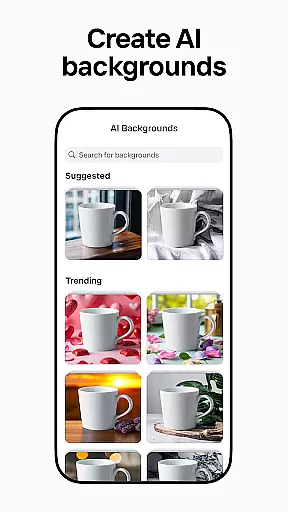
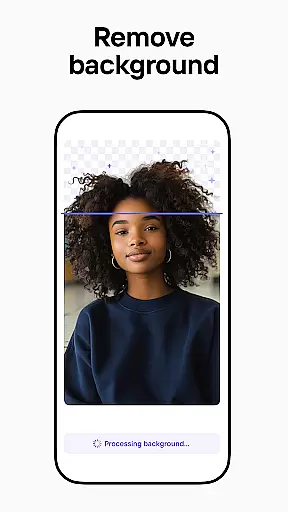
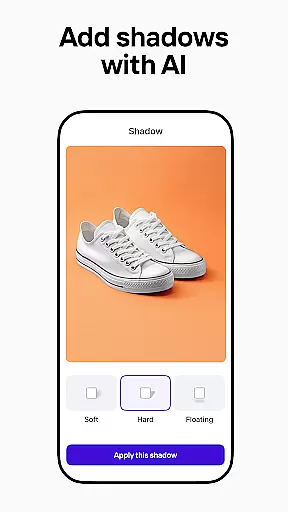
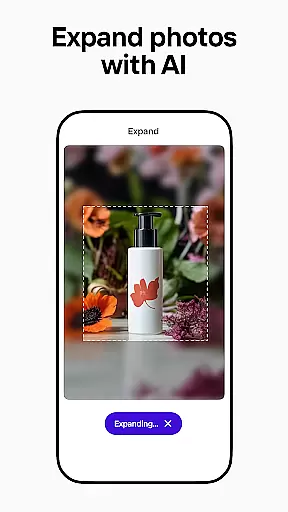
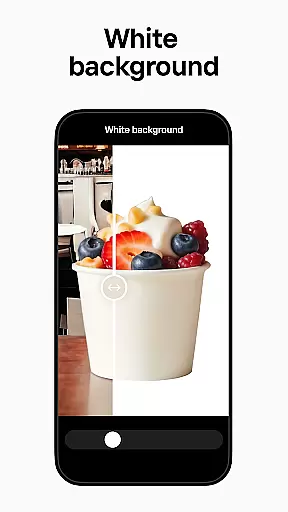
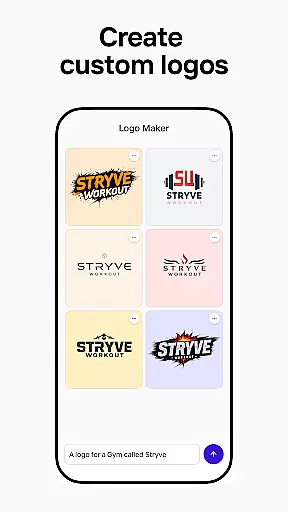
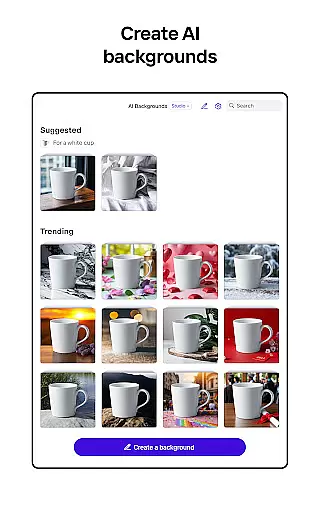
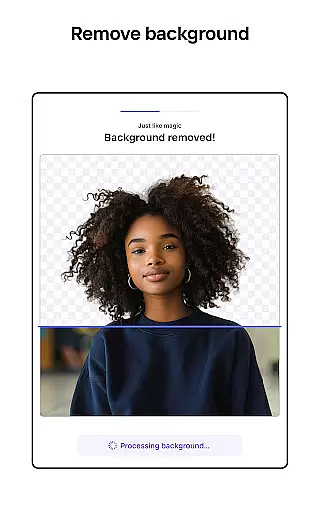
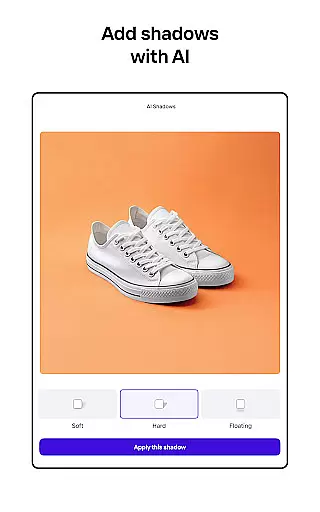
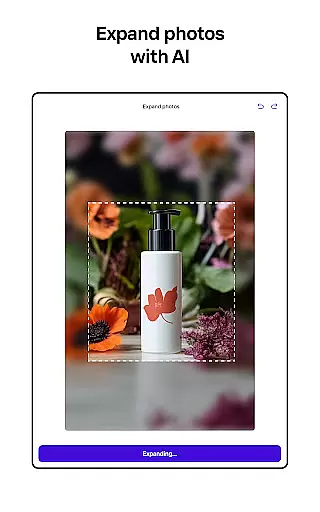
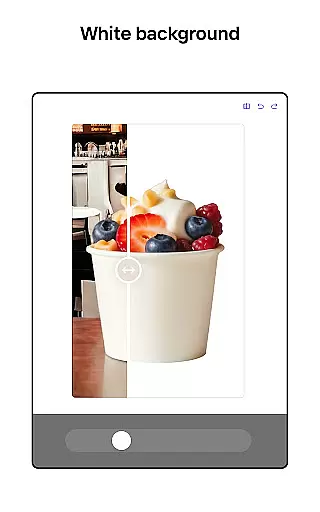
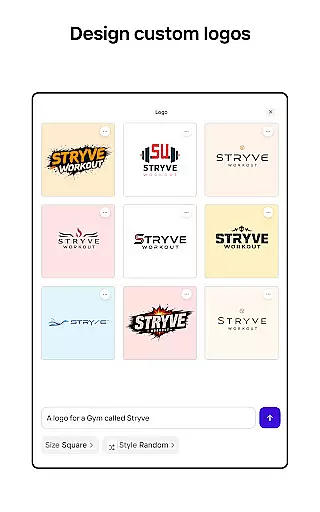
Photoroom AI Photo Editor is a powerful mobile application designed to help users create professional-quality images with ease. The app utilizes advanced AI technology to enable effortless background removal, replacement, and photo editing. Whether you're an e-commerce seller, content creator, or social media manager, Photoroom provides the tools needed to produce engaging visuals that elevate your brand.
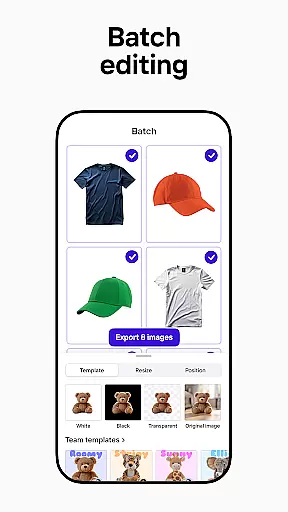
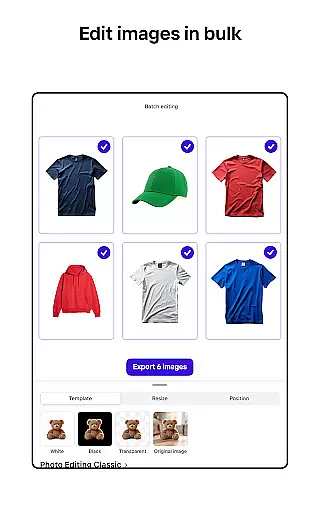
The app's standout feature is its AI-powered design capabilities. Users can generate professional backgrounds, logos, and other design elements simply by describing their ideas. This makes it possible to achieve polished results without any prior design experience. Additionally, the app offers batch editing functionality, making it ideal for processing multiple images at once while maintaining consistent branding across all visuals.
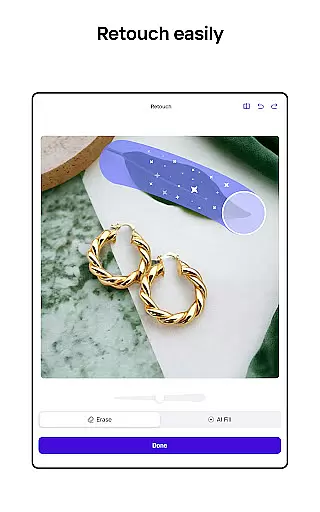
Photoroom is particularly beneficial for online businesses and marketers who need to optimize product photos for various platforms like Instagram, Facebook, Amazon, and Shopify. By providing tools to erase imperfections, adjust lighting, and customize templates, the app ensures every image meets professional standards. Its intuitive interface and robust features make it accessible to everyone, from freelancers to large teams.
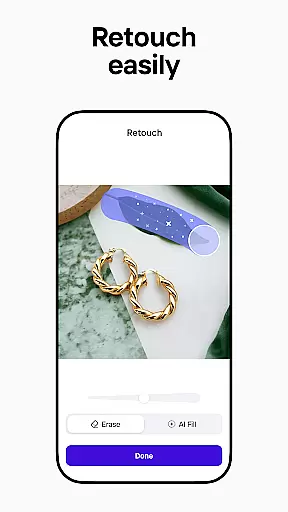
Photoroom AI Photo Editor stands out with its comprehensive suite of AI-powered photo editing tools. One of its key features is the ability to remove and replace backgrounds effortlessly. Using smart AI algorithms, the app allows users to erase unwanted objects, clean up images, and even place products in stunning virtual scenes. This functionality is especially valuable for e-commerce sellers who need to create ad-ready product shots quickly.
Another notable feature is the app's batch editing capability. This allows users to edit multiple images simultaneously, saving significant time when working on large projects. Whether it's replacing backgrounds, erasing flaws, or applying consistent design styles, batch editing ensures efficiency without compromising quality. Additionally, Photoroom offers a Brand Kit where users can store logos, colors, and fonts for consistent use across all designs.
For those managing social media accounts, Photoroom provides platform-specific optimization. Images can be tailored for Instagram, Facebook, YouTube, and more, ensuring they look perfect without cropping or pixelation. The app also includes collaboration tools, enabling real-time teamwork on designs. With customizable AI templates and seamless sharing options, Photoroom empowers users to create standout content for any occasion.
Real-time capture and preview functionality is essential for ensuring that every photo taken meets professional standards. With Photoroom AI Photo Editor, users can instantly see the results of their edits as they make them, providing immediate feedback on changes to backgrounds or object removals.
This application leverages advanced AI technology to allow users to remove and replace backgrounds with precision. The real-time preview feature ensures that adjustments to lighting, shadows, and sharpness are accurately reflected, allowing for fine-tuning before finalizing an image.
The benefit of this real-time functionality is significant time savings and increased efficiency in photo editing. Users can experiment with different design elements and immediately see how these changes affect the overall composition, leading to more informed creative decisions.
For e-commerce sellers and content creators, the ability to preview edits in real-time translates into higher-quality product photos and social media content. This feature empowers users to produce polished, professional images that enhance brand perception and drive engagement without the need for extensive design experience.
AI beauty and enhancement features focus on improving the visual appeal of images while maintaining a natural look. Photoroom's AI technology specializes in creating realistic enhancements that elevate the quality of photos without appearing artificial or over-processed.
The application provides tools for erasing unwanted objects and cleaning up images seamlessly. By adjusting elements such as lighting and sharpness, it achieves professional results that retain the original character of the photograph. This approach ensures that enhancements look genuine and true to life.
Users benefit from these enhancements by achieving superior image quality that boosts engagement and sales. Whether showcasing products or creating social media content, the natural-looking improvements help maintain authenticity, which is crucial for audience trust and connection.
Photoroom's commitment to natural enhancement makes it an ideal choice for professionals seeking efficient ways to improve their visual content. By combining powerful AI capabilities with intuitive design, it enables users to transform ordinary images into compelling visuals that resonate with viewers.
AI-powered design
Effortless background removal
Batch editing functionality
Professional results
User-friendly interface
Premium features locked
Subscription required
Limited free exports
Advanced tools costly
Occasional glitches

Photobooth mini FULL app will allow you to add more fun to your parties
 4.00
4.00
What celebrity do you look like? Celebs will find your celebrity match!
4.10
Create Business Headshots, Polaroid Filter, Retake Photos,Profile Pics,AI Photos
4.50
A must-have app for landscape photographers
4.60
Create amazing frames with up to five photos. Rounded corners, effects and more!
3.60
Professional photography on your mobile phone
4.20
Enhance, upscale, and transform your images — on your device, without limits
4.70
A unique animation app. Powerful, easy to use, and lots of fun.
4.30
Try an anime version, cartoon yourself, and generate AI hug or aging videos!
3.70
Gallery show photo, video, slideshow, is perfect 3D effect private photo albums.
4.80
A collection of tools and reference tables for DPs, ACs, DITs and Operators.
4.70
Automatically backup your photos and videos to computer, NAS and Cloud services
4.60
Unblur, enhance & restore photos with powerful AI photo enhancer tools.
4.60
Easily stitch panoramas from multiple photos or video.
4.40
AI portrait generator and polaroid AI selfie, fun AI generated AI photo creator!
4.30
Catch sunlight, sunrise sunset times and sun phases with the AR sun tracker.
4.10
Turn photos into cartoons & avatars! - Photo Editor, Cartoon Face!
3.90
Perfect photos with body shaping, BG changer and object remover.
3.70
Professional video recording application with manual controls for filmmakers!
2.80


User Reviews