
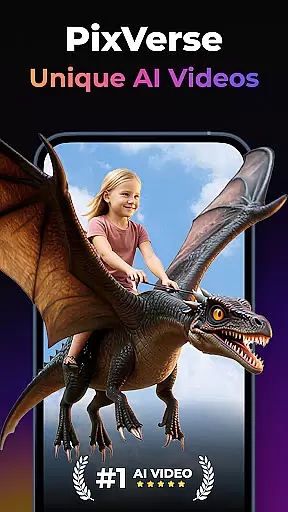

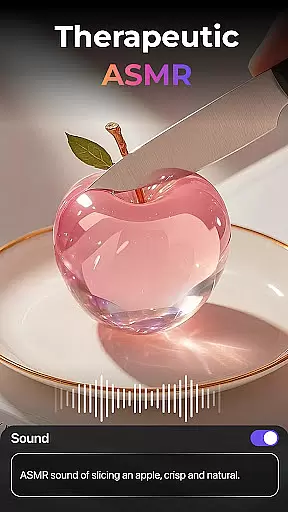
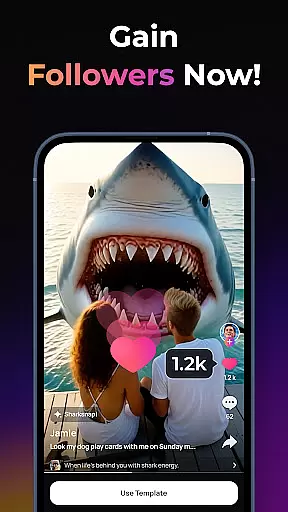
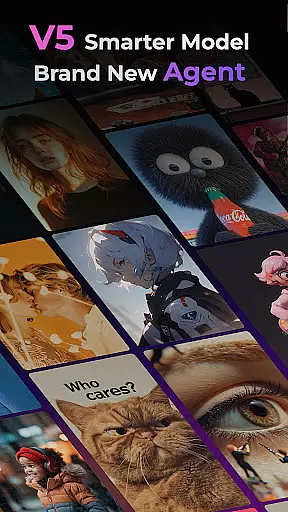
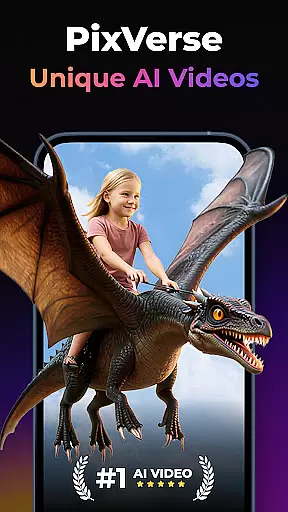
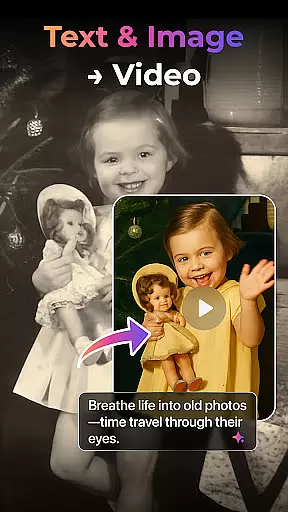

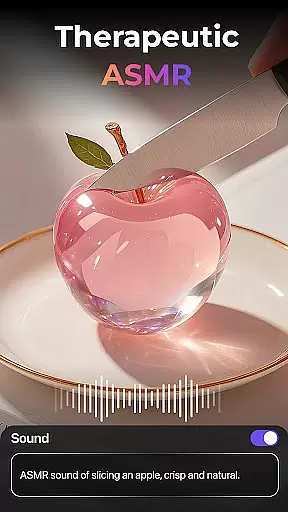
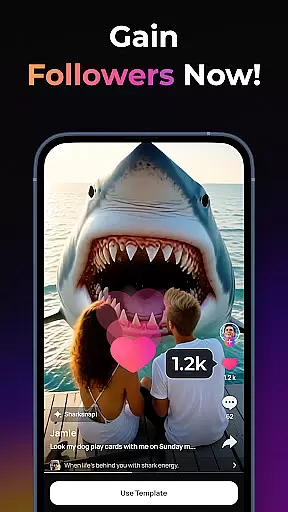
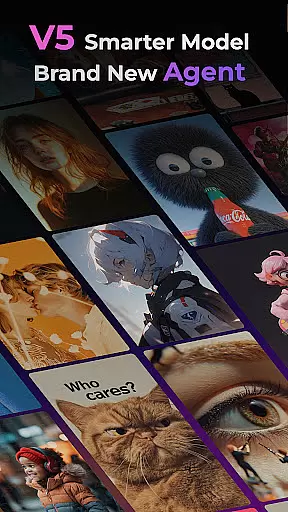
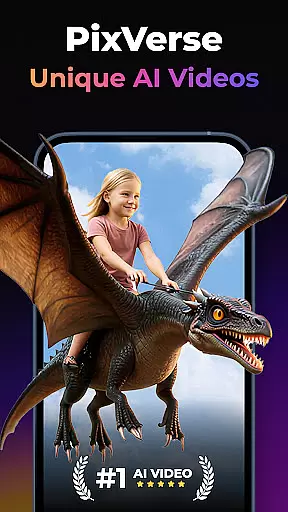
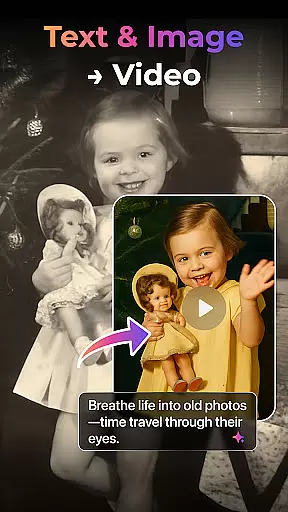

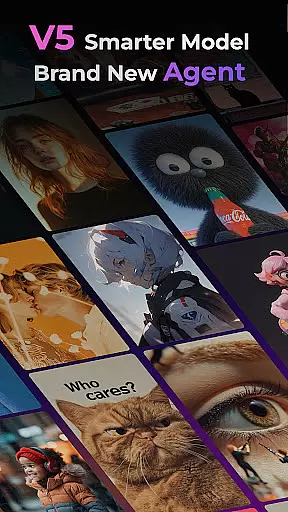
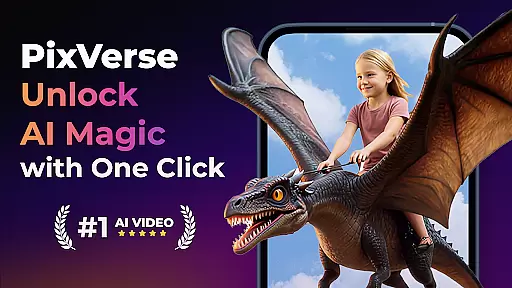
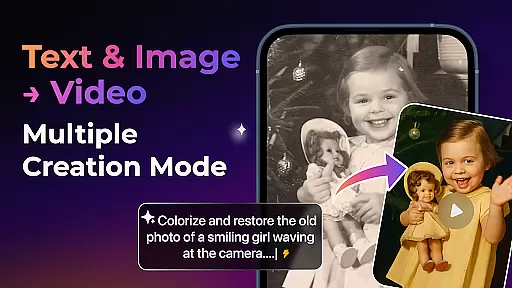

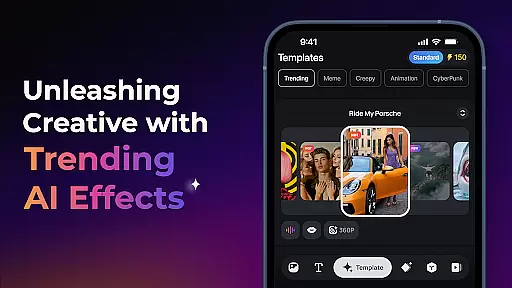
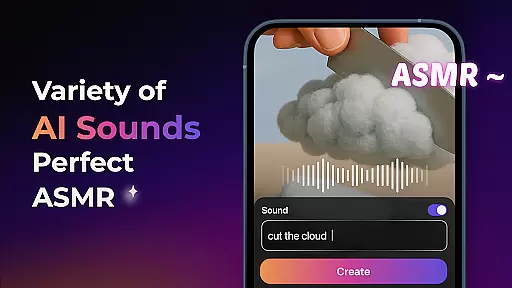
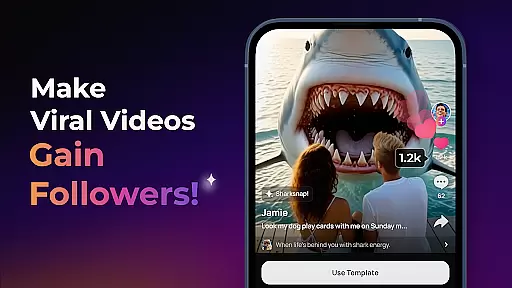
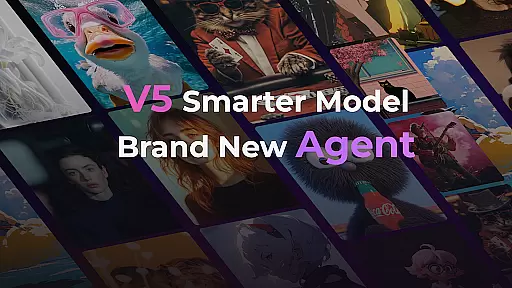
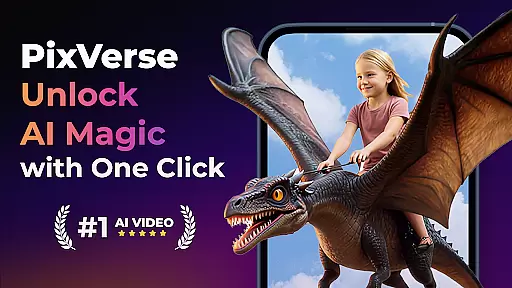

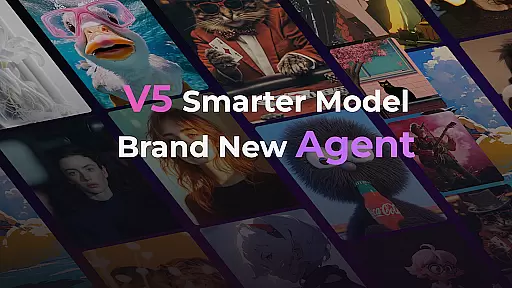
PixVerse is an innovative AI-powered video creation suite designed to transform photos, text, and videos into captivating content within seconds. This tool empowers users to unleash their creativity by offering advanced features like the Smarter V5 Model for lifelike details and natural movements, alongside a Brand New Agent that acts as a creative co-pilot.
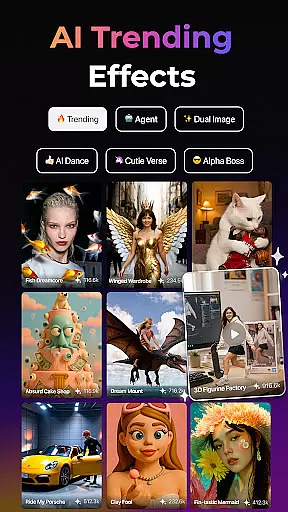
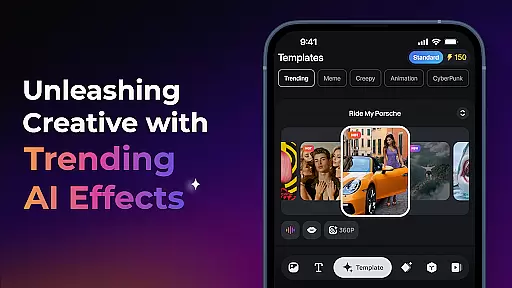
With PixVerse, you can explore multiple creation modes such as Image to Video, Text to Video, and Video Extension, each providing unique ways to generate dynamic content. The platform also boasts trending AI effects, key frame control, and Fusion capabilities, ensuring your projects stand out with cinematic quality and hyper-realistic simulations.
PixVerse stands out with its cutting-edge features tailored for creative professionals and enthusiasts alike. The Smarter V5 Model offers perfect prompt alignment and smooth animations, while the Brand New Agent assists in bringing ideas to life with precision.
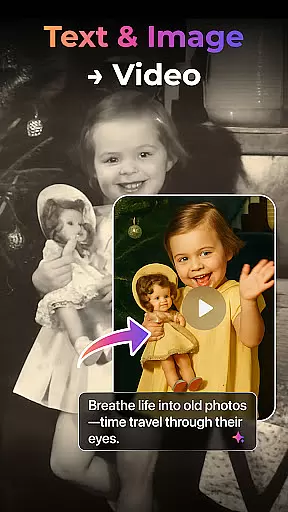
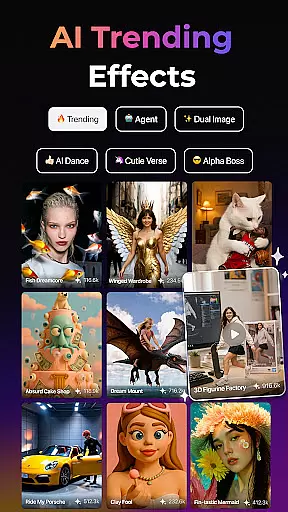
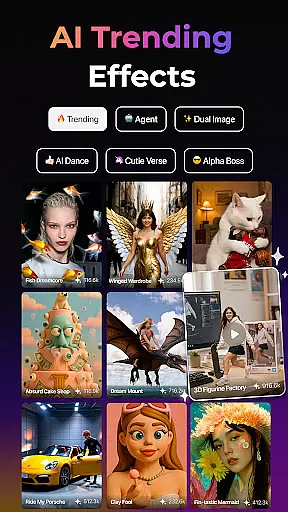
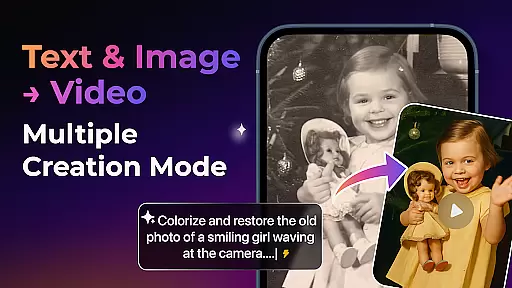
Users can leverage multi-creation modes including Image to Video, Text to Video, and Video Extension, alongside trendy AI effects like Old Photo Revival and AI Dance Revolution. Key Frame Control and Fusion further enhance creative possibilities, allowing seamless integration of custom frames and fusion of different images into stunning videos.
Real-time capture and preview functionality is essential for any photography app, allowing users to see exactly what their final output will look like before they commit to the shot. PixVerse offers this feature with a twist, integrating AI-powered animations and cinematic effects directly into the preview window.
The app's real-time capabilities are enhanced by its V5 model, which ensures that every movement captured is smooth and natural. This allows users to not only take photos but also create videos with lifelike details, elevating the creative process to new heights.
With PixVerse, photographers can experiment with different styles and effects on-the-fly, thanks to features such as Old Photo Revival and Earth Zoom Challenge. These tools enable creators to transform static images into dynamic content, providing an unparalleled level of artistic freedom.
Ultimately, the real-time capture and preview feature in PixVerse empowers users to unleash their full creative potential without guesswork. By delivering crystal-clear HD output at lightning speed, it makes professional-quality video creation accessible to everyone.
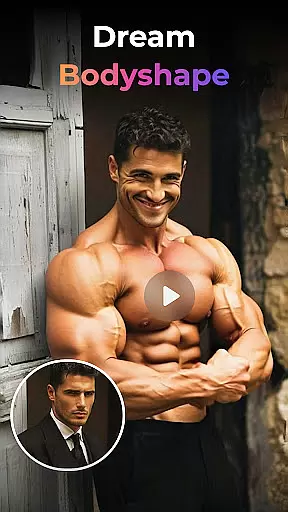
In the realm of photography, AI beauty and enhancement features have become increasingly popular for refining images while maintaining a natural look. PixVerse stands out by offering advanced AI-driven enhancements that preserve authenticity while elevating visual appeal.
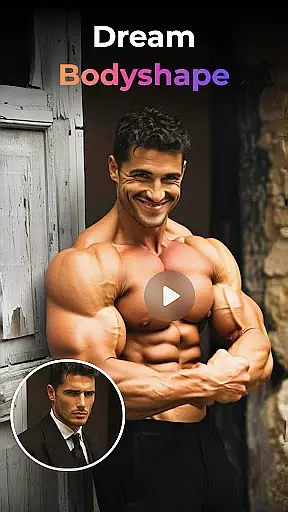
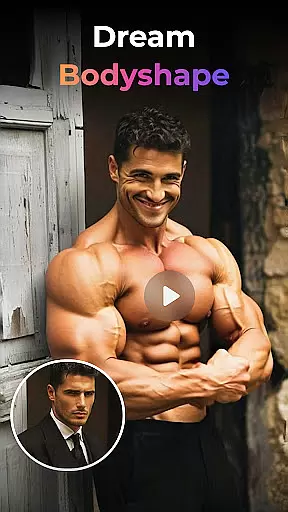
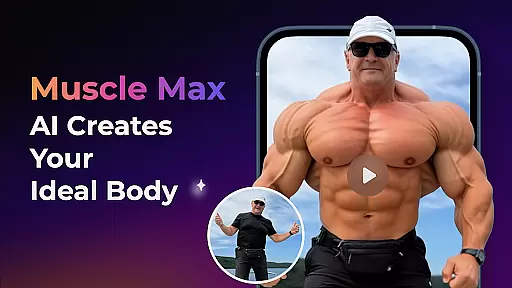
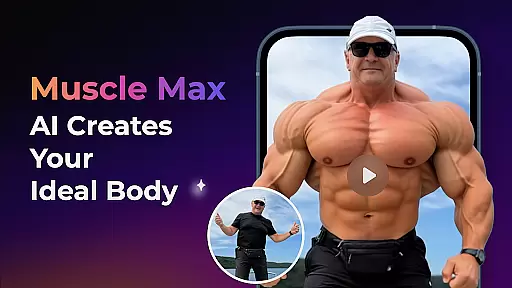
The appu2019s Muscle Max: Bodybuilder Champion effect exemplifies this balance between enhancement and realism. It sculpts physiques with precision but avoids over-processing, ensuring subjects remain recognizable and true-to-life. Similarly, Embrace Warmth adds a layer of emotional depth through subtle adjustments that mimic genuine human connections.
PixVerse employs hyper-real AI simulations to mirror real-world physics accurately. Whether reviving old photos or creating dance sequences from still poses, these enhancements enrich storytelling without compromising original intent or aesthetic integrity.
By prioritizing naturalness in its AI enhancements, PixVerse caters to both amateur enthusiasts and seasoned professionals who seek polished yet authentic results. The fusion of cutting-edge technology with user-friendly controls makes high-quality photo editing effortless and enjoyable.
Lightning-fast results
Cinematic HD quality
Advanced AI effects
User-friendly interface
Multi-platform support
Subscription fees apply
Internet connection required
Limited free features
Occasional bugs
Steep learning curve

Application for remote controlling DSLR
 3.00
3.00
Cut and paste photo editor & eraser to customize photos easy and swap faces fun
4.50
Create AI Photos, Improve and restore quality of blurry, old or damaged pics.
4.20
Create Business Headshots, Polaroid Filter, Retake Photos,Profile Pics,AI Photos
4.50
Photo Exif Editor allows to view, add and modify EXIF data of multiple photos
4.50
Create AI photos & videos with Enhancer; restore, fix, beautify, enhance photos
4.50
Collage your moments in one tap: 1000+ layouts, filters, stickers, and texts.
4.90
Turn photos into cartoons & avatars! - Photo Editor, Cartoon Face!
3.90
Snap photos remotely using your Garmin watch as the camera trigger
4.4
Cartoon and artistic effects for your photos and videos
4.70
Photo editor & gallery. Crop pictures & edit photos offline, no wifi!
4.50
Shooting photos and records video easily and efficient with professional Camera
4.30
USB Storage Access for Photos, Videos, Music and Documents
3.80
Perfect photos with body shaping, BG changer and object remover.
3.70
Be your best in every shot! Fix, edit and retouch your face in selfies & photos.
3.70
GCamera allows all GCam features on all phone models! Better photos with GCamera
3.30
Remote control the phone camera shutter from your smartwatch and take a picture
1.60
HD Photo gallery and photo manager to edit, hide private photos, videos & albums
4.5
Add a dreamy vibe to your selfies and videos with soft style filters
4.1


User Reviews