
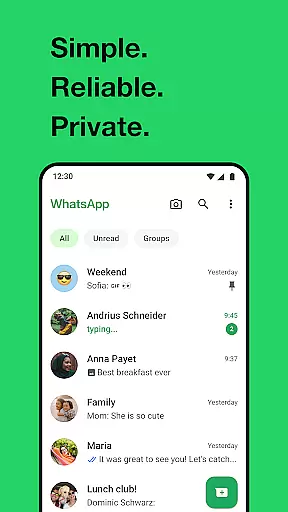
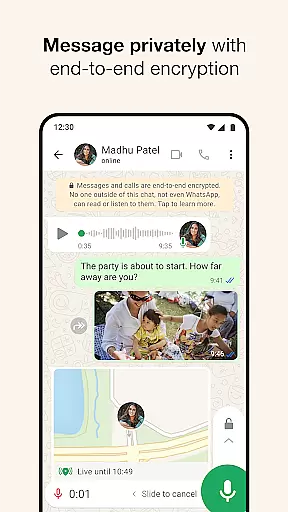
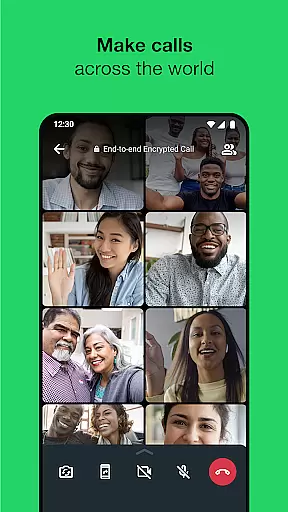
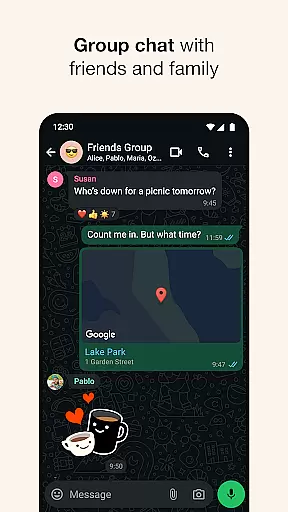
WhatsApp Messenger is a leading communication app that allows users to send messages, make voice and video calls, and share media across mobile and desktop platforms. Its core functionality lies in providing secure, end-to-end encrypted conversations, ensuring privacy for personal and group chats. The app also supports features tailored for Android Wear, enabling users to manage chats and calls directly from their smartwatches.
One of WhatsApp's standout capabilities is its ability to function reliably even on slower internet connections, making it accessible worldwide. With additional features like Status updates, location sharing, and high-quality group calls for up to 32 participants, the app serves as an all-in-one tool for staying connected with friends, family, and colleagues while maintaining simplicity and security.
WhatsApp Messenger offers a robust set of features designed to enhance user connectivity. First, the app provides end-to-end encryption for all messages and calls, ensuring complete privacy without third-party interference. This feature extends to group chats, allowing users to share photos, videos, documents, and voice notes securely.
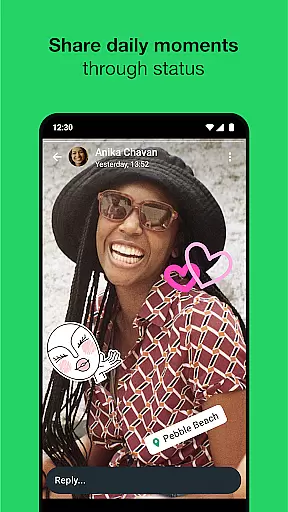
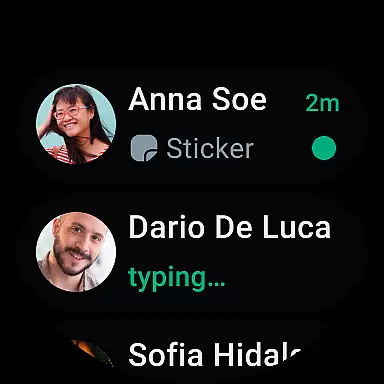
Another notable aspect is its seamless integration with Android Wear. Users can receive notifications, reply to messages, and answer calls directly from their smartwatches. Additionally, tools such as Status updates let users post temporary content that disappears after 24 hours, while customizable privacy settings give control over who sees shared information. These innovations make WhatsApp not just a messaging app but a comprehensive communication platform.
Companion app integration is essential for a seamless experience across multiple devices. WhatsApp Messenger excels in this area by offering robust synchronization between your mobile device and Wear OS watch.
The app ensures that all your messages, calls, and notifications are mirrored on your wearable device. This means you can read and respond to messages directly from your wrist without needing to take out your phone.
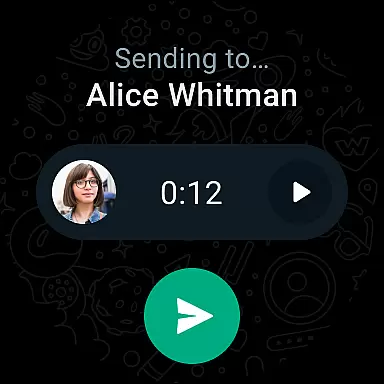
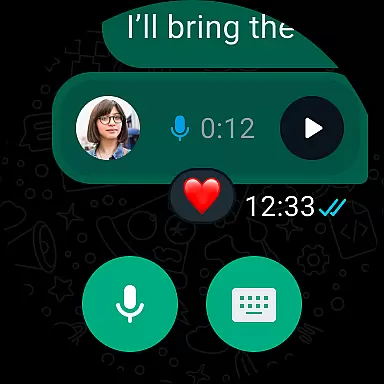
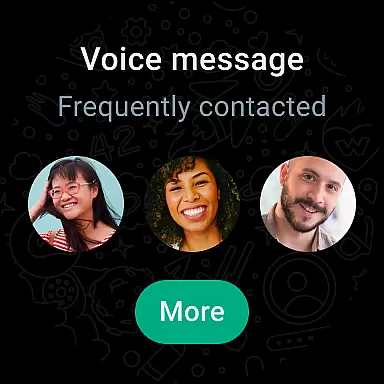
WhatsApp's companion app feature also supports voice messages, allowing users to send quick audio replies. This functionality enhances convenience, especially when you're on the go or engaged in activities where using a phone isn't practical.
By leveraging tiles and complications on Wear OS, WhatsApp provides easy access to chats and other features right from your watch face. This level of integration ensures you stay connected effortlessly throughout your day.
Device compatibility is crucial for ensuring that an application runs smoothly across various platforms. WhatsApp Messenger offers extensive support for Wear OS devices, making it accessible to a wide range of users.
The app is optimized to work efficiently even on slower connections, providing reliable performance regardless of network conditions. This optimization extends to its compatibility with different versions of Wear OS, ensuring consistent functionality.
WhatsApp takes advantage of the unique features offered by Wear OS, such as interactive notifications and glanceable information. Users can quickly view their contacts who are on WhatsApp and start messaging directly from their smartwatch.
In addition to basic messaging, WhatsApp supports high-quality voice and video calls on Wear OS. With end-to-end encryption, these communications remain secure, offering peace of mind while staying connected through your wearable device.
End-to-end encryption
Cross-platform support
High-quality calls
User-friendly interface
Global accessibility
Limited customization options
No built-in GIF library
Dependent on phone number
Heavy battery usage
Requires constant internet

WTW M17 is a premium and luxurious hybrid watch face
 4.70
4.70
Embrace the holiday spirit with this magical animated watch face!
4.40
A heartwarming Christmas scene featuring a cute image of Santa and Rudolf
4.1
Contemporary digital watch face with five complications
4.2
Digital, flexibly customizable watch face. For Wear OS 5.0, API 34+ and later.
5.00
Digital watch face. For Wear OS devices.
4.40
Kia Access makes getting your vehicle information easier than ever
4.60
Real-time weather radar with temperatures, warnings, hurricanes, and widgets
4.80
Toyota app currently supports 2010 or newer vehicles (2018 or newer for Hawaii).
4.50
Beautiful, colorful and practical watch face. For Wear OS devices.
5.00
Be an elegant and classy secret agent, with this carefully detailed watch face
4.70
Real-time results, stats, schedules and player profiles for all leagues
4.60
MyNISSAN® lets you remotely control your car from your phone.*
4.50
Bold, Modern Hybrid Watch Face for Wear OS. 10 Colors, Rich Info Display.
4.30
Find EV charging stations
4.30
Your music, your playlists, and more—offline and unlimited.
4.20
"PER27 Galaxy Digital" is a digital Wear OS watch face designed by PERSONA
4.10
an Analog Watch Face for winter season with freeze winter background for Wear OS
4.0
Fitness interactive virtual pet super fighter boy watch face
4.0


User Reviews