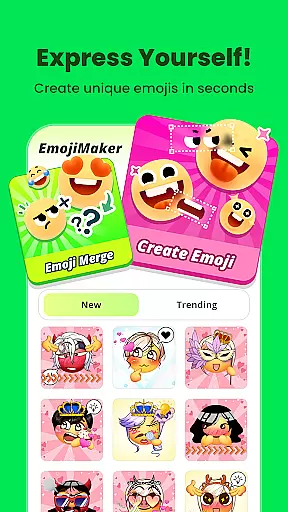
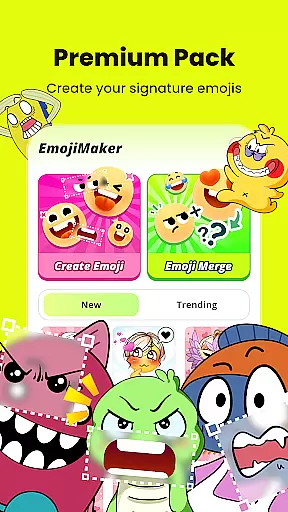
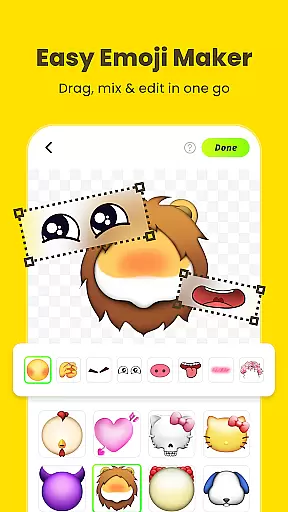
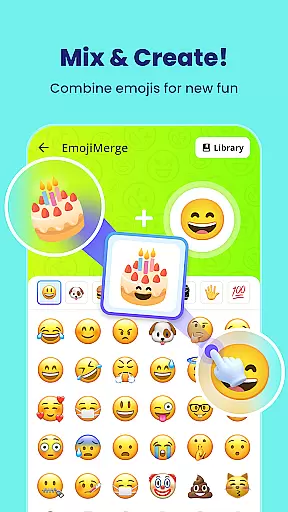
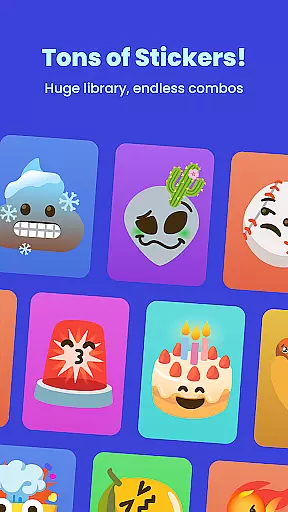
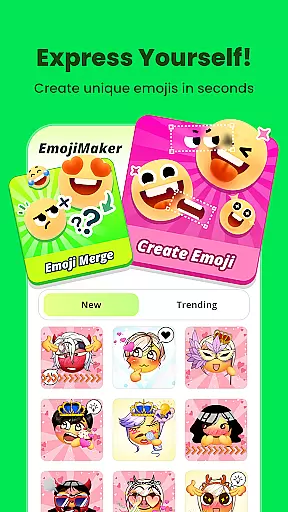
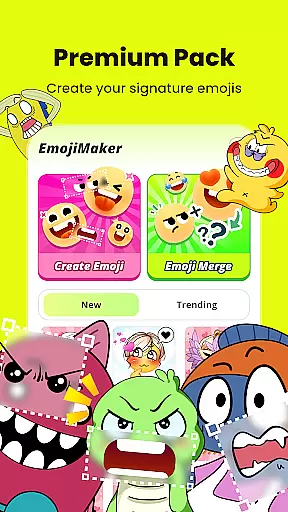
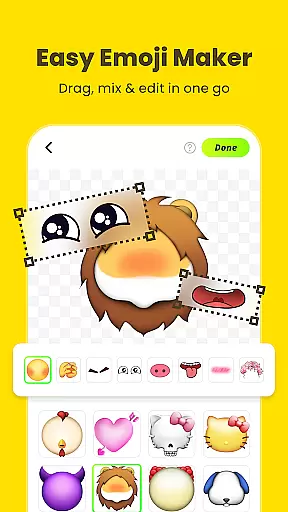
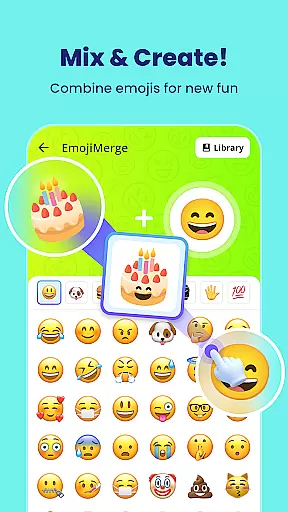
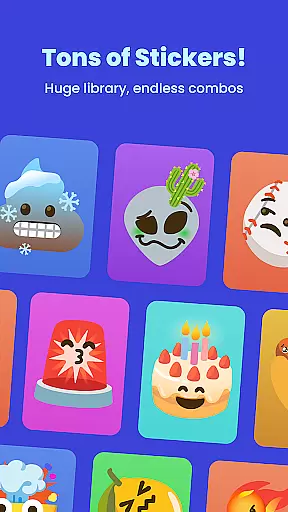
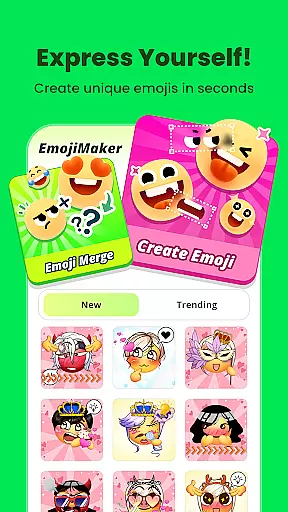
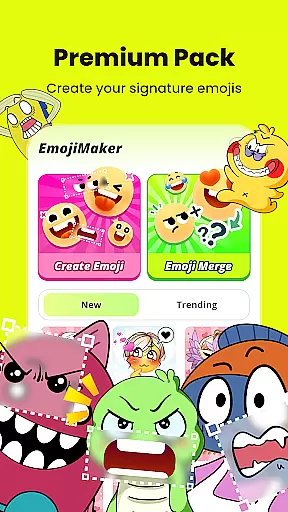
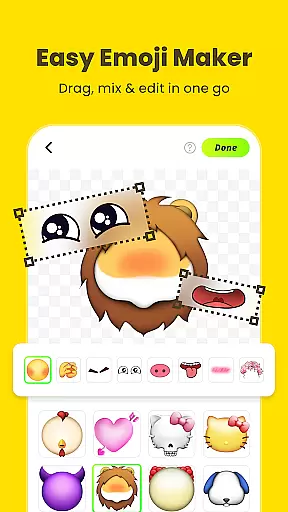
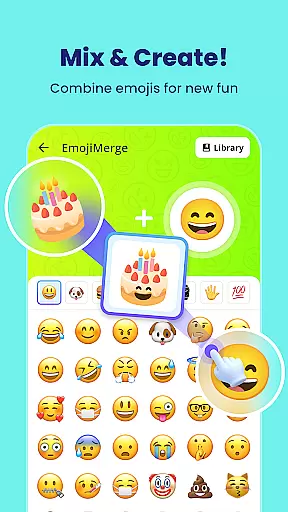
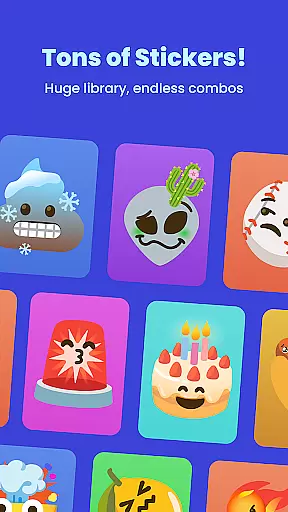
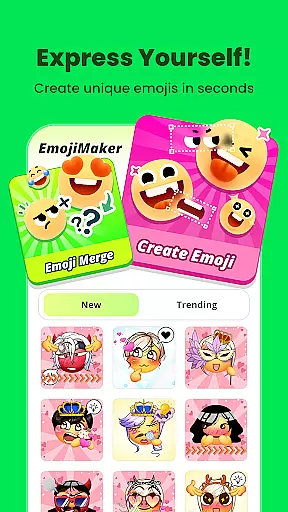
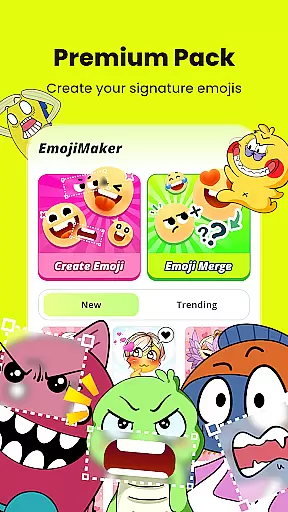
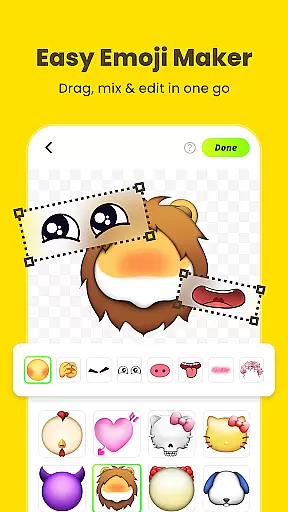
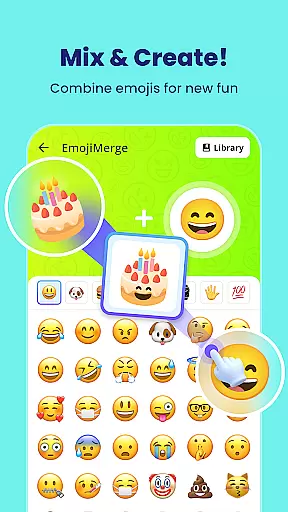
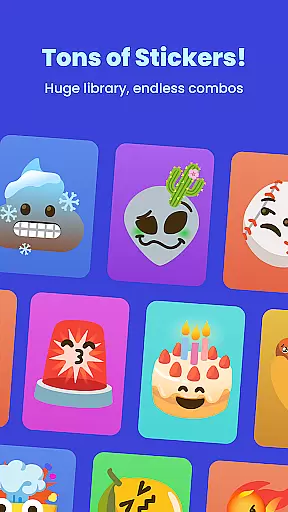
Gemoji is a creative emoji maker app that allows users to design personalized emojis and stickers. With an extensive library of components including eyes, mouths, accessories, and more, it offers limitless customization options. The app supports real-time editing, enabling users to see their changes instantly while layering different elements. Gemoji stands out with its professionally designed emoji parts and seasonal updates, ensuring fresh content for continuous creativity.
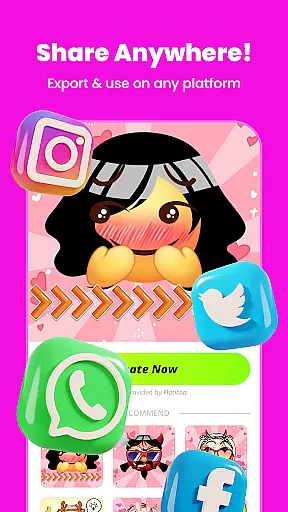
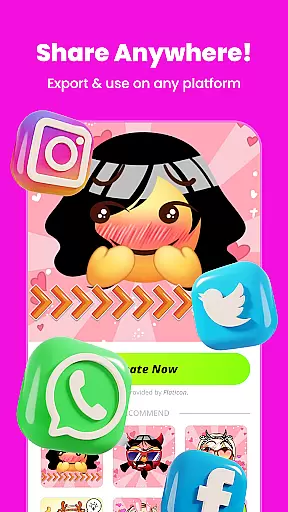
This application is perfect for expressing unique emotions in messaging apps. Users can download their creations and share them directly with friends and family. Whether it's for special occasions or everyday chats, Gemoji provides a fun way to communicate through custom emojis that truly reflect personal style.
Gemoji offers a rich set of features tailored for emoji enthusiasts. One of the standout capabilities is the vast customization options, allowing users to mix and match various components like eyes, mouths, and accessories. This feature ensures that every emoji created is unique and personalized. Additionally, the app provides a wide array of colors and design elements, catering to every mood, season, or special occasion.
Another key feature is the ease of use. Gemoji's interface is intuitive, letting users change shapes and layer elements effortlessly. Real-time previews help in visualizing the final emoji as it’s being crafted. Moreover, the app includes beautifully designed components and effects, elevating the quality of the emojis produced. These stickers can then be used across various messaging platforms, enhancing communication with bespoke designs.
Customization is at the heart of Gemoji, allowing users to express their unique style and creativity through emojis. With a vast array of options, users can mix and match different elements such as eyes, mouths, accessories, and more, ensuring that each emoji is one-of-a-kind.
The app provides an extensive selection of colors and design components, enabling creators to craft emojis that suit every mood, season, or special occasion. Whether it's a quirky face or a cute character, Gemoji places the power of emoji creation directly into the user's hands.
By offering frequent updates with new components and seasonal themes, Gemoji keeps the content fresh and engaging. This ensures that users always have something new to explore and incorporate into their emoji designs, maintaining a dynamic and personalized experience.
Gemoji excels in theme compatibility, providing a rich library of professionally designed emoji elements that users can combine to create standout emojis. The app supports various themes, from everyday expressions to special occasions, making it versatile for any chat scenario.
Users can easily layer elements and see their changes in real-time, which enhances the creative process and allows for instant feedback on the visual coherence of their designs. This seamless integration of components ensures that all custom emojis maintain a consistent and appealing look.
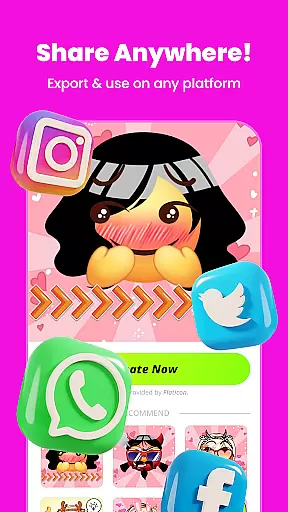
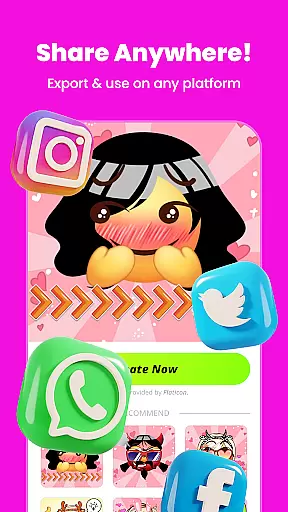
Moreover, Gemoji allows users to transform their DIY emojis into fun stickers for messaging apps, thus expanding theme compatibility beyond the app itself. By downloading and sharing creations with friends and family, users extend their personalized themes into their digital communications, enhancing personal expression.
User-friendly interface
Extensive customization
Real-time editing
High-quality components
Frequent updates
Limited free options
In-app purchases
Occasional bugs
Ads present
Learning curve

A retro cartoon style watch face and a punch right in the face of the copyright
 4.60
4.60
3D, live, and moving wallpapers & themes in 4K and HD for your device.
4.50
Make your phone look simple & luxury, like iDevice
4.60
Run multiple accounts of the same app on a single device
4.10 3.50
3.50
Custom edge gestures for volume control, brightness, apps, and shortcuts.
4.5
HappyLighting is a Bluetooth lamp control software.
3.40
Choose your keyboard with RGB colors effect, themes, fonts, emojis.
4.60
Your go to Weather App & Home Screen. Get your weather at a swipe of a finger!
3.80
Sparkle your screen with Glitter Wallpapers For Girls and Cute Backgrounds!
4.80
A minimalist productivity launcher. One-hand-friendly. Zero ads.
4.70
Unique Android Launcher
4.60 4.50
4.50 4.50
4.50
Vibrant Adaptive Icons with Material You and Enhanced Monet Colors.
4.50
Unique Fonts, typefaces and stylish text. Fonts for Instagram, Whatsapp & others
4.20
Organize and manage your photos and videos effortlessly with Photo Gallery
4.20
Transform your phone with stunning video wallpapers and a unique, personal touch
3.80
Adorable pets roam and play right on your phone screen!
3.30


User Reviews