
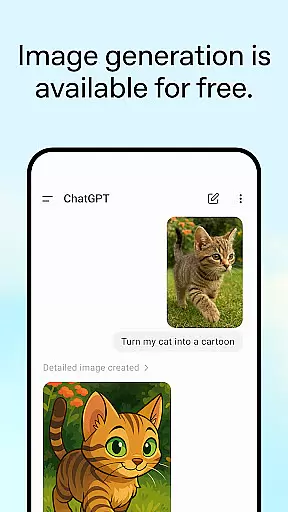
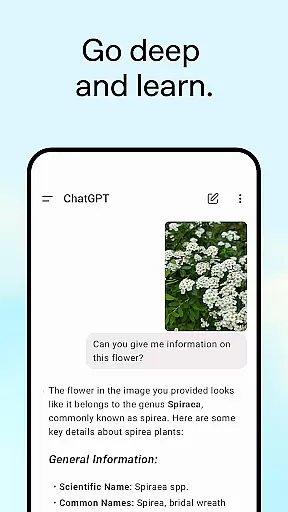
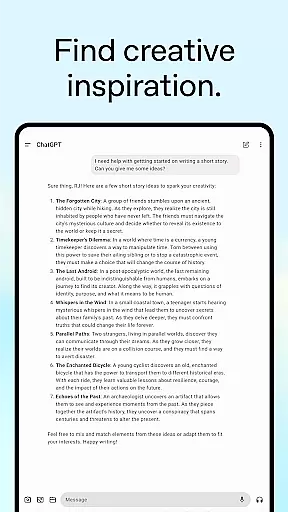
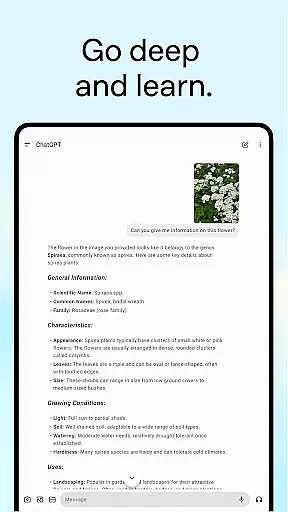
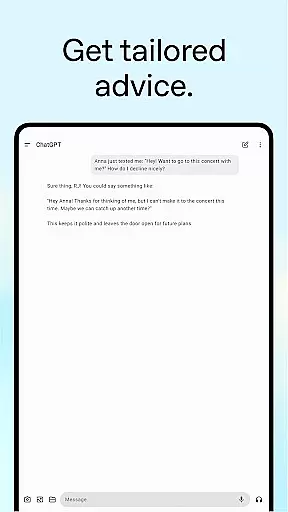
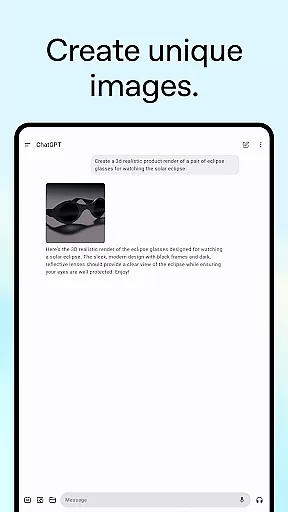
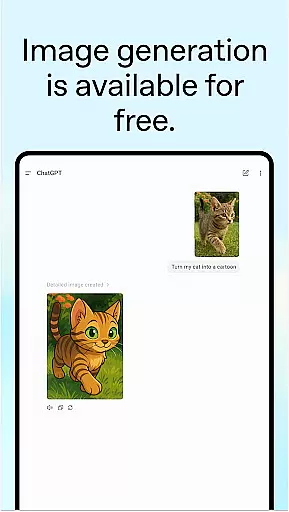
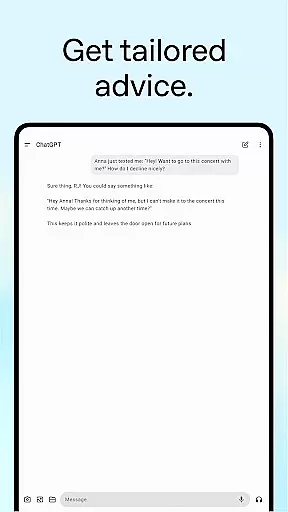
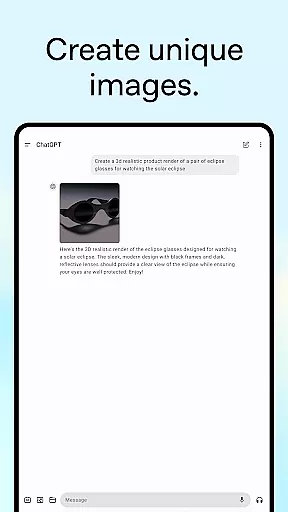
ChatGPT is a powerful productivity app developed by OpenAI, designed to bring advanced AI capabilities directly to your Android device. This official application offers users the ability to generate original images from text descriptions, transform existing images with simple commands, and even upload photos for transcription or information retrieval.
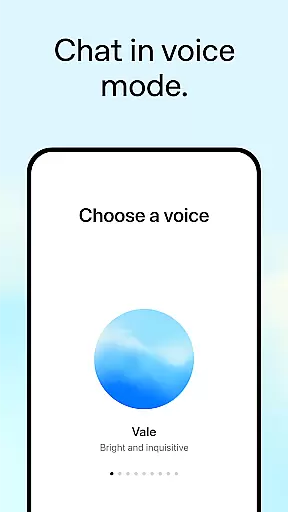
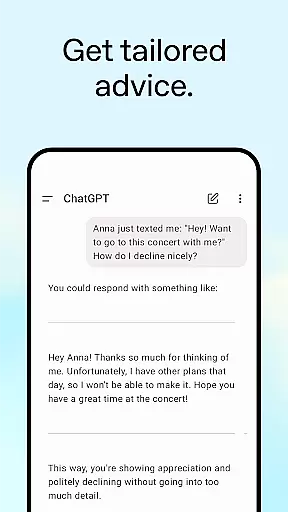
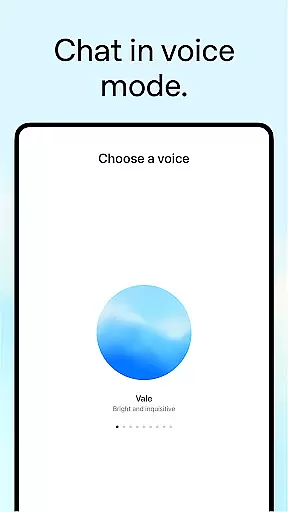
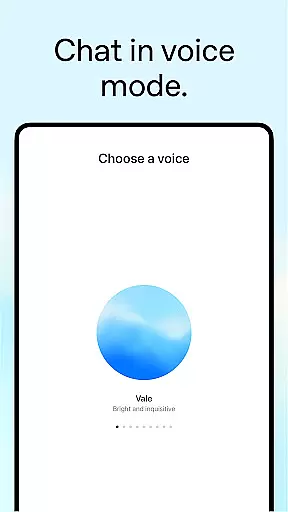
The app stands out with its Advanced Voice Mode, allowing real-time conversations on the go, making it perfect for settling debates or practicing new languages. Whether you need creative inspiration, tailored advice, personalized learning, or professional input, ChatGPT provides versatile solutions to enhance productivity in various aspects of life.
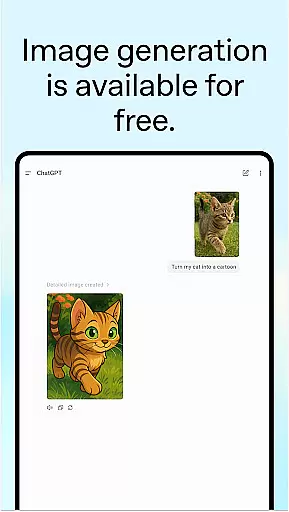
With seamless synchronization across devices and free access, ChatGPT ensures that your history and preferences are always up-to-date, wherever you are. This makes it an invaluable tool for anyone looking to streamline their daily tasks and interactions using cutting-edge AI technology.
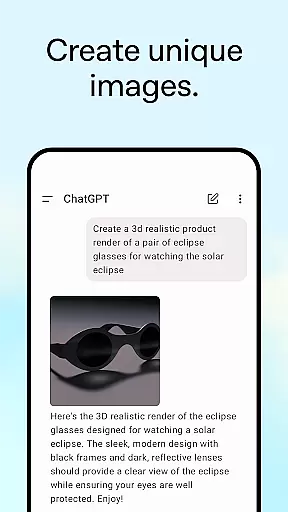
ChatGPT boasts an impressive array of features designed to boost productivity and creativity. One standout feature is the image generation capability, which allows users to create original images simply by providing a description or transforming existing ones with minimal effort.
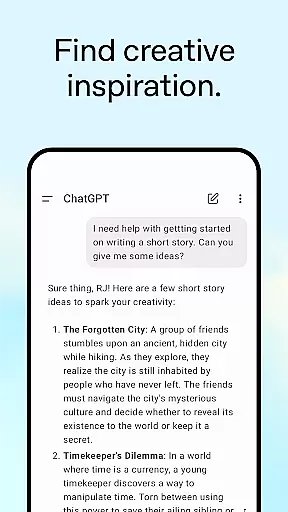
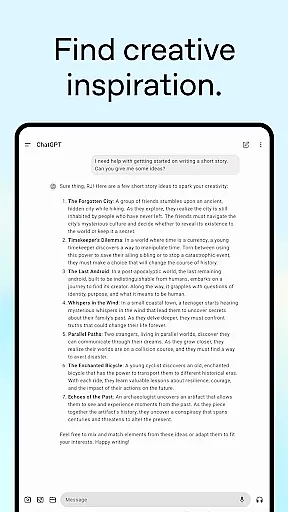
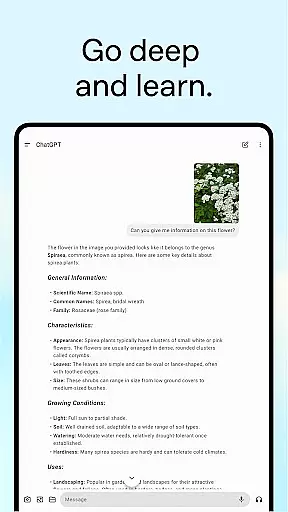
The Advanced Voice Mode enables hands-free interaction, perfect for multitasking or when you're on the move. Additionally, the photo upload function supports transcribing handwritten notes or identifying landmarks, adding another layer of utility. Users can also seek creative inspiration, receive tailored advice, engage in personalized learning experiences, and obtain professional input for projects like marketing copy or business plans.
Each feature is crafted to provide instant value, whether it's generating recipe suggestions based on available ingredients or offering detailed travel itineraries. These functionalities collectively make ChatGPT a comprehensive productivity tool that adapts to various user needs.
Task management is a cornerstone of productivity applications, and ChatGPT excels in providing users with tools to organize their thoughts and responsibilities efficiently. The app's capabilities extend beyond simple task listing, offering tailored advice and detailed planning for various scenarios.
ChatGPT allows users to engage in complex task creation, from drafting detailed travel itineraries to crafting the perfect response for professional communication. This ensures that every action item is not only recorded but also enriched with context and strategy, making each task more actionable and purposeful.
The true value of ChatGPT's task management feature lies in its personalized approach. Whether you're looking for creative inspiration or professional input, the app adapts to your needs, ensuring that every piece of advice or brainstorming session is aligned with your goals. This personalization enhances productivity by keeping users motivated and focused on their unique objectives.
In today's fast-paced world, having reliable cross-device synchronization is crucial for maintaining productivity. ChatGPT addresses this need by offering seamless syncing of user history across devices, ensuring that your ideas and tasks are always up-to-date, no matter which device you use.
This synchronization feature means that whether you're at home on your computer or on-the-go with your smartphone, your conversations, generated images, and uploaded photos are all accessible. This continuity supports a fluid workflow, allowing users to pick up right where they left off without missing a beat.
Moreover, the reliability of ChatGPT's synchronization empowers users to collaborate effectively across different platforms. With consistent access to advanced features like voice mode and photo uploads, teams can work together in real-time, enhancing both individual and collective productivity. This robust cross-device support solidifies ChatGPT as an indispensable tool for modern task management.
User-friendly interface
Advanced AI capabilities
Versatile functionality
Free to use
Cross-device syncing
Limited offline functionality
Requires stable internet
Privacy concerns
Occasional inaccuracies
Dependent on API limits

Create study competitions, track your hours, and stay consistent with friends
 4.5
4.5
Easiest event planning, volunteer signups & parent teacher conference scheduling
2.20
App lock - lock apps with fingerprint, password, pin or pattern, protect privacy
4.70
ID.me Authenticator is a simple and free Two Factor Authentication solution
3.50
Create and edit presentations with Google Slides, part of Google Workspace.
4.00
To do list widget with a notebook organizer, checklist, simple shopping list
4.60
Lightweight PDF, Word, Excel reader.
4.60
Simple notepad & memo. Take notes, to-do list, shopping list with reminders.
4.80
Put a lock on your cloud: Take the security of your data into your own hands
3.70
Scientific calculator for Android - looks and operates like the real thing!
4.90
Mind Map and brainstorm, note taking and idea collection
4.80
QuickBooks Workforce lets teams view pay info and track time in one place.
4.70
Stay on top of your to-dos with Google Tasks, part of Google Workspace.
4.60
All document reader, all in one file viewer read PDF, DOCX, XLS, PPT, TXT files.
4.60
Intelligent AI Assistant
4.10
Unlock AutoNotification
4.00
⏰ Finally a timer app which can run multiple timers simultaneously on your watch
3.90
Ads Free App! Editor, Hide File, Copy, Move, Delete and Rename.. all facility av
1.70
The upgraded version of Name Wheel with AI and the power to add your own wheels.
4.4


User Reviews