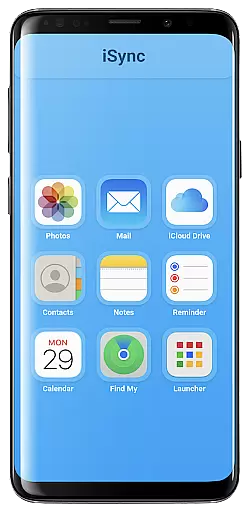
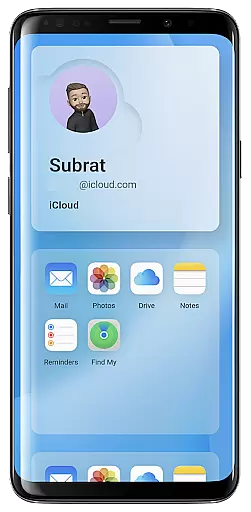
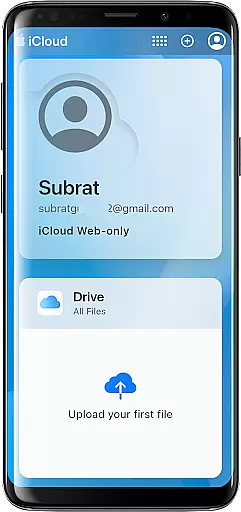
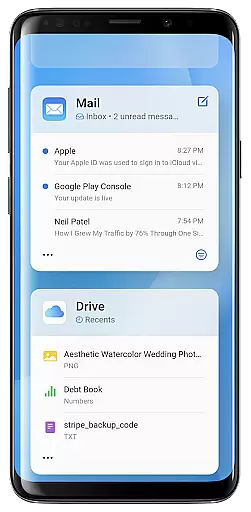
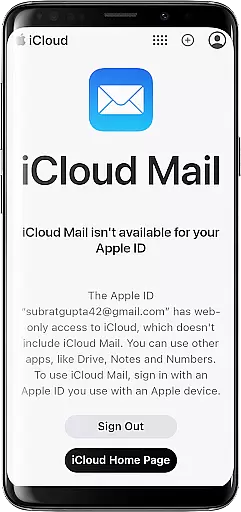
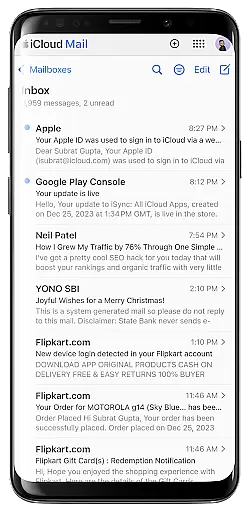
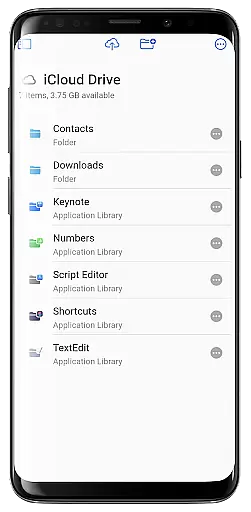
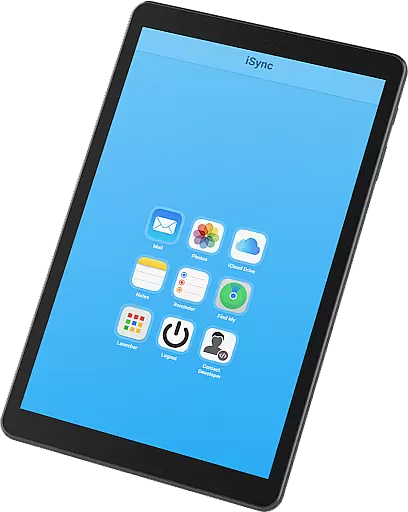
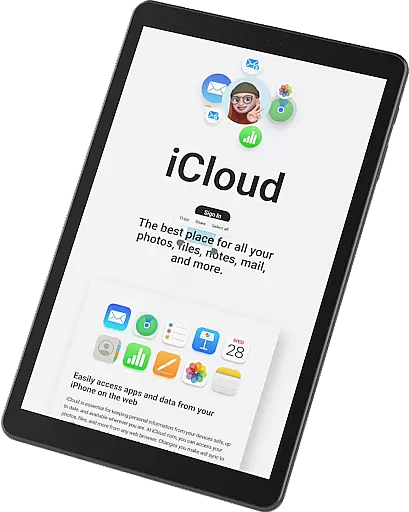
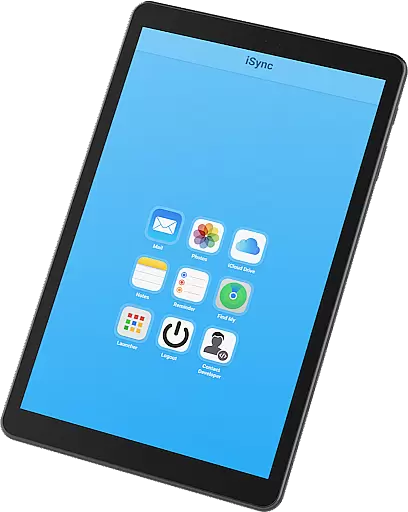
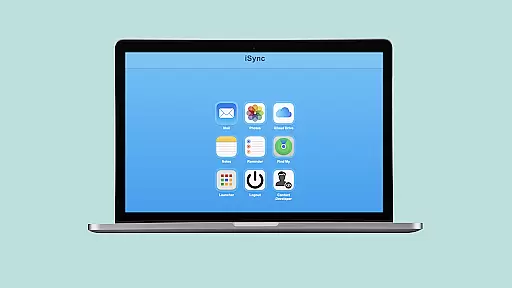
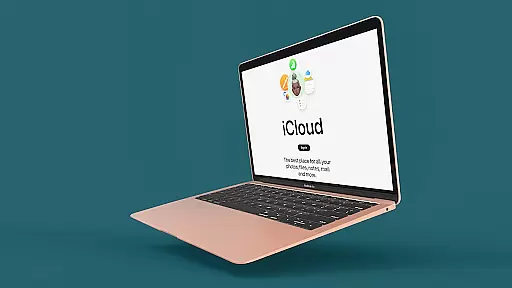
iSync Premium is a productivity-focused application that bridges the gap between Android and Apple ecosystems. It allows users to access their iCloud account and all its applications directly from an Android device. With features like Mail, Photos, iCloud Drive, Notes, Reminders, and Find My, this app ensures seamless integration across platforms.
The app offers a user-friendly interface with secure and reliable access to personal data. Whether you need to manage emails, view photos, access files, jot down notes, set reminders, or locate lost devices, iSync Premium provides a smooth experience tailored for productivity. Its intuitive launcher enables one-touch access to favorite iCloud apps, making it convenient for users to stay organized and connected.
iSync Premium stands out with its comprehensive feature set designed to enhance productivity. The app provides seamless access to iCloud Mail, allowing users to send, receive, and manage emails directly from their Android devices. This eliminates the need to switch between different mail clients and streamlines communication.
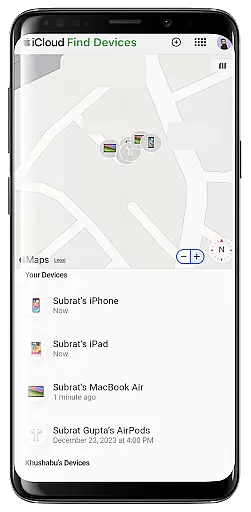
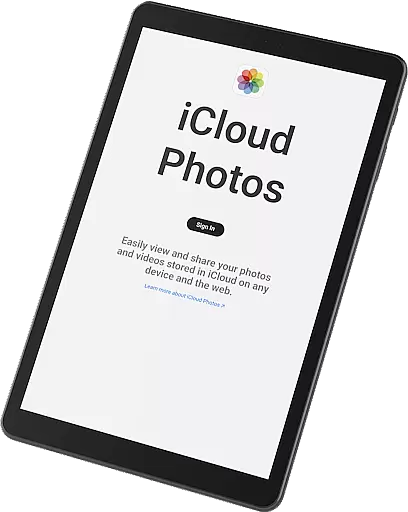
In addition to mail, iSync Premium offers effortless access to iCloud Photos, iCloud Drive, Notes, and Reminders. Users can carry their memories, access files, jot down thoughts, and stay organized without any hassle. The inclusion of Apple's Find My service adds an extra layer of security by helping users locate lost devices easily. These features collectively ensure that users have a reliable tool for managing both personal and professional tasks efficiently.
Task management is a cornerstone of productivity applications, and iSync Premium excels in providing users with seamless access to their iCloud Reminders. This feature allows users to stay organized by managing their reminders hassle-free, anytime, anywhere.
The app ensures that all tasks synced from the iCloud are updated in real-time on the Android device, maintaining consistency across devices. Users can create, edit, and mark tasks as complete, ensuring they never miss an important deadline or forget a crucial to-do item.
With intuitive design and user-friendly interface, iSync Premium makes task management straightforward and efficient. The simplicity of accessing and updating reminders from an Android device enhances the overall user experience, making it an indispensable tool for those invested in the Apple ecosystem but using Android hardware.
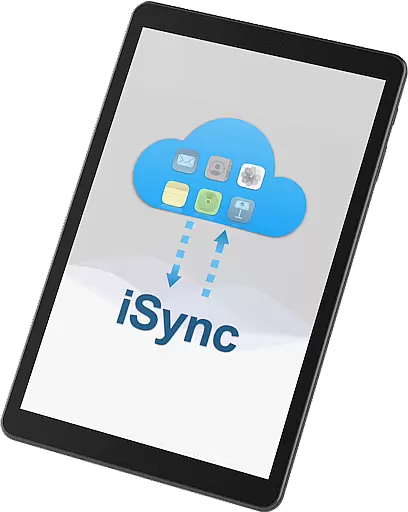
Cross-device synchronization is vital for users who operate within multiple ecosystems, and iSync Premium bridges the gap between Apple and Android devices. It offers reliable synchronization of various iCloud services such as Mail, Photos, iCloud Drive, Notes, and Reminders directly on your Android device.
This synchronization ensures that any changes made on one platform are accurately reflected on the other, providing a seamless transition between devices. Whether you're sending emails, updating notes, or managing files, iSync Premium guarantees that your data remains consistent and up-to-date across all platforms.
Security and privacy are at the forefront of this service, ensuring that personal data is protected while being synced across devices. With iSync Premium, users can enjoy peace of mind knowing their information is securely transferred and always available, no matter which device they choose to use.
User-friendly interface
Secure data access
Comprehensive feature set
Seamless cross-platform integration
Reliable performance
Limited to Android users
Requires iCloud account
Premium features may require subscription
Occasional sync delays
Dependent on internet connectivity

AI Video AI Image Private LLM AI Browser Llama Gemma Ollama Connect LLM Studio
 4.1
4.1
Auto-shutoff Alarm with Sunrise, Sunset & Fixed Options.
3.50
Create study competitions, track your hours, and stay consistent with friends
4.4
App lock - lock apps with fingerprint, password, pin or pattern, protect privacy
4.70
Make apps & sites with natural language prompts
4.10
Multilingual translator for text, voice, and image translation!
4.90
A simple Whisper AI keyboard for reliable speech transcription and rewording
4.60
AI Chatbot and AI writing assistant powered by ChatGPT.
4.60
Seamlessly read, manage, and organize all your PDF files solution in one place
4.40
Functional QR scanner and barcode reader that requires little storage space.
4.60
All document reader, all in one file viewer read PDF, DOCX, XLS, PPT, TXT files.
4.60
Planet Free VPN - The best Fast Unlimited and Secure VPN Without Logs
4.50
Secure your apps with lock screens, use custom themes and different features.
4.40
Automates browsing any website and notifies you of important changes or events
4.30
Todo reminder
4.10
Access your phone's notifications, calls, apps, photos & texts on your PC
3.90
Remotely view listen control and record cameras.
3.70
Find and delete junk files & block unwanted notifications & manage files
3.70
A simple, portable logger for POTA, SOTA, Field Day, and more
4.0


User Reviews