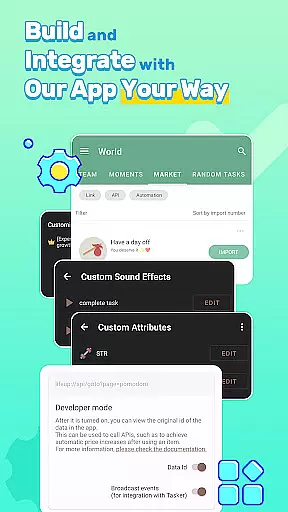

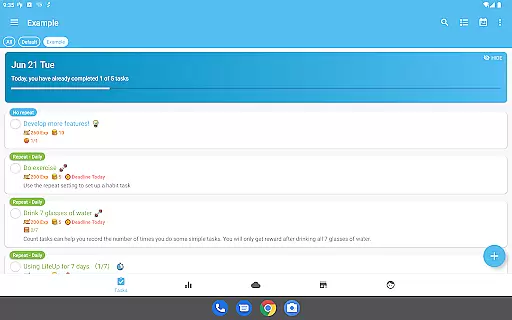
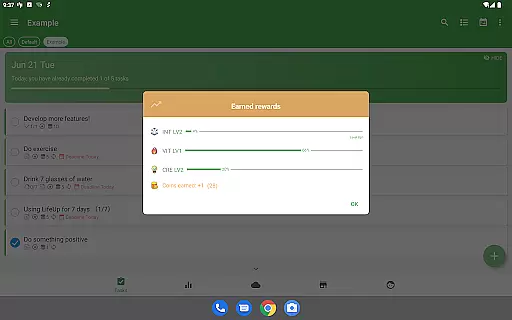
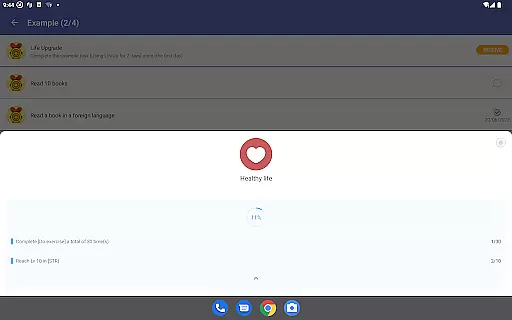
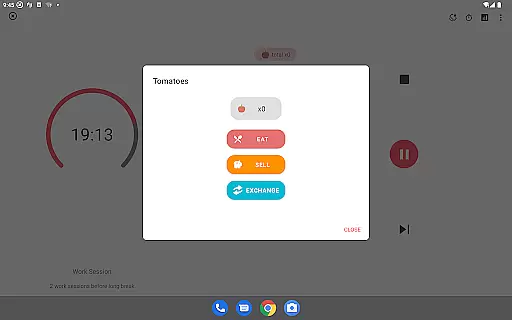

LifeUp is a hyper-customizable productivity RPG that transforms your daily tasks and habits into an epic quest designed by you. With this app, users can create their own rules for earning experience points, gaining virtual coins, and leveling up skills based on real-life achievements. It offers a unique approach to personal development by allowing complete customization of goals, rewards, and milestones.
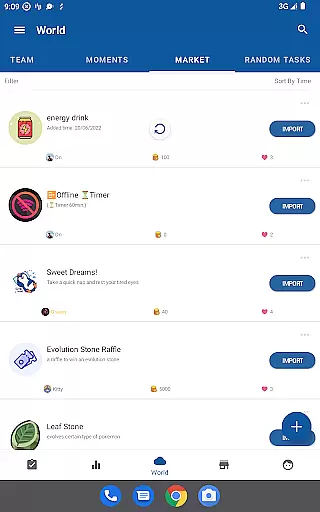
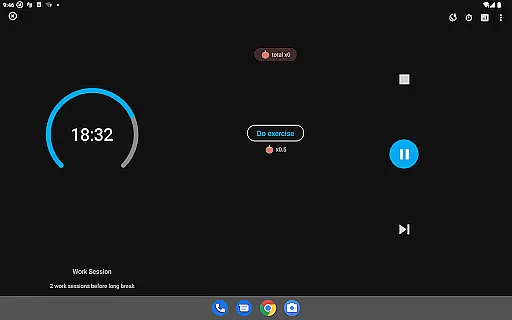
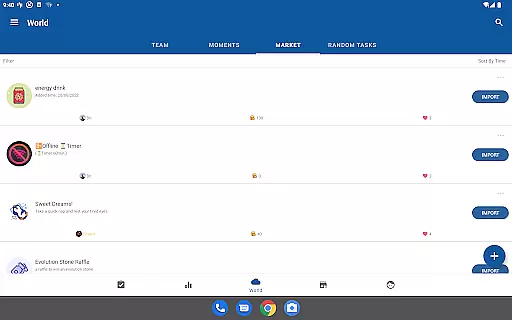
The application supports various productivity features such as habit tracking, to-do lists with reminders and deadlines, and personalized timers. Additionally, it provides a social aspect through its World Module where users can join teams or share ideas within the community. LifeUp ensures privacy with offline-first functionality while offering optional cloud sync options. This makes it ideal for those seeking a personalized gamification experience without rigid structures or recurring subscription fees.
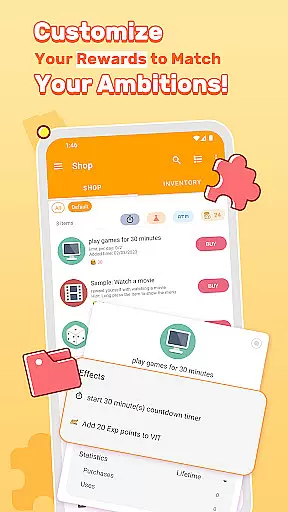
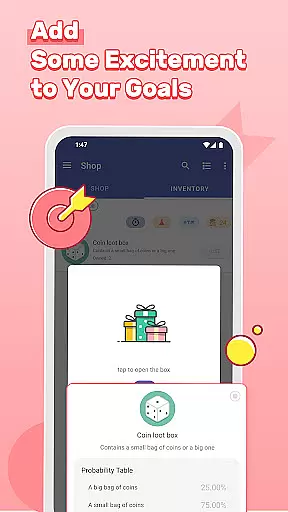
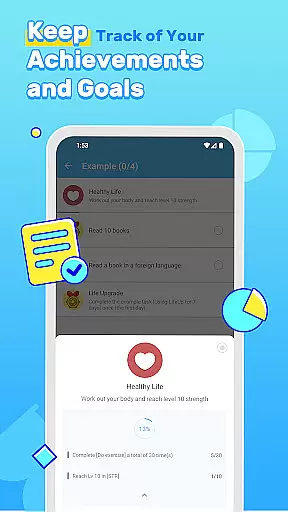
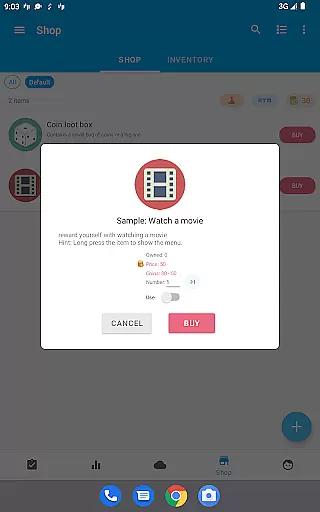
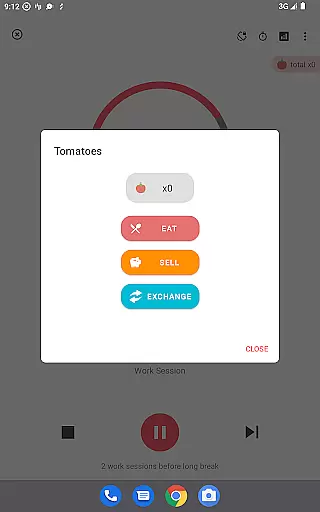
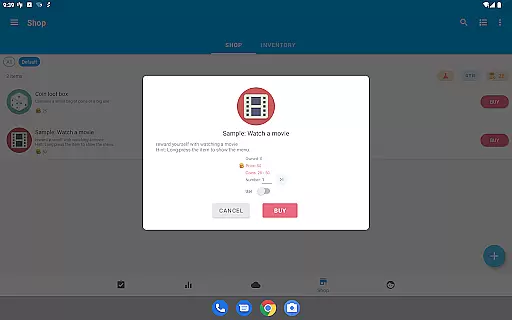
LifeUp stands out with its extensive customization capabilities, enabling users to design their own gamification systems. Users can craft personalized skills like 'Coding' or 'Fitness', build a virtual shop with self-defined rewards, and set unique milestones with specific achievements. The ability to invent crafting recipes and define loot boxes adds an element of surprise and creativity to the user's productivity journey.
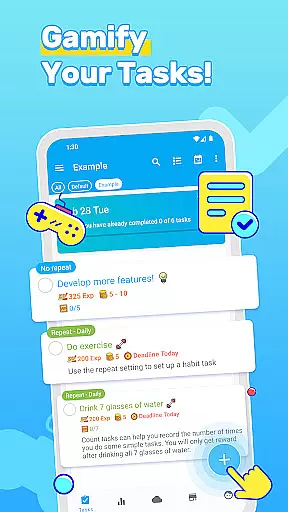
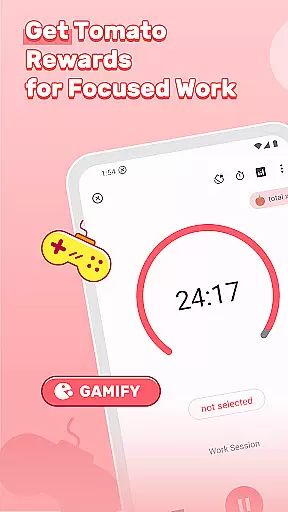
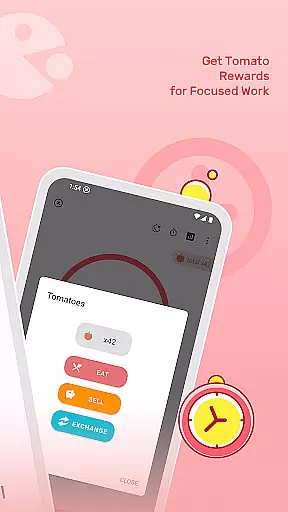
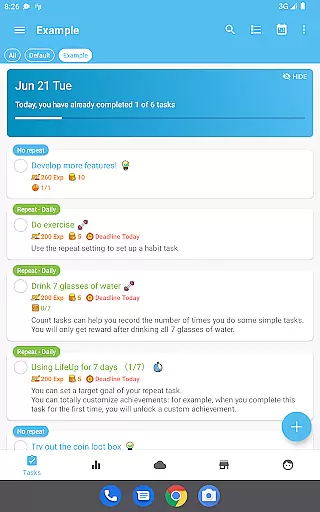
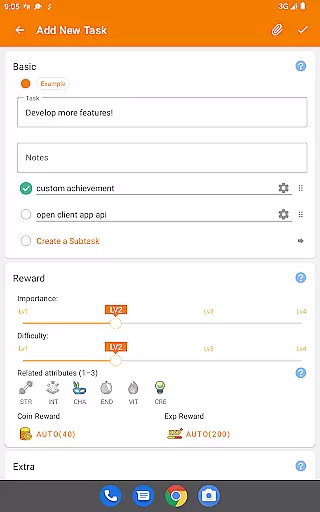
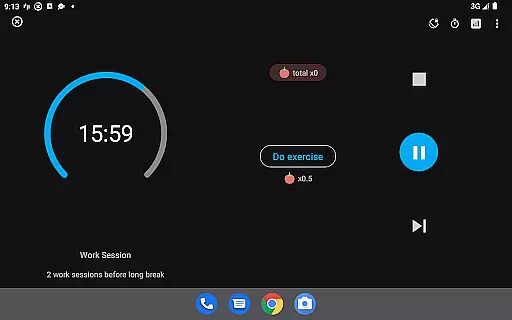
Beyond its gaming aspects, LifeUp includes powerful productivity tools. These encompass comprehensive to-do functions with repeats, reminders, notes, deadlines, checklists, attachments, and history tracking. A habit tracker helps maintain streaks for positive behaviors while customizable Pomodoro timers enhance focus sessions. Furthermore, the app offers multiple themes, night mode, widgets, feelings trackers, statistics, and regular updates ensuring a robust and evolving user experience tailored to individual needs.
At the heart of LifeUp lies its robust core task management system, designed to transform your daily chores into an engaging experience. This feature allows users to create, organize, and track tasks with advanced options such as repeats, reminders, deadlines, and even attachments.
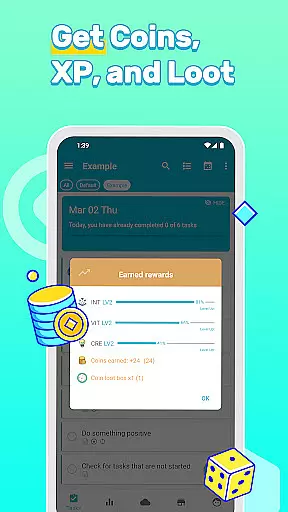
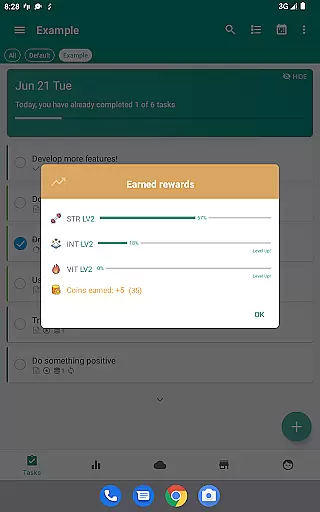
The true power of this productivity tool is its seamless integration with the app's gamification elements. Users can earn experience points and virtual coins for completing tasks, which adds a layer of motivation often missing in traditional to-do lists.
Moreover, the historical tracking and detailed statistics offer invaluable insights into personal productivity patterns. With this knowledge, users can fine-tune their routines and optimize their time management strategies.
This sophisticated blend of practical task management and playful incentives creates a unique environment where productivity becomes not just manageable but genuinely enjoyable.
In today's fast-paced world, having access to your productivity system across multiple devices is crucial. LifeUp addresses this need with its reliable cross-device synchronization, ensuring that all your data remains up-to-date regardless of which device you're using.
The app offers an offline-first approach, meaning your information is always available, even without internet access. When connectivity is restored, changes are automatically synced across all linked devices via Google Drive, Dropbox, or WebDAV.
This synchronization extends beyond basic task lists u2013 it includes all aspects of your personalized gamification world. From skill levels to virtual shop inventories, every element remains consistent across devices.
Such comprehensive synchronization, combined with optional cloud backup solutions, provides peace of mind while maintaining the flexibility modern users demand from their productivity tools.
Highly customizable
No subscriptions
Offline-first
Community support
Regular updates
Steep learning curve
Complex setup
Limited guidance
Premium cost
Feature overload

AI Video AI Image Private LLM AI Browser Llama Gemma Ollama Connect LLM Studio
 4.3
4.3
A customizable calendar for your Wear OS watch
4.20
Easily read and manage all your PDF files
4.10
The Pro Version of Android's tiniest Notepad app. Just 0.3MB but feature-packed!
4.60
We're working to become the best machining app on the market! www.cncdirt.com
4.80
App Lock with fingerprint, password: Lock apps & hide photos with lock screens
4.60
Tally and goal counter for Wear OS & mobile
4.50
Secure your apps with lock screens, use custom themes and different features.
4.40
Share files & memories safely. Keep your photos and videos secure.
4.40
Use powerful, industry-leading AI tools to generate visual charts from any data
4.80
QuickBooks Workforce lets teams view pay info and track time in one place.
4.70
aCalendar+ makes your day, week and month
4.70
Quickly and easily keep track of your work shifts
4.70
Stay on top of your to-dos with Google Tasks, part of Google Workspace.
4.60
Total remote control for your Android device, PC and cloud services (IFTTT)!
4.20
All in One PDF Reader: Manage, Read and Edit your Documents
4.20
Ultimate Virtual AI Character for immersive Roleplay Chat. Perfect Companion
3.90
Remotely view listen control and record cameras.
3.70
ID.me Authenticator is a simple and free Two Factor Authentication solution
3.50


User Reviews