
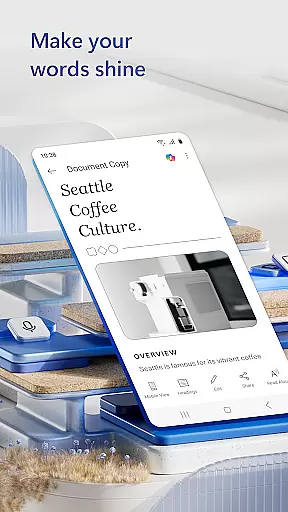
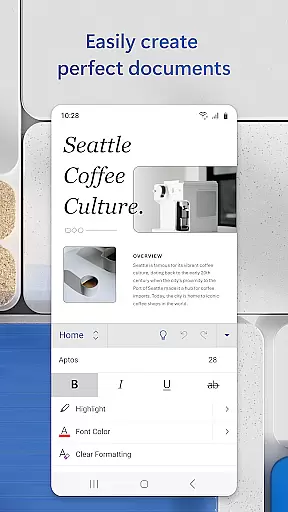
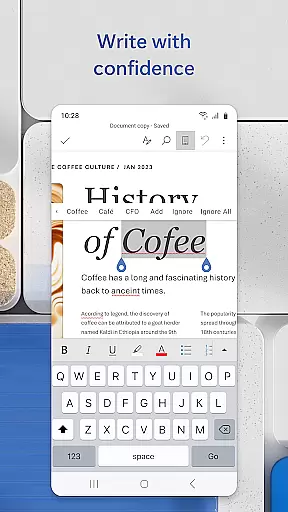
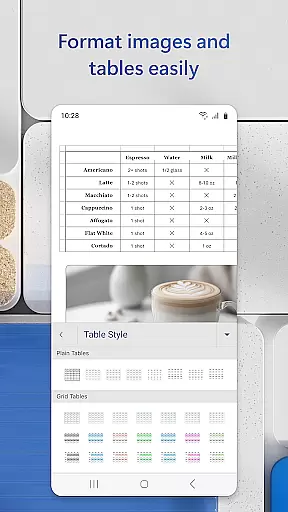
Microsoft Word is the quintessential mobile document editor that empowers users to create, edit, and collaborate on documents from their mobile devices with ease. It mirrors the desktop experience by offering powerful writing tools, PDF conversion, and a rich template gallery for resumes, cover letters, and more.
This app stands out in the Productivity category by enabling users to seamlessly transition between devices without losing document fidelity. Whether crafting a cover letter or collaborating on team projects, Microsoft Word ensures your documents maintain professional formatting and layout across all editing sessions.
Ideal for professionals on the go, this app simplifies document collaboration and file sharing while providing essential proofreading tools. With its intuitive interface and robust feature set, Microsoft Word is an indispensable tool for bloggers, writers, journalists, and project managers who need to produce high-quality written content anytime, anywhere.
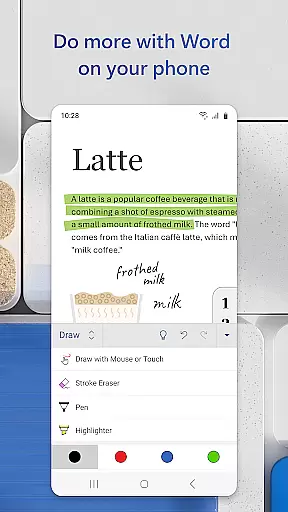
Microsoft Word's features are designed to enhance productivity and streamline document management. The app offers advanced editing capabilities, allowing users to write, edit, and format text with precision while maintaining the original layout and design integrity of their documents.
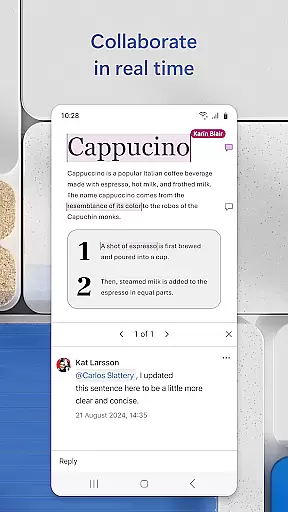
One of the standout functionalities is the ability to convert documents to and from PDF format effortlessly. This feature enables users to work flexibly with different file types, ensuring compatibility and ease of sharing. Additionally, the integrated comment system facilitates real-time collaboration, letting teams communicate efficiently within the document itself.
The app also includes a comprehensive template gallery that caters to various writing needs, from resumes to brochures. These templates not only save time but also help users produce polished, professional-looking documents quickly. With built-in proofreading tools and revision history, Microsoft Word provides everything needed for effective document creation and management.
Microsoft Word excels in core task management by offering a comprehensive suite of tools designed to streamline document creation and editing. The app provides users with the ability to create, edit, and format documents with professional-grade precision.
With features like real-time collaboration, users can work on documents simultaneously with others, regardless of their location. This ensures that teams can stay productive and keep projects moving forward without delays caused by version control issues or communication gaps.
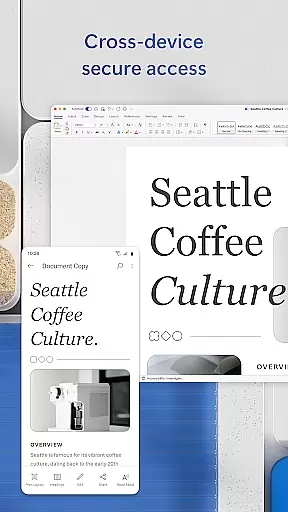
The application also supports seamless transitions between devices, allowing users to pick up where they left off, whether on a mobile device or desktop. This flexibility enhances productivity by ensuring that users have access to their documents whenever and wherever they need them.
Moreover, Microsoft Word's integration with cloud services means that files are automatically saved and backed up, reducing the risk of data loss and ensuring that users can always access the most recent version of their work.
Cross-device synchronization is a cornerstone of Microsoft Word's productivity features, ensuring that users have a reliable and consistent experience across all their devices. This functionality allows for uninterrupted workflow, as users can transition smoothly between their phone, tablet, and computer.
The app employs advanced cloud technology to sync documents in real time, meaning changes made on one device are instantly reflected on all others. This eliminates the frustration of working on outdated versions and helps maintain the integrity of collaborative projects.
Additionally, Microsoft Word's synchronization capabilities extend to its formatting and layout tools, preserving the design elements of documents regardless of the device used to access them. This consistency is crucial for professionals who rely on precise document presentation.
By prioritizing cross-device synchronization reliability, Microsoft Word empowers users to focus on their content creation and collaboration without worrying about technical inconsistencies or disruptions in their workflow.
User-friendly interface
Seamless cross-device sync
Robust PDF integration
Comprehensive template library
Real-time collaboration tools
Limited free features
Requires Microsoft account
Occasional syncing issues
Heavier on device resources
Premium subscription cost

Protect and view your important info on your phone and tablet with eWallet®
 4.80
4.80
Absolutely the best CNC machinist speed and feed calculator around. fswizard.com
4.60
aCalendar+ makes your day, week and month
4.70
Stay on top of your to-dos with Google Tasks, part of Google Workspace.
4.60
Simple and reliable communication between inmates, friends and family
3.20
Calendar 2023 widget for Android. Appointment scheduler, planner, and reminder
4.60
Ultimate Virtual AI Character for immersive Roleplay Chat. Perfect Companion
3.90
Use powerful, industry-leading AI tools to generate visual charts from any data
4.80
AI Chatbot and AI writing assistant powered by ChatGPT.
4.60
8 custom complications. Custom Time Fonts. Beautiful color schemes. A++ Design.
5.00
The AI assistant that thinks with you - write, code, and solve complex tasks
4.60
A simple Whisper AI keyboard for reliable speech transcription and rewording
4.60
Experience Reading - Night Mode for Documents
4.40
Send files, sync SMS, notifications & clipboard across devices via local network
4.40
Pwnagotchi companion app
4.20
Intelligent AI Assistant
4.10
A Revolutionary All-in-One Artificial Intelligence Tools
3.80
Remotely view listen control and record cameras.
3.70
Auto-shutoff Alarm with Sunrise, Sunset & Fixed Options.
3.50


User Reviews