
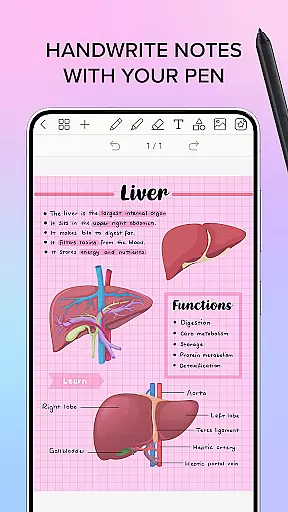
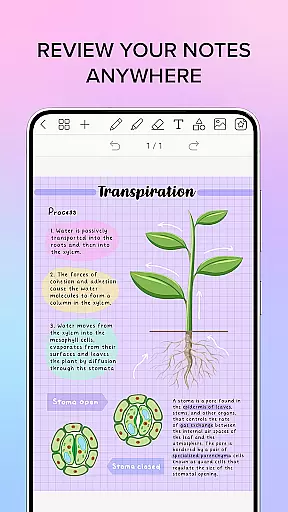
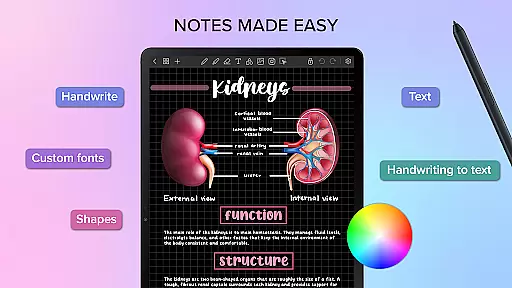
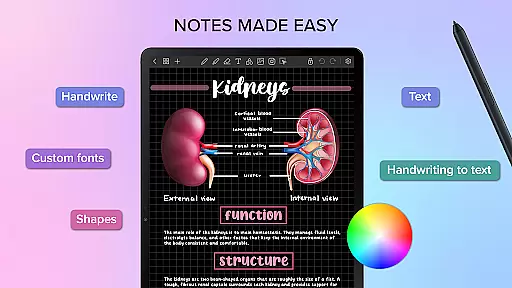
Penly is a comprehensive digital planner, journal, and note-taking application designed to enhance both creativity and productivity. The app features an intuitive interface with smooth handwriting recognition and a smart eraser function, alongside tools for text, image, and shape manipulation. Users can create sticker collections, import custom fonts, and convert handwriting to text automatically.
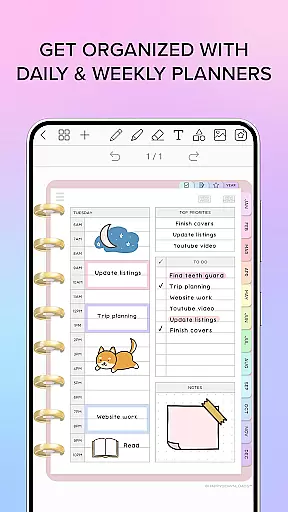
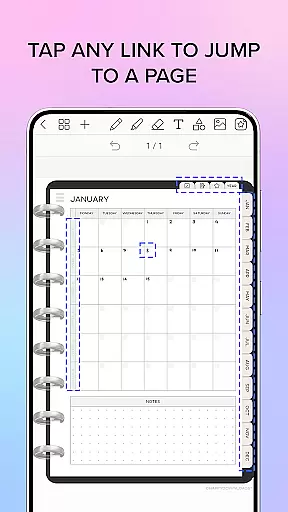
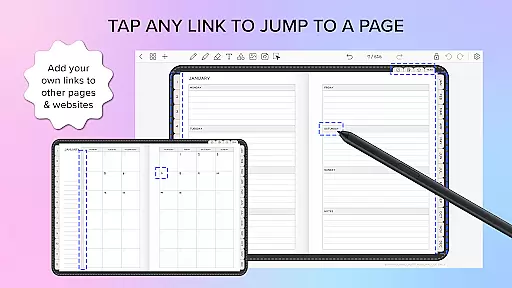
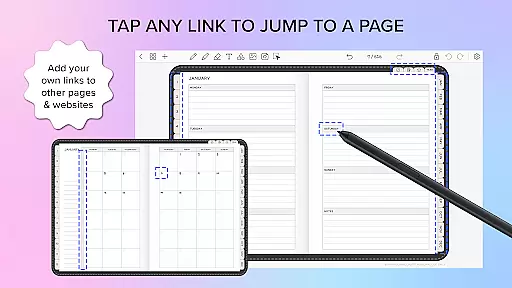
The app includes four digital planners with hyperlinked pages for easy navigation. These undated, reusable planners come in various styles and orientations, accompanied by to-do list and note templates. Penly supports importing and exporting PDF files, allowing users to transform any document into an editable format while retaining navigational hyperlinks.
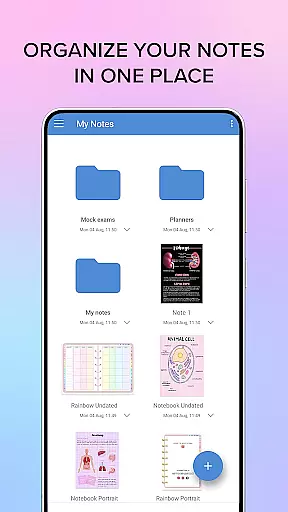
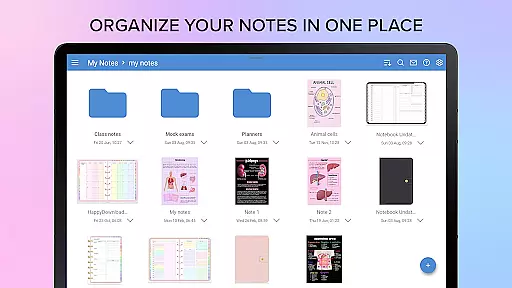
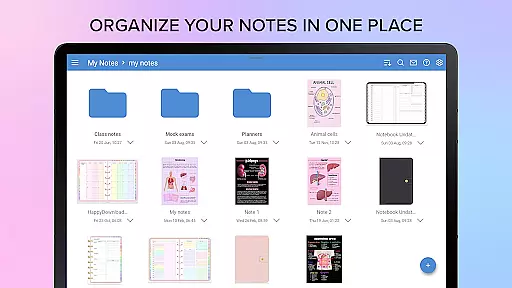
With advanced organizational capabilities, Penly enables users to manage notes and documents efficiently through folders and sub-folders. The app also offers cross-device syncing via Google Drive, ensuring seamless access across Android devices. Whether for personal or professional use, Penly provides a versatile platform for organizing thoughts and tasks effectively.
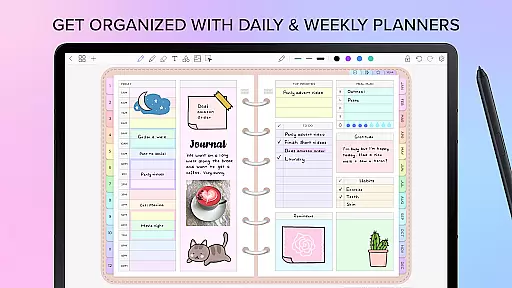
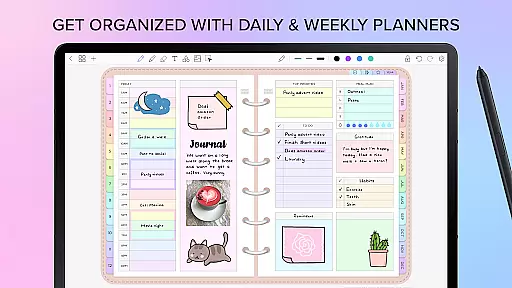
Penly stands out with its robust feature set tailored for productivity enthusiasts. The app's digital planners are meticulously designed, offering monthly, weekly, and daily views in both landscape and portrait modes. With rainbow and black minimal styles, users can choose a look that suits their preferences. The inclusion of hyperlinks within these planners allows quick navigation between sections or external resources.
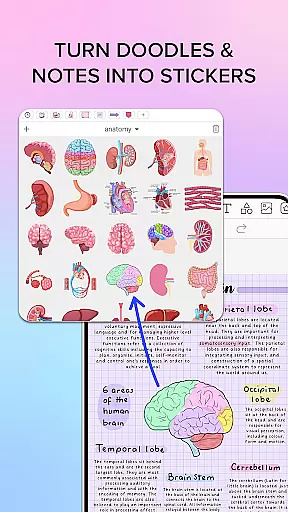
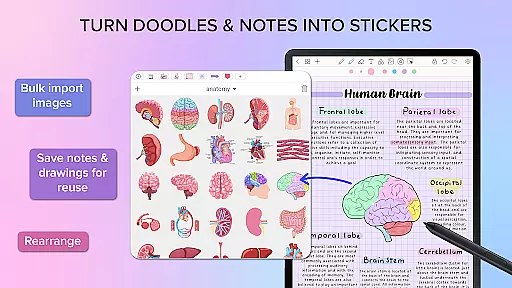
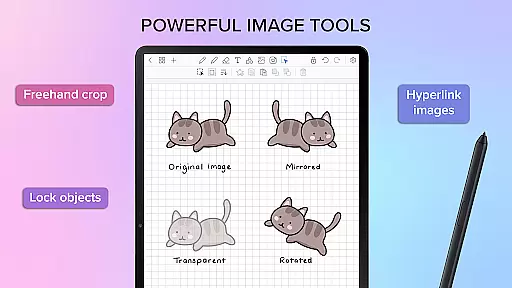
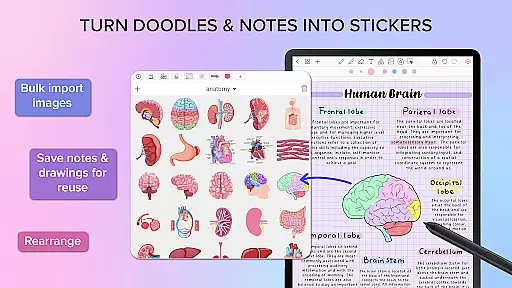
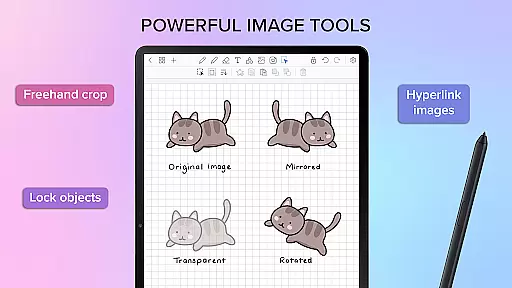
Creative professionals will appreciate Penly's sticker and image tools. The collections tool organizes stickers efficiently, enabling bulk imports and quick reuse. Users can edit, rearrange, and adjust images with options like mirroring, flipping, cropping, and opacity adjustments. Furthermore, the ability to turn any object into a hyperlink enhances document interactivity, linking directly to specific pages or websites.
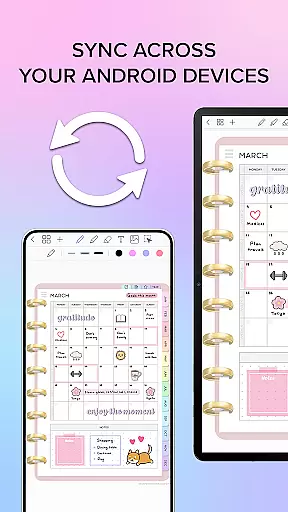
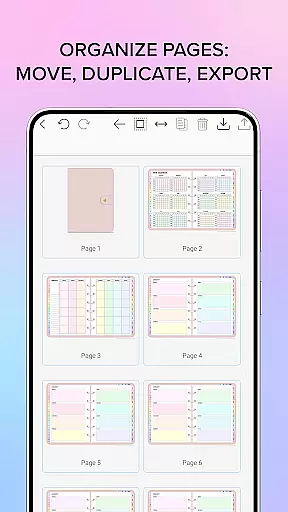
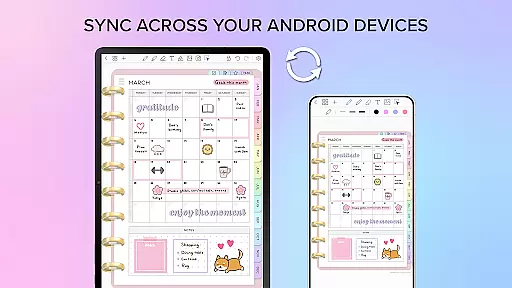
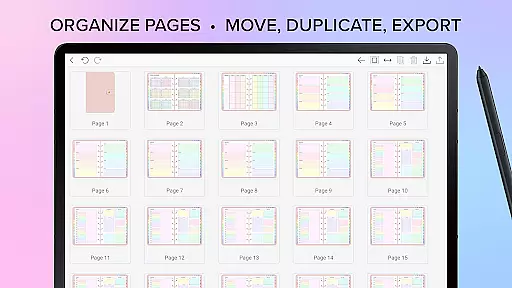
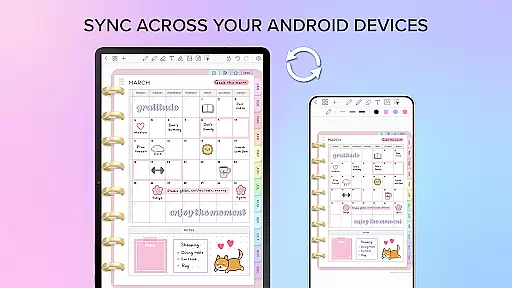
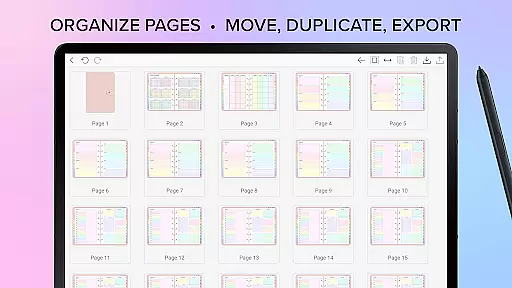
Organization is at the core of Penly's functionality. Users can copy, paste, delete, and rearrange pages effortlessly. Documents reopen exactly where users left off, maintaining continuity in workflow. Syncing between Android devices via Google Drive ensures data consistency, whether working from a phone or tablet. This synchronization can be performed manually or automatically when opening or closing the app, providing flexibility based on user preference.
Penly offers a comprehensive suite of tools for managing tasks and organizing your digital life. The app includes features like hyperlinked monthly, weekly, and daily pages, which allow users to navigate their planners with ease.
With the ability to import any PDF file, Penly enables users to transform static documents into interactive planners. This functionality extends to creating custom hyperlinks within any document, enhancing navigation and connectivity between different sections or external resources.
The app's organizational prowess is further demonstrated through its page and document management system. Users can effortlessly copy, paste, delete, and rearrange pages while managing documents using an intuitive folder and sub-folder structure.
This robust organizational framework ensures that productivity is not just about task completion but also about maintaining an efficient and accessible information architecture.
Cross-device synchronization is a critical feature in Penly, ensuring that users can seamlessly transition between Android devices without losing their work or disrupting their workflow. By linking Google Drive to Penly, users enable a syncing mechanism that keeps all their data up-to-date across multiple devices.
Syncing can be performed manually or set to occur automatically whenever the app is opened or closed. This flexibility allows users to choose when updates are made, providing peace of mind that their latest changes will always be available wherever they go.
The reliability of this synchronization process means that whether you're at home, in the office, or on-the-move, your digital planner remains consistent and current. This level of integration supports a fluid user experience where device transitions do not hinder productivity but rather enhance it.
By focusing on such dependable cross-device functionality, Penly ensures that no matter where inspiration strikes, your tools are ready and waiting exactly as you left them.
User-friendly interface
Comprehensive planning tools
Efficient organization system
Versatile customization options
Reliable cross-device syncing
Limited language support
No free version available
Occasional sync delays
Advanced features require learning
Refund process may take time

Experience Reading - Night Mode for Documents
 4.40
4.40
Total remote control for your Android device, PC and cloud services (IFTTT)!
4.20
Automates browsing any website and notifies you of important changes or events
4.30
Absolutely the best CNC machinist speed and feed calculator around. fswizard.com
4.60
Secure, open-source, SPICE and SSH Remote Desktop for QEMU KVM virtual machines
4.00
Scientific calculator for Android - looks and operates like the real thing!
4.90
Scan paperwork into PDF/JPG, generate your own e-signature and send fax or email
4.70
Browse and view your photos and videos from the phone with photo & video hide.
4.10
Note taking, handwriting, record audio, PDF annotation, planner & journal
4.20
Android Wallet Password Manager
4.80
The long-awaited modern gallery app for your Nextcloud server
4.70
Calendar 2023 widget for Android. Appointment scheduler, planner, and reminder
4.60
Lightweight PDF, Word, Excel reader.
4.60
Font maker keyboard with your own handwriting
4.10
Create and edit presentations with Google Slides, part of Google Workspace.
4.00
Access your phone's notifications, calls, apps, photos & texts on your PC
3.90
Mega cloud explorer plugin for Solid Explorer
3.80
Easiest event planning, volunteer signups & parent teacher conference scheduling
2.20
A simple, portable logger for POTA, SOTA, Field Day, and more
4.0


User Reviews