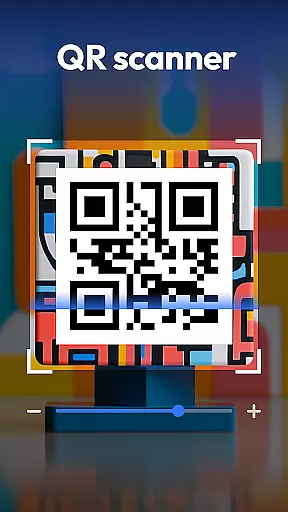
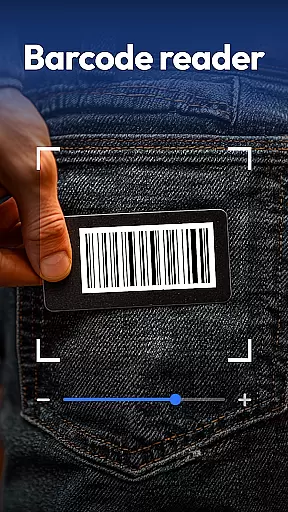
QR & Barcode Scanner is a versatile productivity tool designed to streamline various scanning tasks on Android devices. This all-in-one application combines multiple scanning capabilities, making it an essential utility for both personal and professional use.
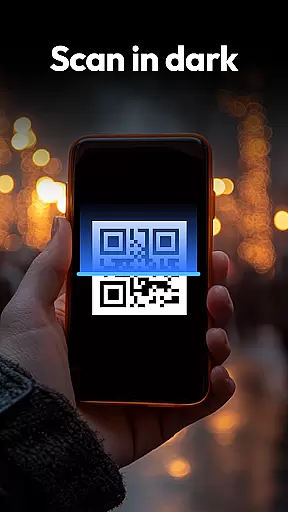
The app's core functionality revolves around its powerful scanning engine that supports QR codes, barcodes, coins, banknotes, food labels, and documents. Its advanced features include automatic zoom, low-light scanning with flashlight support, and a comprehensive scan history system. The inclusion of specialized scanning modes for currency recognition and nutritional information makes it particularly valuable for collectors and health-conscious users.
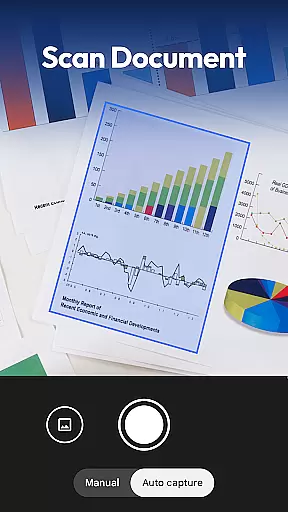
One notable application scenario is in retail environments where users can compare product prices across major online platforms like Amazon and eBay. The document scanning feature also enables professionals to digitize paperwork efficiently, converting physical documents into searchable PDFs instantly.
QR & Barcode Scanner distinguishes itself through its extensive feature set and innovative implementations. The application supports over 20 barcode formats including QR, Data Matrix, UPC, EAN, and Code 39, ensuring compatibility with virtually all standard codes.
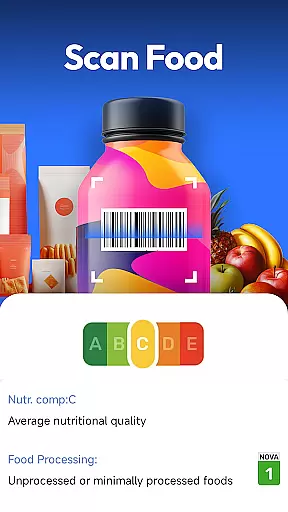
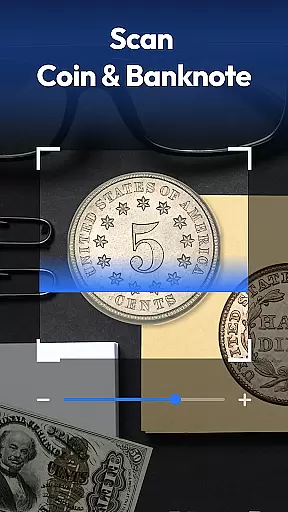
A standout feature is the integrated coin and banknote recognition system. This functionality utilizes advanced image processing algorithms to identify currencies from around the world, serving both collectors and travelers who frequently handle foreign money. The food scanner component provides detailed nutritional analysis, displaying health ratings, allergen information, and ingredient breakdowns directly from product barcodes.
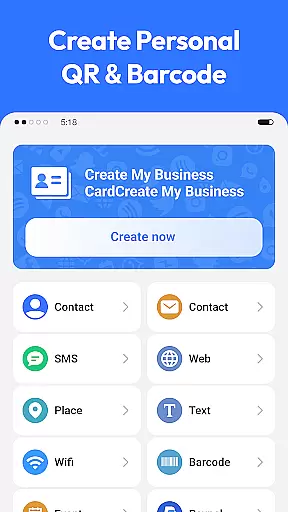
The document scanning capability demonstrates particular innovation by incorporating OCR technology that creates fully searchable PDF files. Additionally, the built-in QR code generator allows users to create various types of codes for Wi-Fi sharing, contact exchange, and URL distribution. The application maintains user privacy by requiring only camera access while offering premium features without unnecessary permissions.
Task management is a cornerstone of productivity applications, and QR & Barcode Scanner excels in this area by offering an all-in-one scanning solution. This app consolidates various scanning tasks into one efficient platform, allowing users to manage different types of scans with ease.
The application supports a multitude of formats including QR codes, barcodes, coins, banknotes, food labels, and documents. With its comprehensive scanning capabilities, users can effortlessly switch between tasks without needing multiple apps, streamlining their workflow significantly.
QR & Barcode Scanner's smart features such as auto-zoom, flashlight for dark environments, and scan history contribute to effective task management. These tools ensure that users can complete their scanning tasks quickly and accurately, regardless of the situation or environment they are in.
By centralizing these functions, the app not only saves time but also reduces the complexity often associated with managing multiple scanning tasks. Users benefit from a streamlined experience that enhances their productivity, making QR & Barcode Scanner an invaluable tool for both personal and professional use.
Cross-device synchronization is vital for users who rely on consistent access to their data across multiple devices. QR & Barcode Scanner addresses this need by ensuring reliable synchronization of scan histories and generated QR codes among different devices.
While the app itself operates primarily on Android, its design focuses on maintaining accurate records of all scanned items and created QR codes. This means that whether you're scanning product barcodes for price comparison or generating Wi-Fi QR codes, your data remains accessible and up-to-date.
Although explicit details about cloud integration aren't provided, the app's privacy-first approach suggests that any synchronization would respect user privacy while maintaining performance standards. The emphasis on minimal permissions indicates a careful balance between functionality and security.
Reliable cross-device synchronization ensures that users can depend on having their critical information available whenever needed. For those who utilize multiple devices throughout their day, this feature provides peace of mind knowing that their scanning activities are seamlessly maintained across platforms.
Comprehensive scanning options
Advanced document processing
Privacy-focused design
Multi-platform price comparison
Free with full functionality
Limited iOS availability
Occasional scan inaccuracies
No cloud sync feature
Basic UI design
Heavy storage usage

Seamlessly integrate data and reports to build your presentation to impress
 4.80
4.80
The long-awaited modern gallery app for your Nextcloud server
4.70
Take control of your clipboard with Clipper!
3.90
Device's storage information in a simple and clear graphical form (infographics)
4.10
Pwnagotchi companion app
4.20
aCalendar+ makes your day, week and month
4.70
Cloud storage, automatic phone backup, and more.
4.10
Ultimate Virtual AI Character for immersive Roleplay Chat. Perfect Companion
3.90
AI Chatbot and AI writing assistant powered by ChatGPT.
4.60
Native client for Forgejo and Gitea
5.00
Protect and view your important info on your phone and tablet with eWallet®
4.80
Direct Chat without saving contacts & Dual WA Account on Single Device
4.70
To do list widget with a notebook organizer, checklist, simple shopping list
4.60
CalenGoo is a very flexible and feature-rich calendar app
4.40
Docker, Kubernetes management over Portainer Mobile
4.40
Activate Two Factor Authentication (2FA or Multi OTP), Password manager and more
4.10
Wake up & get tasks done! Add alarms & reminders on the Clock Launcher.
4.00
AI Video AI Image Private LLM AI Browser Llama Gemma Ollama Connect LLM Studio
4.5
The upgraded version of Name Wheel with AI and the power to add your own wheels.
4.2


User Reviews